User’s Guide
40
Customize System’s Settings via the Embedded Web Page
Note: Any update of the web page requires administrator’s login.
1. Refer to the preceding section to setup the product’s network settings.
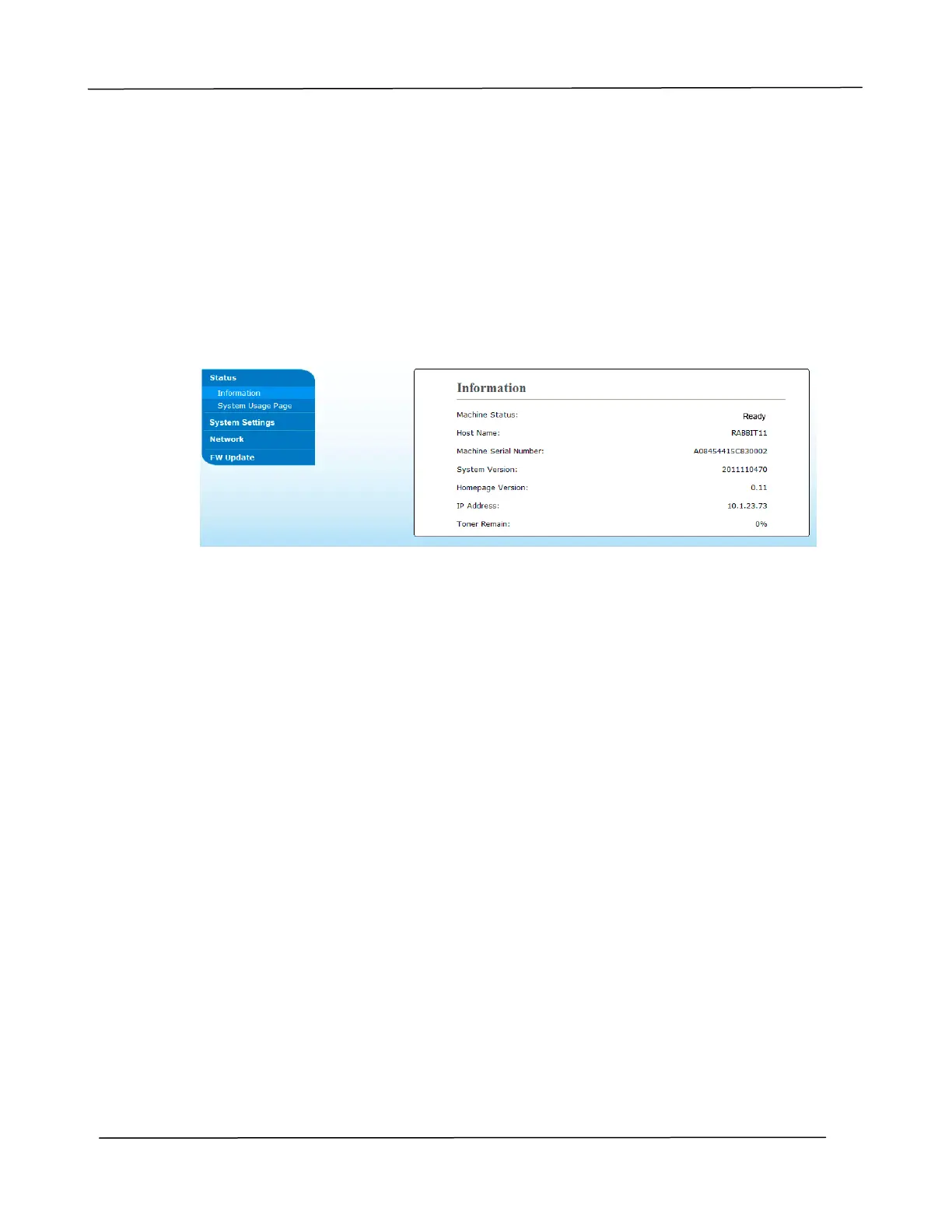
2. Open your browser and type the product’s IP address on the URL address, for
example, http://10.1.21.46 and press Enter. In a second, the embed
ded web page
will be displayed.
3.
Enter your desired setting on your selected items.



 To Next Page