v
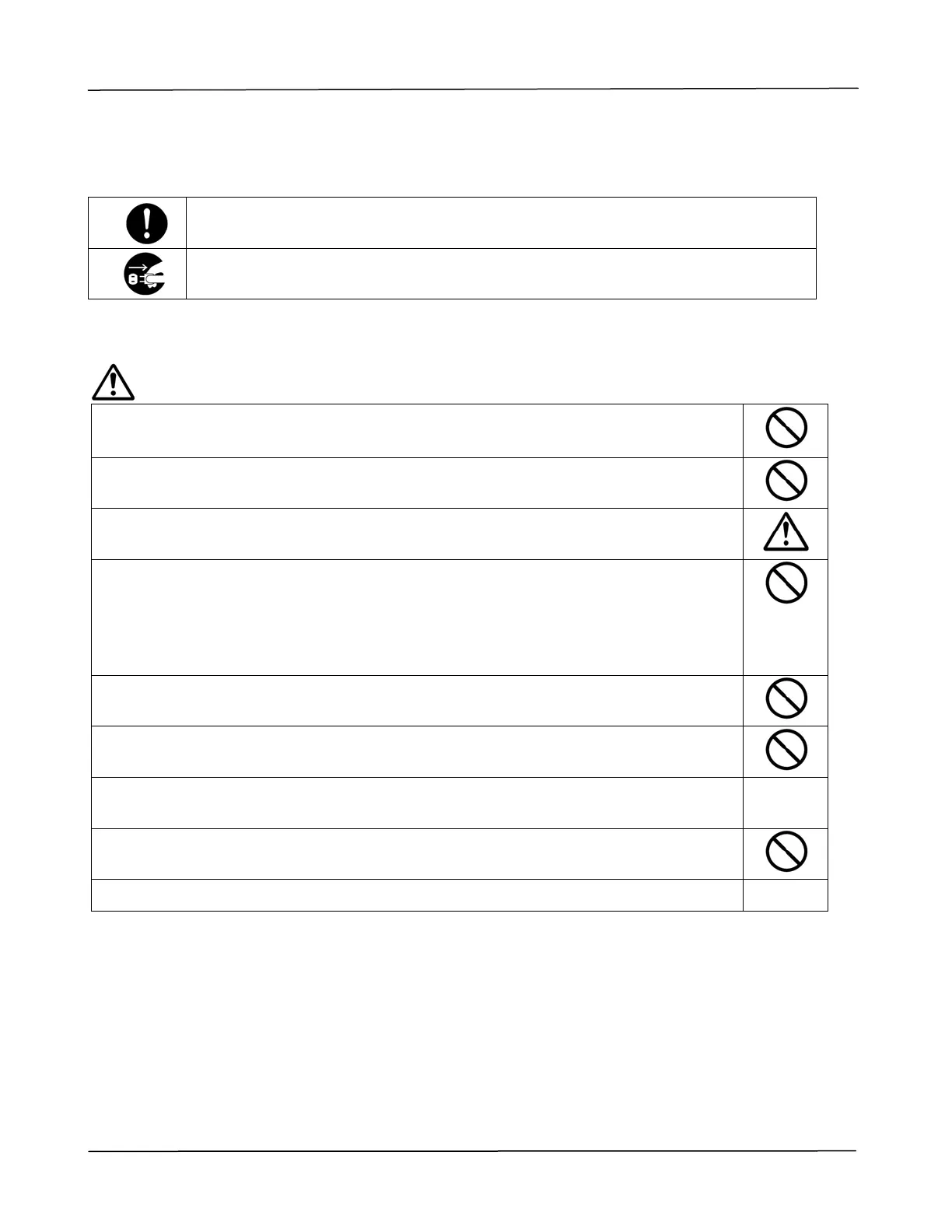
The following symbols indicate that the related section includes information on actions which must
be performed. Specifics of the required action are indicated inside the symbol.
[Alert of required action]
[Remove the power plug from the outlet]
Installation and the Operating Environment
Warning
Do not install the equipment near direct sun light, heating or air conditioning
units.
Direct sunlight or high temperature may damage the machine.
Do not install the equipment in a humid or dusty place. If dust or dust adheres
to the power plug, clean the plug to avoid fire or electric shock.
Keep the vent hole on the back of the PRINTER at least 10 cm away from the
wall to avoid overheating and fire.
Do not place or store the device:
Outdoors
Near excessive dirt or dust, water, or heat sources
In locations subject to shocks, vibrations, high temperature or humidity,
direct sunlight, strong light sources, or rapid changes in temperature or
humidity
Place the equipment securely on an even, flat surface. Tilted or uneven surfaces
may cause mechanical or paper-feeding problems.
Do not locate the device on rackety or aslope tables. Do not locate the device on
unstable surface. The device may fall down and this may result in injury.
Place the device close enough to the computer so that the interface cable can
easily reach between the device and the computer.
Do not place a coffee cup, vase, or other liquid-filled container on the machine.
Spillage can damage the machine’s electrical parts and insulation.
Make good use of the recycled paper while printing.



 To Next Page