Troubleshooting
81
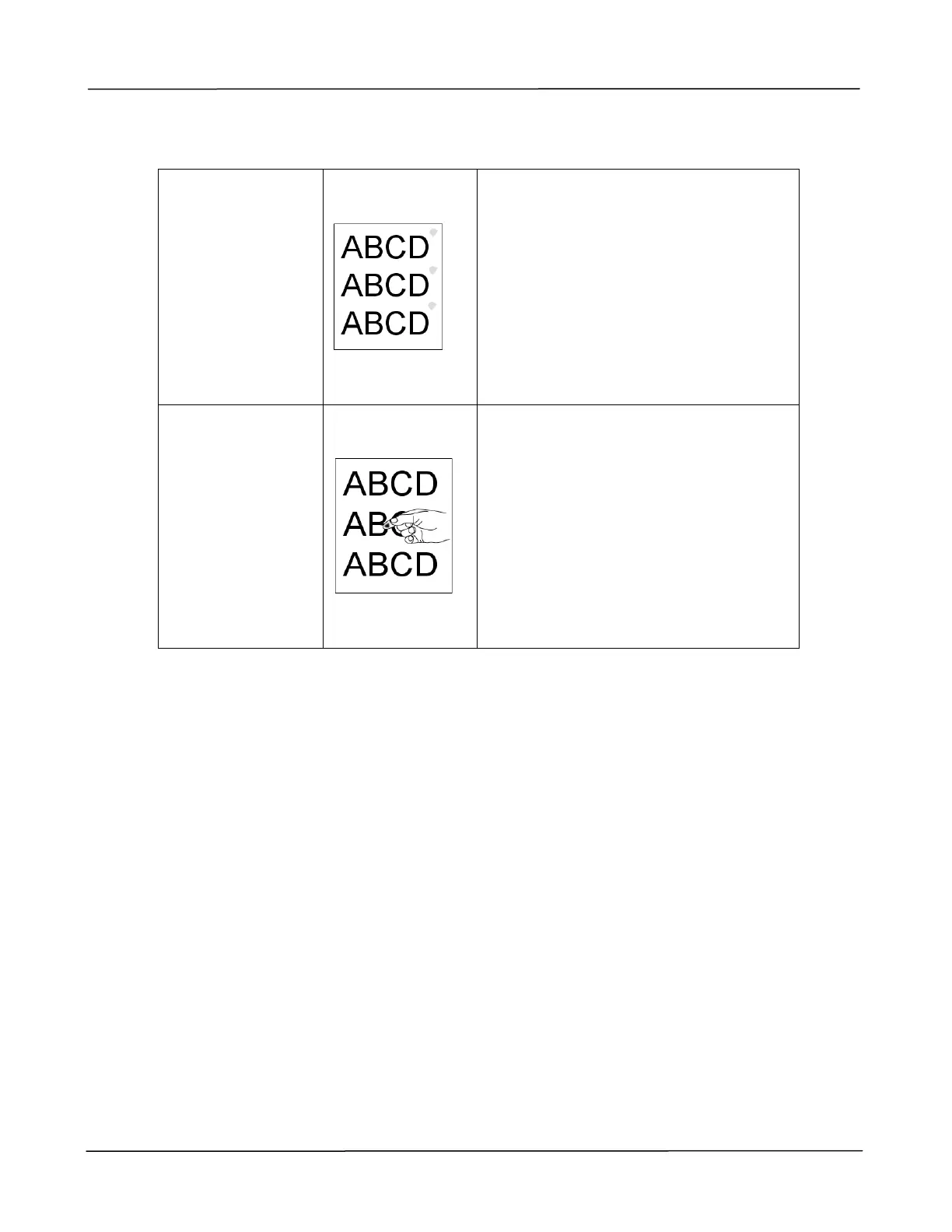
Defective image
of regular
interval
1. Use a clean and soft cloth to wipe
the off the dust or particle on the
drum unit. (See page 98)
2. If the error occurs again, contact
the service personnel.
Loose toner
1. If you have observed a rougher
texture on one side of your
paper, try printing on the
smoother side.
2. The paper might not meet the
PRINTER’s specifications (for
example, the paper surface is not
smooth or paper too thick).
3. Media type incorrect. Please
choose proper media type for
your paper.



 To Next Page