User’s Guide
84
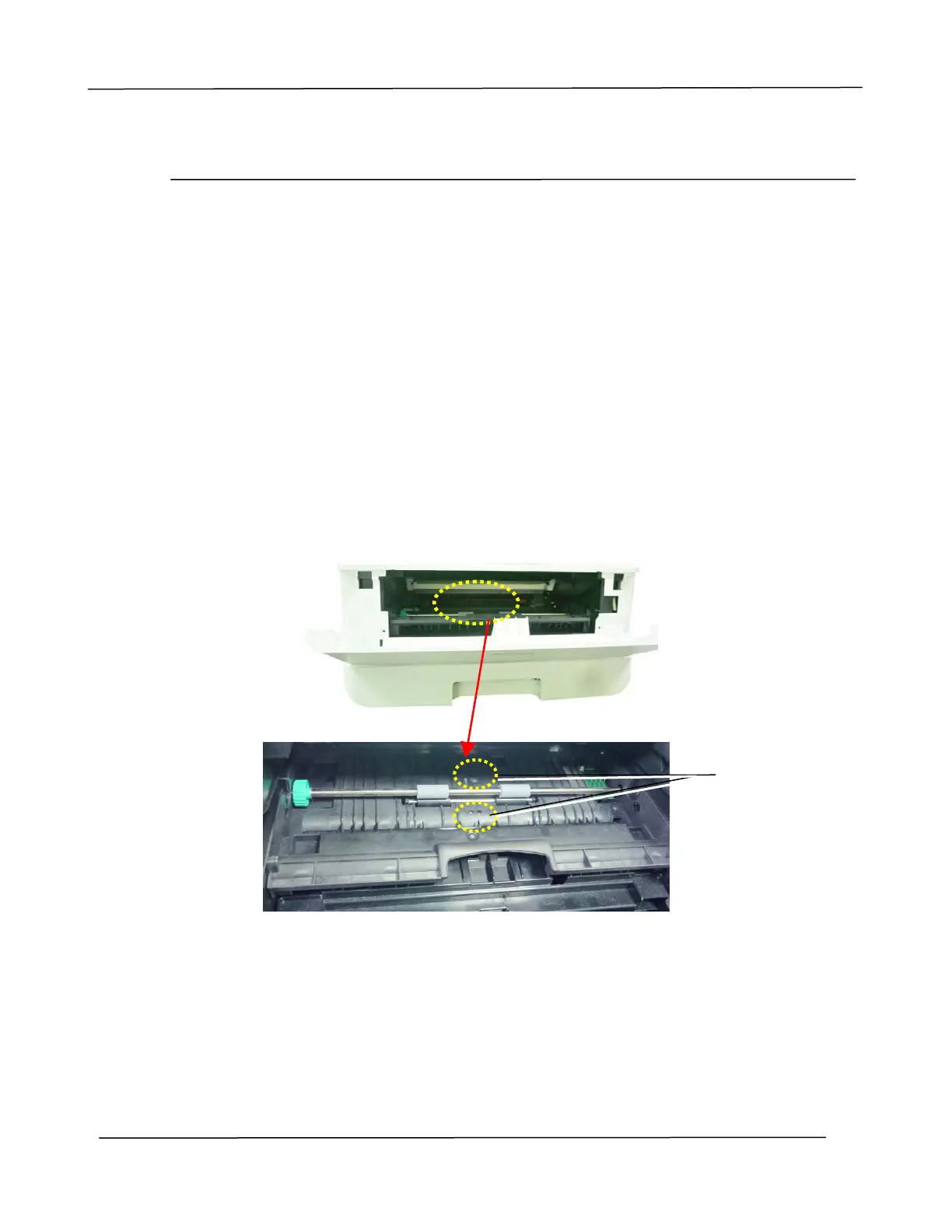
Cleaning the IR Sensors
If too much paper dust or dust accumulates on the IR sensors, it may cause the
misjudgment of paper jam. For example, there is error code of paper jam occurs yet in
fact no jammed paper found inside the PRINTER. In this case, please clean the IR
sensor according to the following steps. If the problem persists, the sensors are
probably malfunctioning. Please contact the service personnel to replace the sensor.
1. Refer to the preceding section to remove the Toner Cartridge.
2. Moisten a clean, soft cloth with 95% alcohol.
3.
Wipe the area near the sensors as indicated.
IR Sensors



 To Next Page