User’s Manual
8. Maintenance
8.1 Cleaning the ADF
From time to time, the Friction Rollers and the Feeding Rollers
may be contaminated with ink, toner particles, or paper dust.
In this case, the paper may not be fed smoothly. Please follow
the following steps to clean the Reverse roller and the Feeding
Rollers to ensure the best of the scanner.
The Cleaning Procedures
1) Soak a clean cloth with some isopropyl alcohol. (95%).
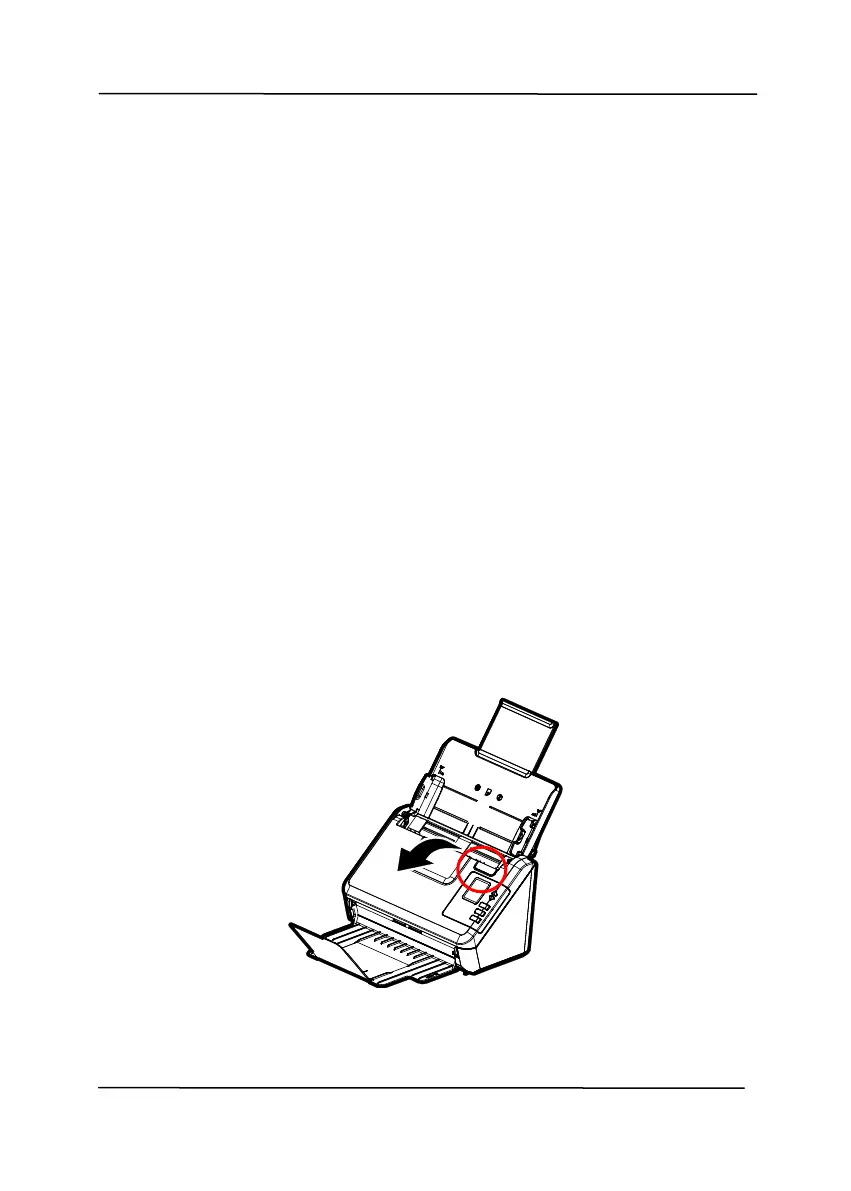
2) Open the front door slightly to the left. Wipe the feeding
rollers until the surfaces are cleaned.
3) Close the scanner front cover. Your scanner is now ready for
use.



 To Next Page