User’s Manual
8.3 Using the Clean Mode
When you perform cleaning for the feeding rollers in the lower
part of the scanner, the rollers need to be rotated with a light
force. Using the advanced [clean mode], the rollers can be
automatically rotated forward to help cleaning easier and
effective.
To use the Clean Mode to clean the rollers,
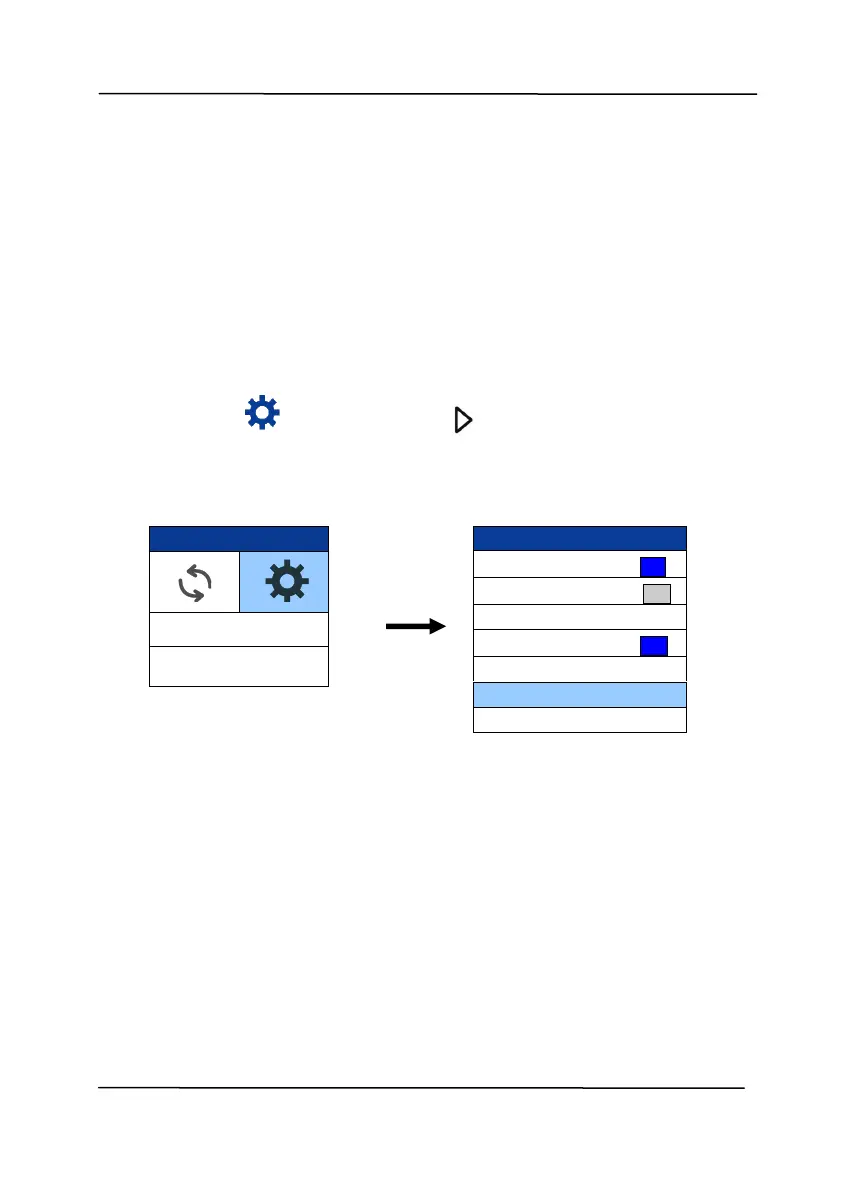
1. On the scanner, press (Down arrow) to select [More
Settings] and then press (OK) to confirm.
2. Use to select [Clean Mode].
3. Open the front cover to the left.
4. Soak a clean cloth with some isopropyl alcohol (95%) and
wipe the feeding rollers until they are cleaned.



 To Next Page