User’s Manual
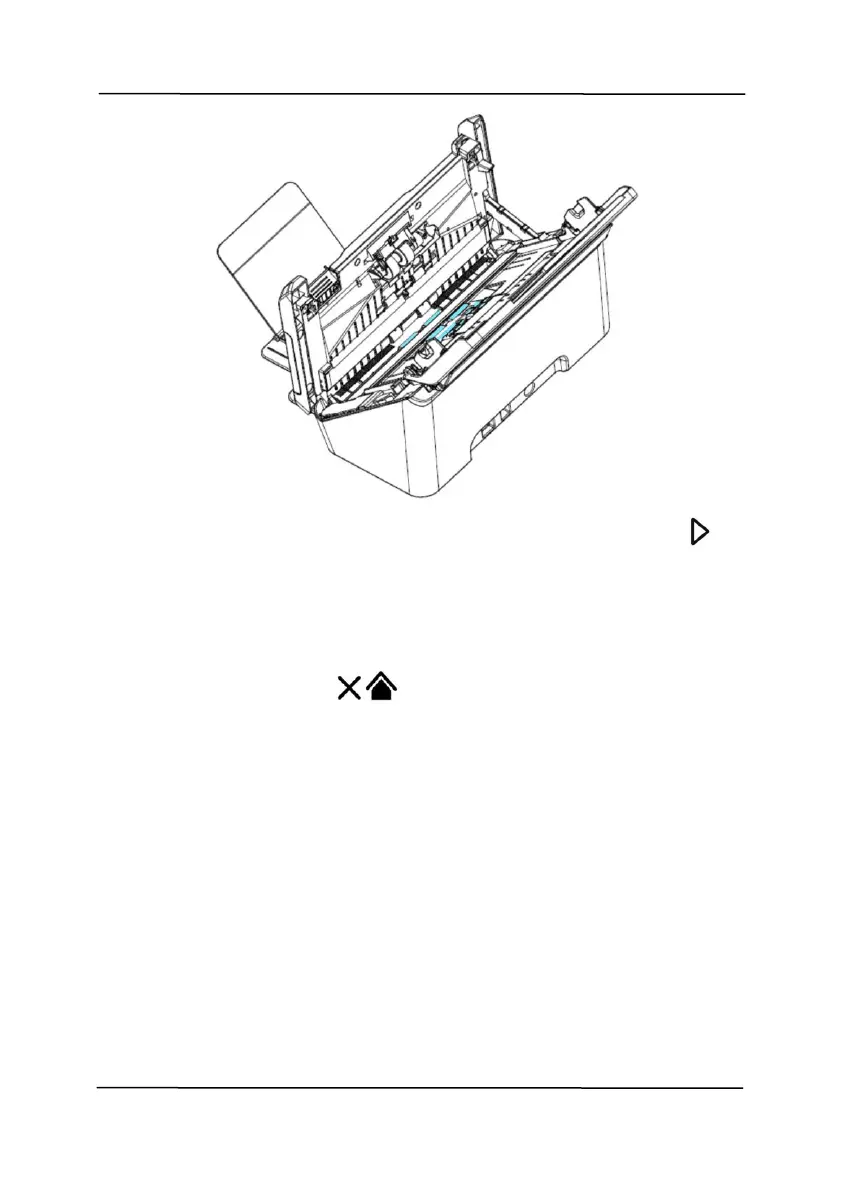
5. When the cleaning is done, press the [Scan] button ,
the feeding roller will be rotated a little automatically.
6. Repeat Step 4 and 5 for several time until all the surface of
the feeding roller are thoroughly cleaned.
7. Short press [Cancel] to go back to the previous screen.



 To Next Page