User’s Manual
7.4 Connect to a wireless access point using the WPS
button
You may connect the scanner to a WPS compatible wireless
access point by pressing the WPS button on the back of the
scanner.
Before You Begin!
To enable the WPS connection of your access point, please
refer to the user’s guide of your access point.
Perform the following procedure to connect.
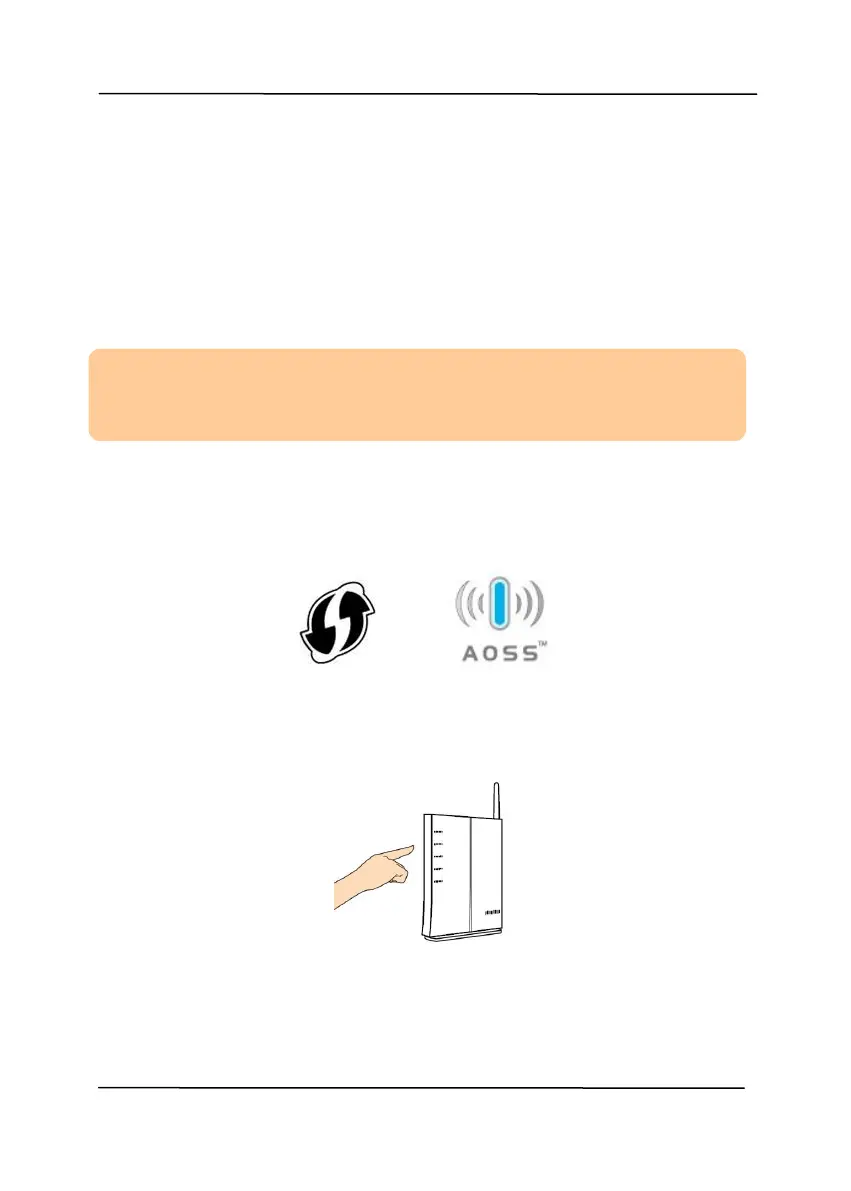
1. Confirm your wireless access point/router has the WPS or
AOSS
TM
symbol as shown below.
2. Press the WPS button of your wireless access point. (You may
refer to the user’s guide of your access point/router for
instructions on how to use the WPS button.)



 To Next Page