User’s Manual
Status Bar/Options
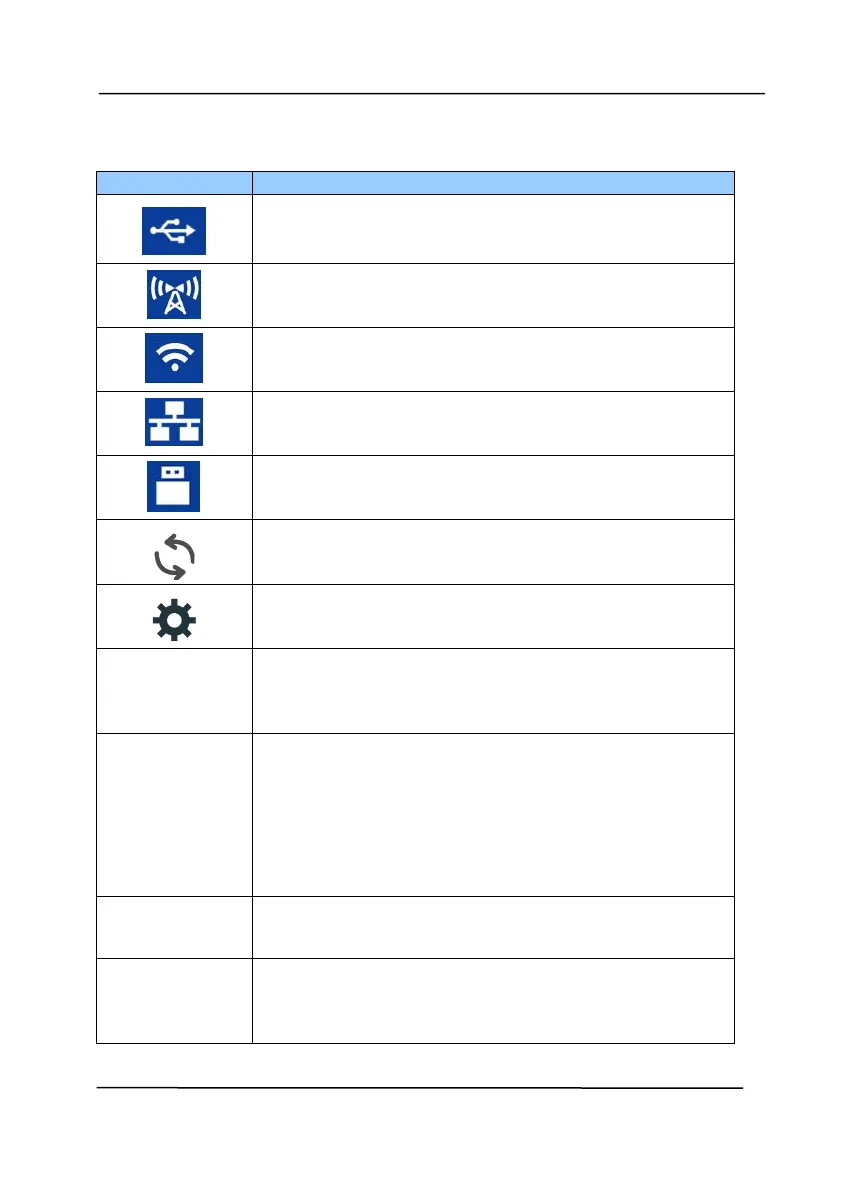
Successful USB connection between PC and
scanner
Successful Wi-Fi AP (Access Point) Connection
Turn on Wi-Fi connection.
Successful ethernet cable connection.
Successful USB flash drive connection.
Select to refresh the connection status.
Select to access more settings.
Select to use WPS (Wi-Fi Protected Setup) to
connect to a wireless access point which
supports WPS.
Turn off the sleep mode so the device is
always turned on without the need to wake it
up. Choice: On, Off
Note: When the [sleep mode] is turned off,
the [Energy Saver] will be disabled. Yet, the
[Auto Power Off] will not be disabled.
Select to view the scanner’s information
including scanner, ethernet and Wi-Fi.
Select to return to factory default settings
includng DHCP enable, turning off Wi-Fi,
default device name, host name, and SSID.



 To Next Page