IFU-00367 Rev A
D.
Backup Power Mode
How to use the Avive AED
ä
with a depleted battery during an emergency.
In the event the Avive AED has a depleted battery when you need to use it during an emergency, the device
can be used in Backup Power Mode. In this mode, the Avive AED can be powered via the Aviveä USB Charging
Cable and Avive Power Adapter to be used in an emergency.
IMPORTANT: An Avive AED should only be used in Backup Power Mode as a last resort if there is no other
functional AED available. Keep your device charged and ready to go.
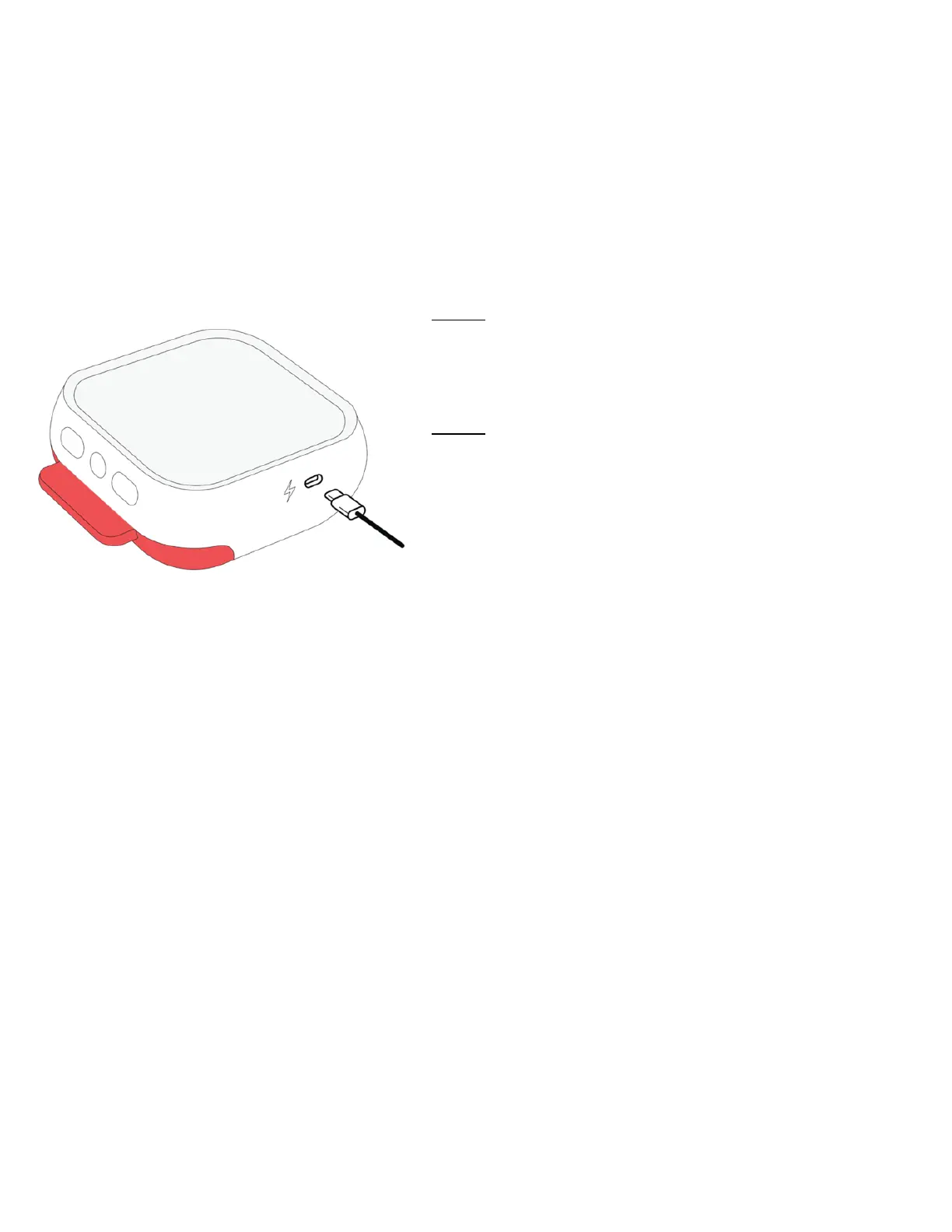
Step 1: Connect Avive AED to an Avive USB Power Adapter
To use the AED in Backup Power Mode, you must keep the
device connected to an Avive USB Power Adapter with an
Avive USB Charging Cable for the duration of the emergency.
Step 2: Power On & Follow Instructions
Wait a few seconds after connecting to the power source
and then pull the Red Tab or press the Power Button to
power on the Avive AED. Once powered on, the AED will
provide instructions as detailed in “Section 5.A. - Using the
Avive AED in an Emergency.”
NOTE: When in Backup Power Mode the device may take several seconds to initially power on.



 To Next Page