18
Favourite(Digital TV only)
To add a channel to the Favourite List, press the MENU
button and scroll down to the Channel Setup.Press the button
to access the menu.Press the button to select Programme Edit
then press .OK
In the Programme Edit menu is a list of all available channels.
Select the channel that you want to add to the Favourite List.
Press the button to add the selected channel. A heart will Fav
appear next to the selected channel.Press the Exit button to
exit the menu.
Subtitle
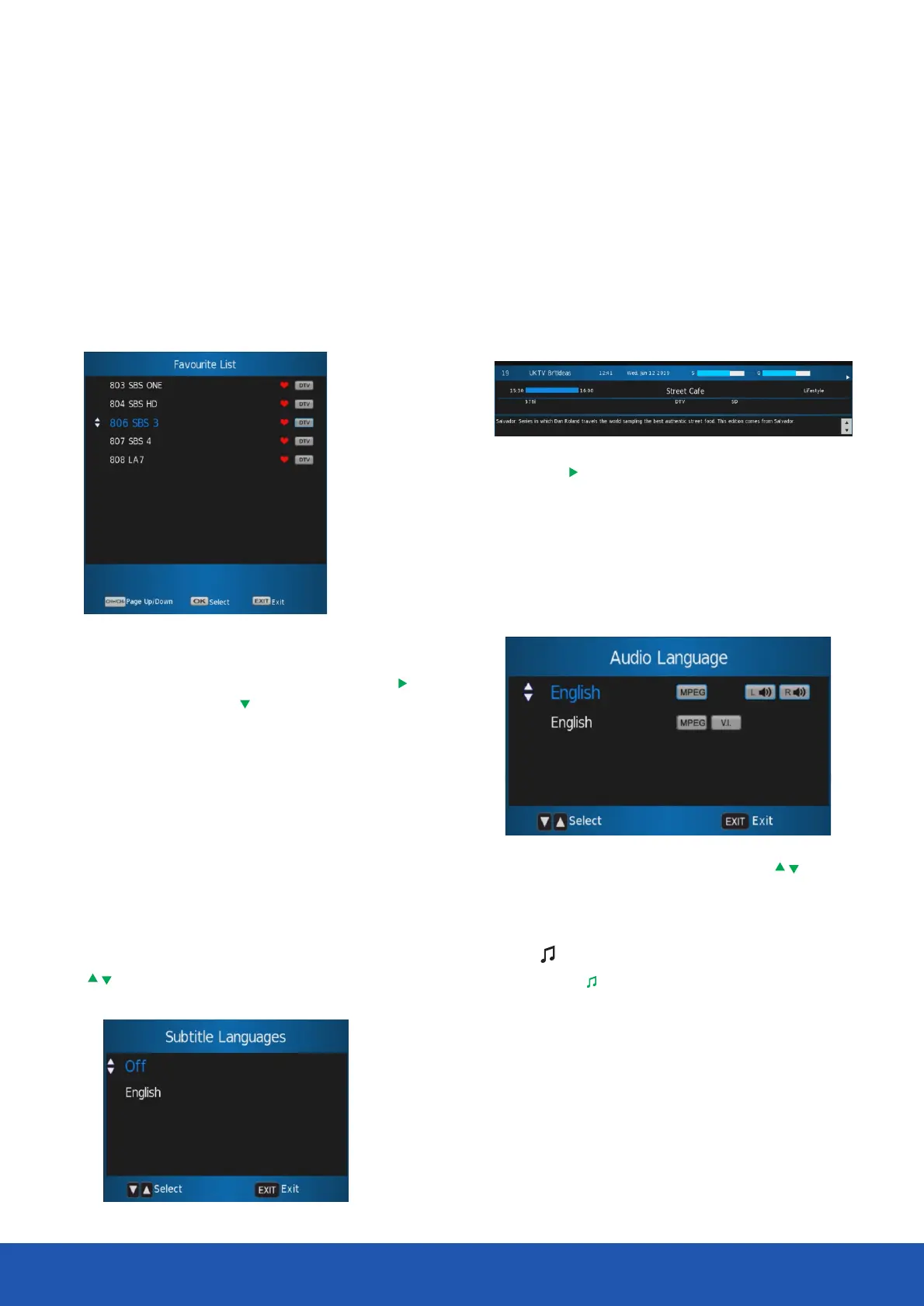
If a channel has subtitles available, you can select the subtitles
by pressing the button.Select the required language using Subt
the buttons then press .〇K
You can enter the Favourite menu while watching a channel
by pressing the button.The following menu will appear on Fav
the screen:
You can view the information for the next programme by
pressing the button.
Audio
• In Digital mode press the button to change the Audio
audio language and sound track The following menu will be
displayed.
Information
• Select the required audio language using the buttons
then press .OK
• Audio language option is dependent on broadcast.
TV/
Press the button to switch between Digital TV and TV/
Digital radio modes.
You can view the programme information for the channel you
are watching by pressing the button. The following menu Info
is a typical example of the programme details that will be
displayed.
Operating the TV



 To Next Page