25
Subtitle
1. To display subtitles while watching video , press
the button and go to page 888. The picture will be Text
displayed and provided with subtitles, these will appear
at the bottom of the screen.
2. Press the button to exit text mode.Text
Reveal information
1. Press the button to reveal concealed information Reveal
(quiz answers etc.).
2. Press the button again to conceal the information.Reveal
Fast text
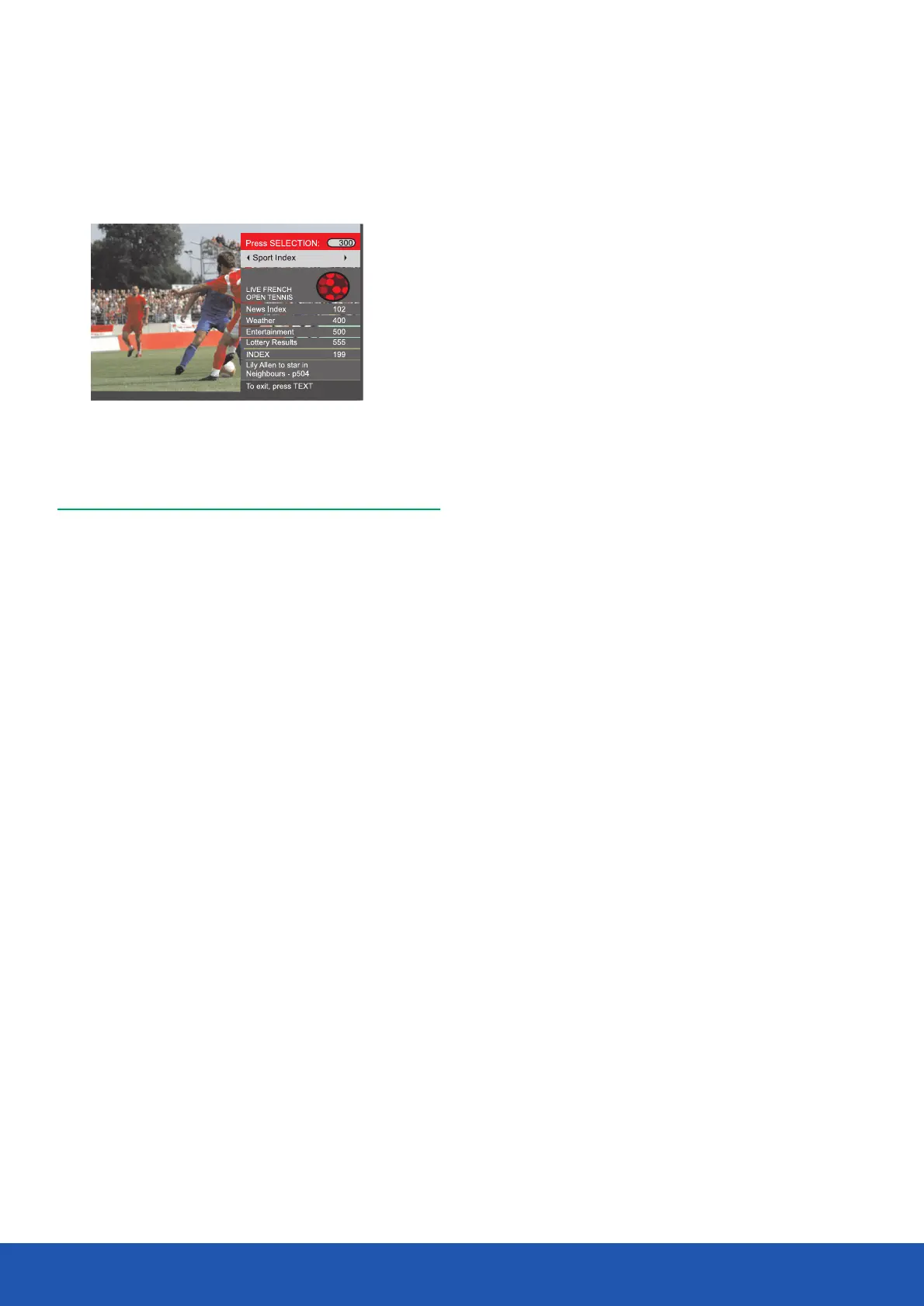
At the bottom of the teletext screen are subject headings in
red, green, yellow and blue.
1. Press the Coloured ( and ) Red, Green, Yellow Blue
buttons on the remote control to access these pages.
2. Press the button to return to the Index page.Index
Page hold
When in text mode and you are viewing a text page with sub
pages, these will automatically be displayed in order with a
delay to allow you to read the page.
1. Press the button to stop the next subpage being Hold
displayed. The hold symbol will appear in the top left hand
corner of the screen.
2. Press the button again to continue moving through Hold
the sub-pages.
Text enlargement
1. Press the button to enlarge the text shown on the text Size
mode screen.Once selected, half a page will be displayed
at a time.
2. Press the button again to view second half of the page.Size
3. Press the button a third time to return to normal text Size
mode.
Teletext is an information system that displays text on the TV
screen. Using the teletext control buttons you can view the
pages of information that are listed in the teletext index.
Note: No on screen menus can be displayed in text mode.
The colour, contrast and brightness cannot be
changed but the volume can still be adjusted.
Press the button to enter text mode.The text page, Text
normally the index page, will be displayed.
Press the button again to exit text mode.The screen will Text
return to video you were viewing.
Mix
Press the button to enter mix mode.The text page will Mix
display with the picture behind it.
Cancel
Press the button to view the programme you are Cancel
watching without any text in the background.
Selecting a page
I. To select a page in text mode, find the page number you
require on the Index page and enter the page number using
the buttons.The number will appear in the top Numeric
left hand comer of the screen.A page search will begin.
Once the page is found, it will be displayed.
2. To return to the Index page, press the button.Index
3. To select a Subpage press button.Subpage
AnalogueTeletext (AV mode only)
Operating the TV


 To Next Page