23
Direct Record
Inser t USB memor y device into USB1. Press the REC on the
remote control and the current programme will record
directly.
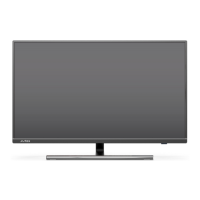
To stop the recording at any time, press the STOP button on
the remote control.
Select "Yes" to stop recording or "No" to continue the
recording.
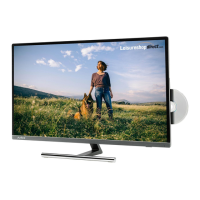
You can also set timer recordings from the , select
the desired programmes and press .
EPG
Setting a record from the EPG
DELETE
Use the buttons to navigate through PAGE+ PAGE-
the available channels and programmes.
Press to scroll 24hrs, backwards and forwards
Press the button to watch the currently selected OK
programme (only the first programme on each channel can
be selected to watch as the other programmes have not yet
started).
Press the or button to exit the EPG.Guide Exit
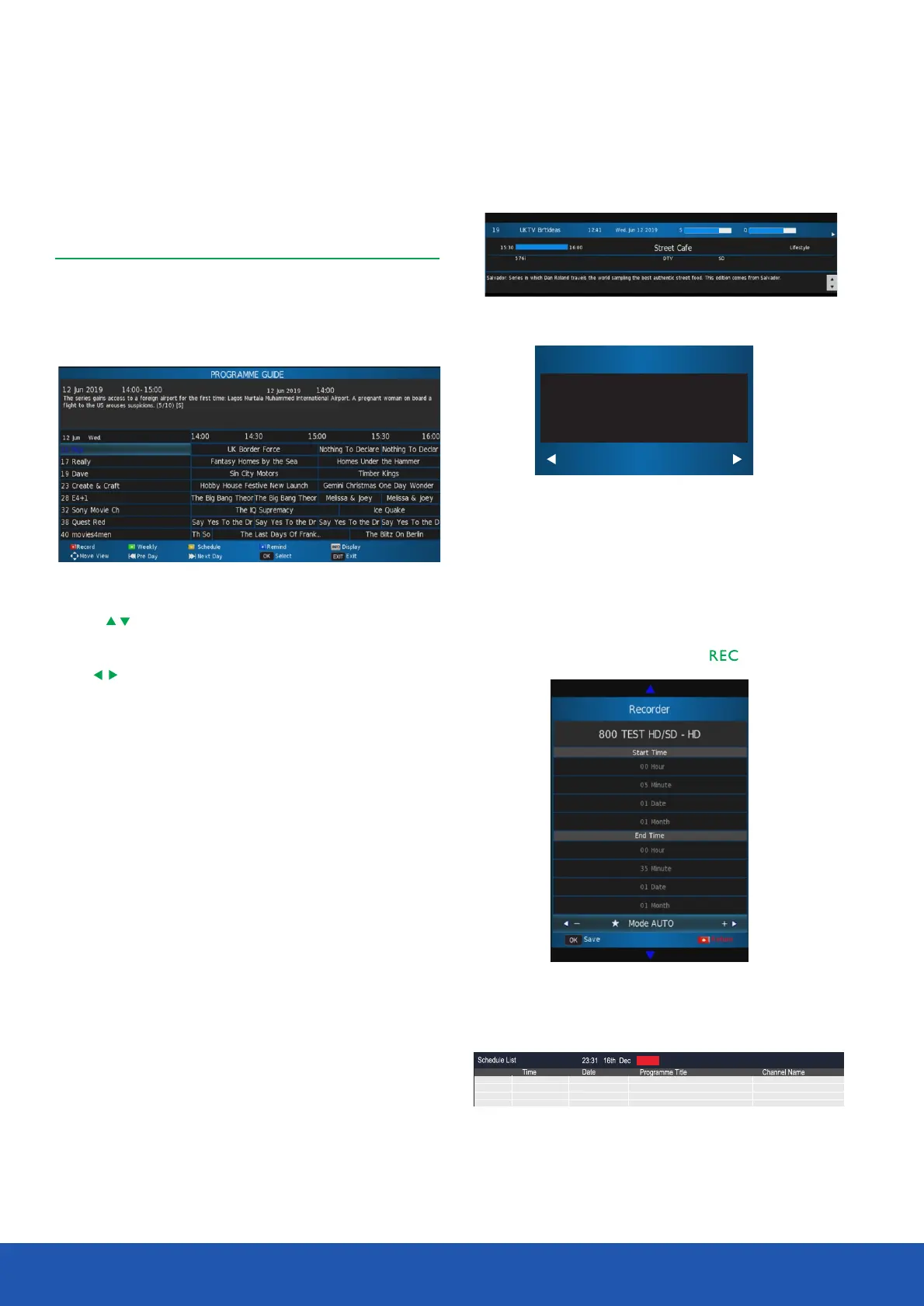
The Electronic Programme Guide displays information about
current and future programmes for the highlighted channel.
Press the button to display the Electronic Programme Guide
Guide.The following menu will be displayed.
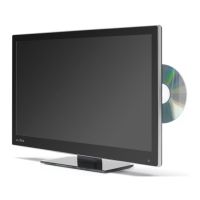
You can view information about any programme by pressing
the button.Info
After finished setup, press to confirm.OK
Recorder schedule list will display as below
You can delete schedule here.
Press the or buttons to exit the EPG.Guide Exit
Operating the TV
Electronic Programme Guide
It will stop recording?
NoYes


 To Next Page