31
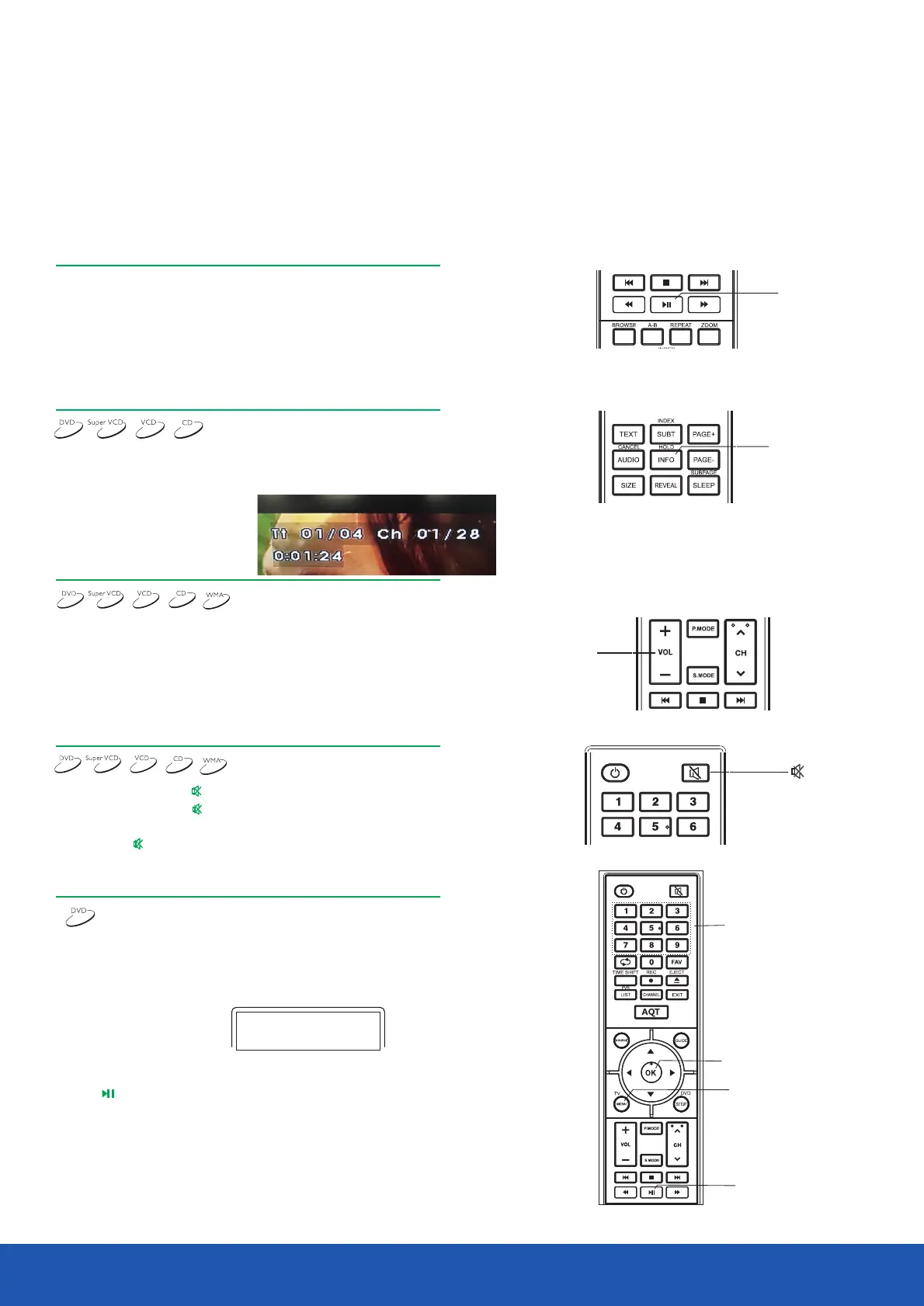
I .Press the button during the playback to the stop the playback.
2.Press the button to start frame-by-frame playback.
3.Press the button again to resume to the playback.
NOTE
• The frame-by-frame playback function is only valid when playing DVD-discs.
Press the INFO button.
The disc information will appear on the TV screen.
DVD disc:
CD, SVCD or VCD disc:
Information
I . To adjust the volume, press the VOLUME button on the TV or amplifier.
2. Press the VOLUME button the remote control of the device .
• Press the VOLUME+ button to increase the sound volume.
• Press the VOLUME- button to decrease the sound volume.
• The maximum volume is I 00.
MUTE
Volume adjusting
I . Mute on.Press the button during playback to turn off the sound.
2. Mute off.Press the button again to turn on the sound.
NOTE
• Press the button if there is no sound at all.
DVD playback menu
Some DVD discs have their own menu.
I . Press the button to display the menu on the TV screen.Follow MENU
the on-screen hints to select options using numeric buttons.
2. Using the direction buttons select the required track and then press
the or button .OK
NOTE
• Press the MENU button to return to main menu.
Different discs have different menus.
Time_:_:_ Title_Chapter_
Time_:_:_ Track_of_
PLAY
INFO
VOL
Number
OK
MENU
PLAY
Disc playback mode
Disc playback mode
Root menu
1. ...
2. ...
3. ...


 To Next Page