Section 2: Installing the AXIS 200
AXIS 200 User’s Manual
14
Stage 5. Testing the AXIS 200
You are now ready to test the connection between your AXIS 200 and
the network.
1. Start your Web browser.
2. Enter the name or Internet address of the AXIS 200 in the
location/address field:
or:
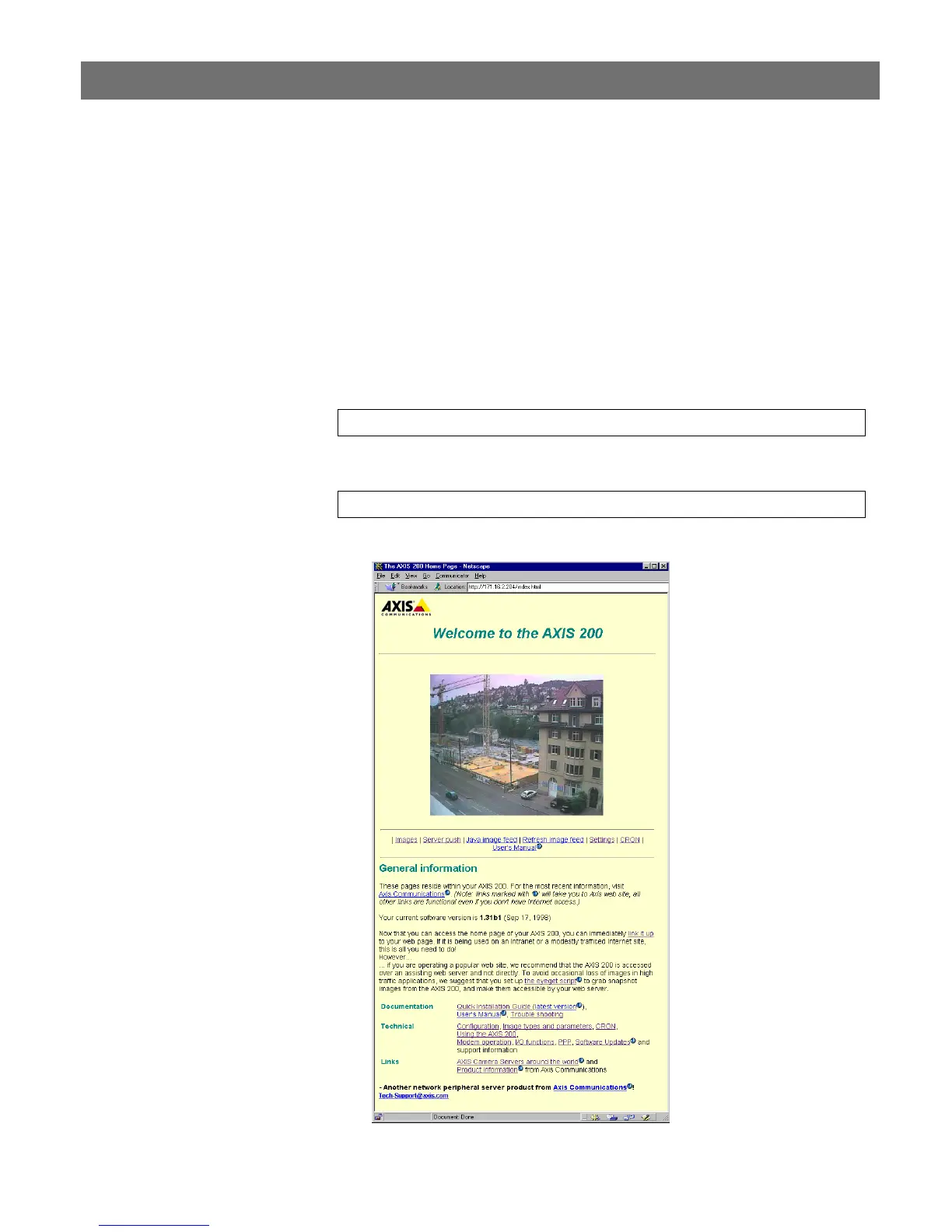
The Home Page of your AXIS 200 appears.
http://cameraname/
http://192.168.3.191/



 To Next Page