Section 5: Using the AXIS 200
AXIS 200 User’s Manual
48
CGI Parameter
Summary
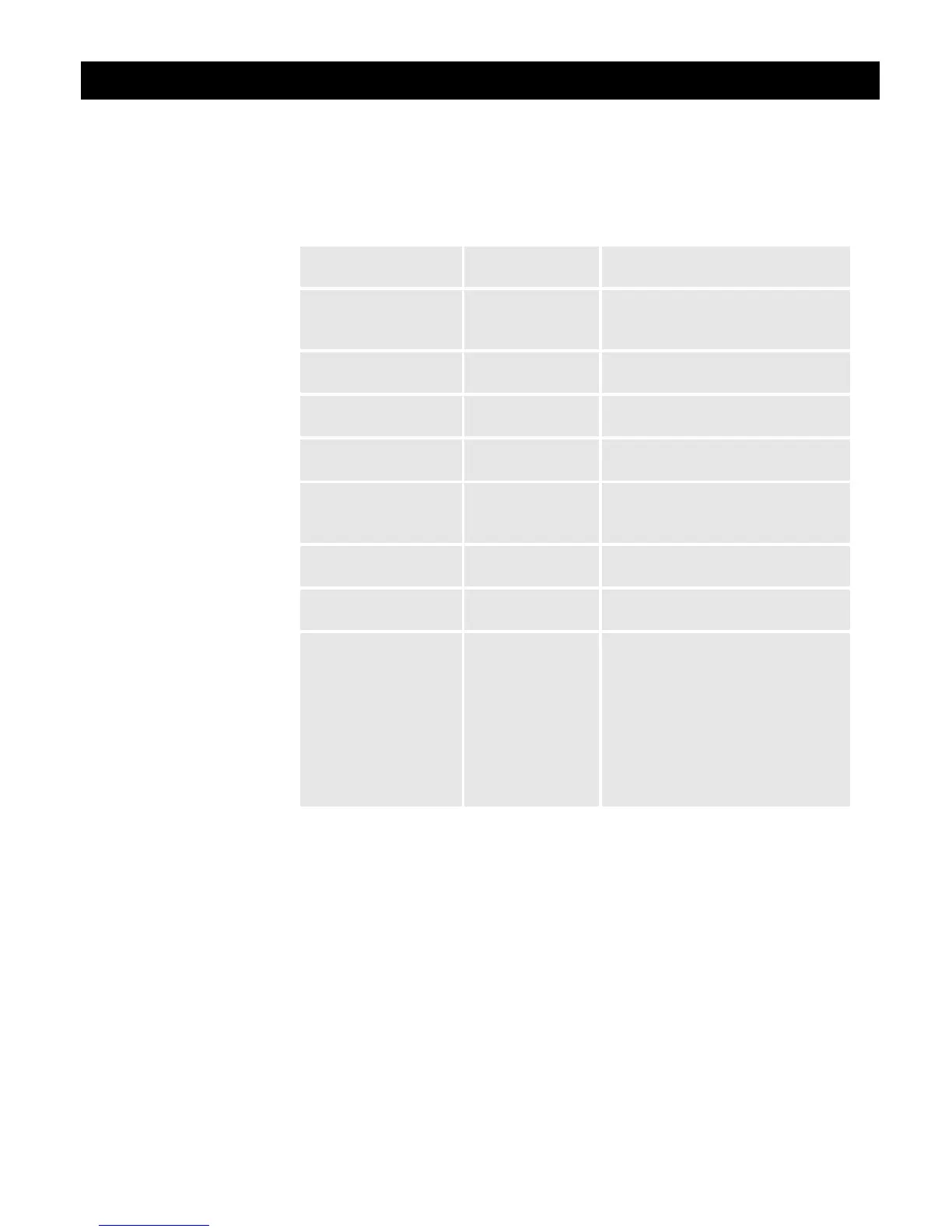
This table summarizes all available CGI parameters:
Summary of CGI the available CGI parameters
Click on the Image types and parameters link within the Home Page
of your AXIS 200 for further details and sample images.
Note:
❏ CGI parameters embedded in URL requests override image
parameters previously established within the Configuration -
Image page.
Parameter/
Syntax
Description Values
Compression/
compression=<value>
Adjusts the image
quality and file
size.
medium/high/low
Color/
color=<value>
Selects color or
grayscale image
normal/none
AXIS Logo/
axislogo=<value>
Shows/hides the
Axis logotype.
off/on
Clock/
clock=<value>
Shows/hides the
timestamp
Dark detect/
dark detect=<value>
Generates gray-
scale images in
low light conditions
off/on
Rotation/
rotation=<value>
Rotates the image.
normal/upsidedown/90deg/ 270deg
Mirror/
mirror=<value>
Mirrors the image
horizontally
off/on
Cropping/
top=<value>
&left=<value>
&width=<value>
&height=<value>
Crops a ‘hugesize’
type image
Parameter values expressed in
number of pixels and truncated to
multiples of 8 (45 is truncated to 40)
Top+height must not exceed 576
pixels (hugesize height).
Left+width must not exceed 704
pixels (hugesize’ width).



 To Next Page