AXISP3364-LVNetworkCamera
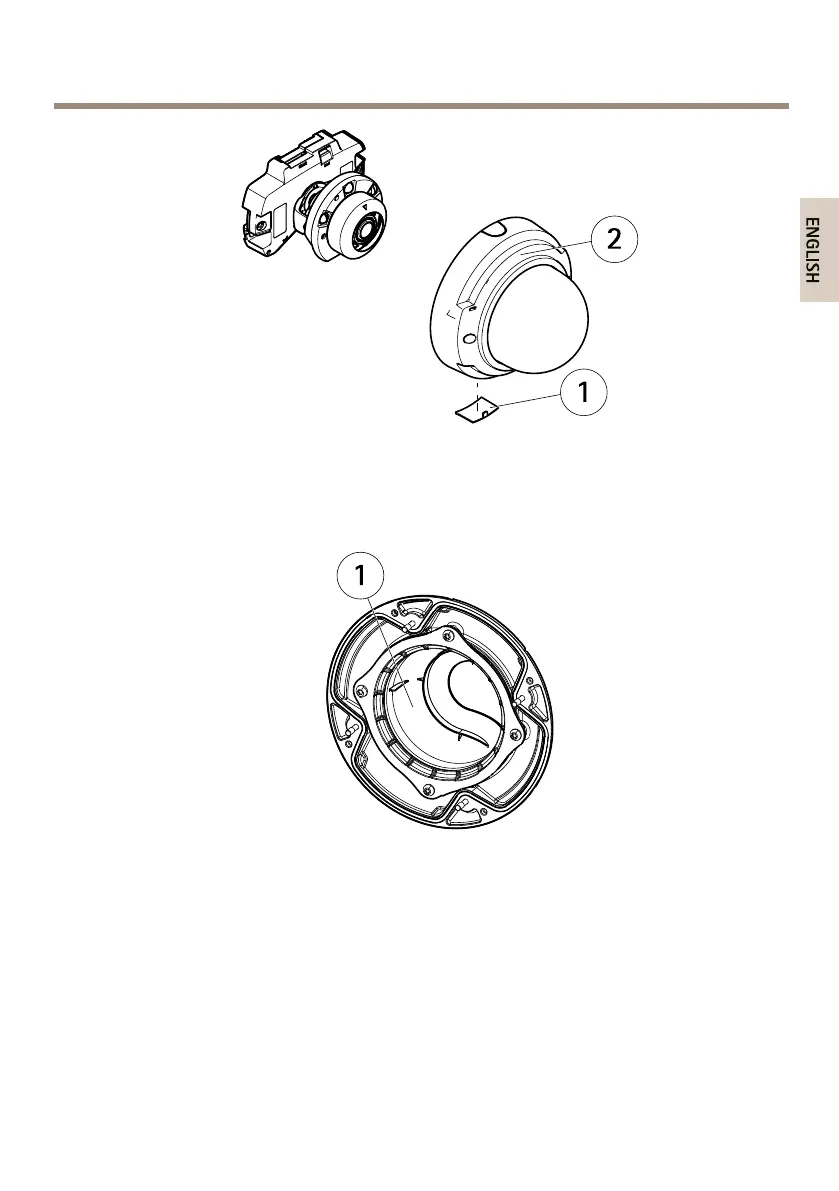
1
Sidelid
2
Domecover
2.Rotatetheblackshieldinsidethedomecoversoitdoesnotcoverthelens.
1
Blackshield
3.Makesuretherubbergasketsitssecurelyonthedomecover.
4.Cleanthedomewithadrysoftclothtoremovedustandngerprintsanduseablower
toremovedustfromthelens.
5.Attachthedomecoverandtightenthescrews.
6.Whenthedomecoverisinplace,makesurethatthecameraisproperlyfocused.
Theinstallationisnowcomplete.
21



 To Next Page