AXISQ6055PTZDomeNetworkCamera
Detectors
Seetheonlinehelpformoreinformation.
ObjectCounter
ObjectCounterisusedtocountobjectsthatmoveacrossavirtualline.Dothefollowingtosetthedetector:
Note
UsetheDrawingOpacityslidebartodenehowtransparenttheareaofinterestorobjectsizeshapeshouldbe.Note
thatthischangewillnotbesaved.
1.ChooseAreaofinterestfromthedrop-downlistandsetthevirtualline.Objectscrossingthisvirtuallinewillbecounted.
Important
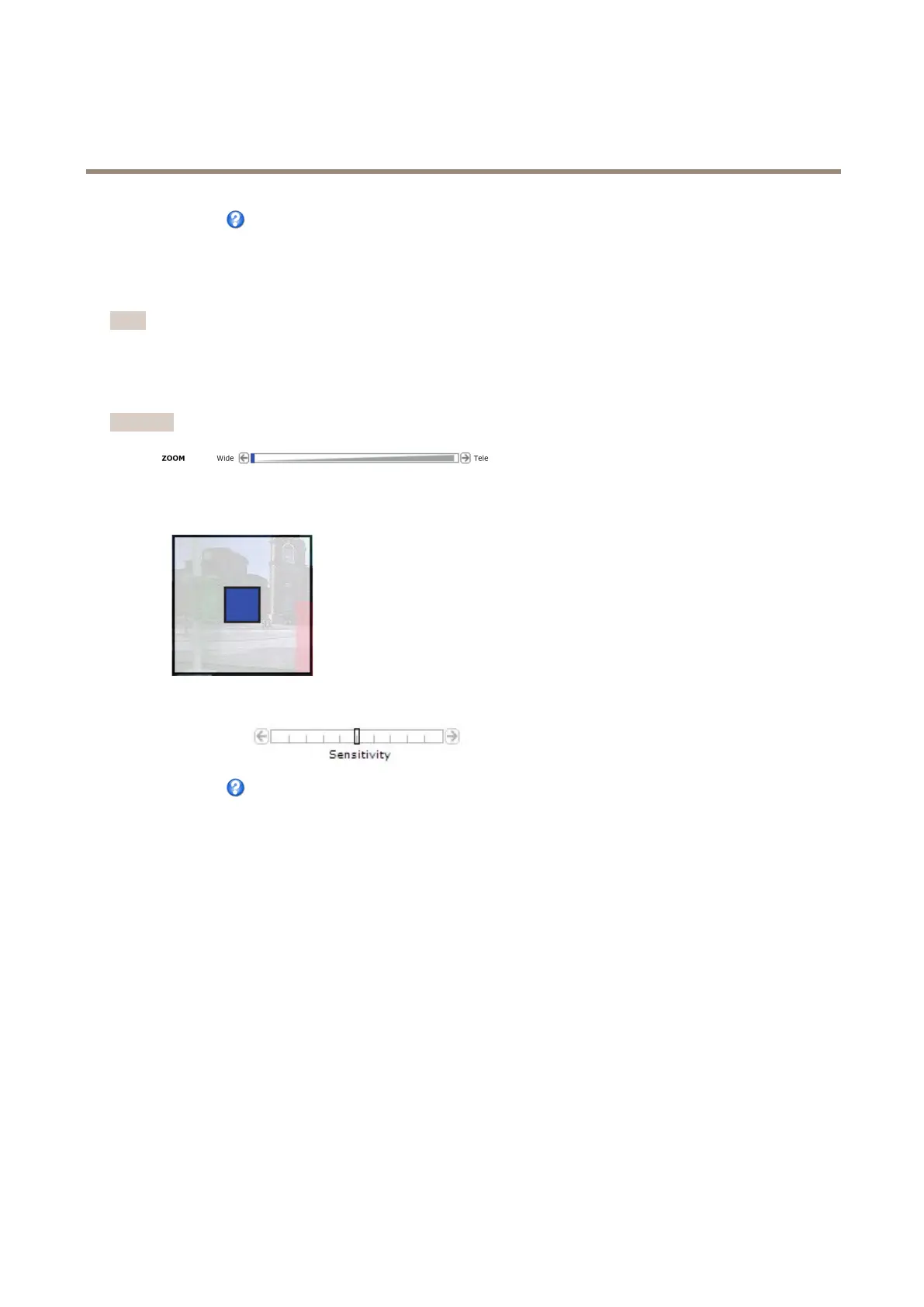
WhenconguringObjectsizetheviewshallbezoomedouttoWideposition.
2.ChooseObjectsizefromthedrop-downlist.Setthesizelimitsoftheobjectthatshouldbedetected.Thecamerawill
detectanyobjectwhosesizefallsinbetweentheminimum(blueshape)andmaximum(whiteshape)range.
3.UsetheSensitivityslidebartodenehowsensitivethedetectionshouldbe.Thelowersensitivityselectedonthe
Sensitivitybar,thegreaterdifferenceinluminanceisneededbetweentheobjectandthebackgroundforthedetectorto
beactivated.
Seetheonlinehelpformoreinformation.
Observations
TheObservationselementappearswhenapresetisselectedinthedrop-downlist.
LefttoRight-Thevalueshowstheamountofobjectsdetectedmovingfromlefttorightor,ifthevirtuallineishorizontal,
objectsdetectedmovingdownwards.
RighttoLeft-Thevalueshowstheamountofobjectsdetectedmovingfromrighttoleftor,ifthevirtuallineishorizontal,objects
detectedmovingupwards.
Total-Thevalueshowsthetotalamountofobjectscrossingthevirtuallineinanydirection.
Refresh-ClickRefreshtogetupdatedobservationvalues.Thevaluesarenotautomaticallyupdated.
Reset-ClickResettoresettheobservationvalues.
39



 To Next Page