AXISQ6055PTZDomeNetworkCamera
Detectors
Important
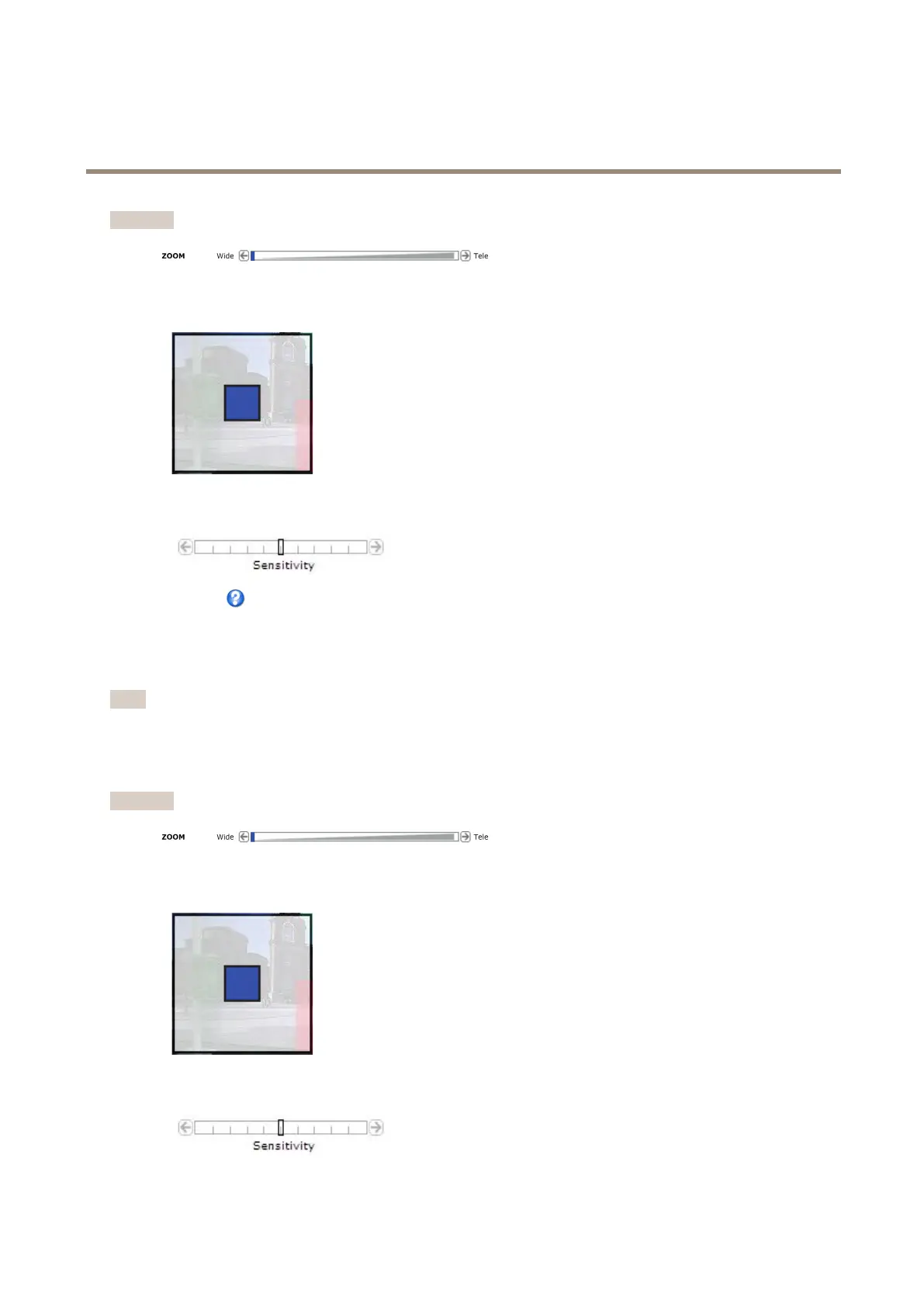
WhenconguringObjectsizetheviewshallbezoomedouttoWideposition.
2.ChooseObjectsizeinthedrop-downlist.Setthesizelimitsoftheobjectthatshouldbedetected.Thecamerawilldetect
anyobjectwhosesizefallsinbetweentheminimum(blueshape)andmaximum(whiteshape)range.
3.UsetheSensitivityslidebartodenehowsensitivethedetectionshouldbe.ThelowersensitivityselectedontheSensitivity
bar,thegreaterdifferenceinluminanceisneededbetweentheobjectandthebackgroundforthedetectortobeactivated.
Seetheonlinehelpformoreinformation.
FenceDetector
FenceDetectorisusedtotriggeranalarmifanobjectcrossesavirtualline.Dothefollowingtosetthedetector:
Note
UsetheDrawingOpacityslidebartodenehowtransparenttheareaofinterestorobjectsizeshapeshouldbe.Note
thatthischangewillnotbesaved.
1.ChooseAreaofinterestfromthedrop-downlist.Setthevirtuallinetodetectobjectsmovingacrossit.
Important
WhenconguringObjectsizetheviewshallbezoomedouttoWideposition.
2.ChooseObjectsizefromthedrop-downlist.Setthesizelimitsoftheobjectthatshouldbedetected.Thecamerawill
detectanyobjectwhosesizefallsinbetweentheminimum(blueshape)andmaximum(whiteshape)range.
3.UsetheSensitivityslidebartodenehowsensitivethedetectionshouldbe.ThelowersensitivityselectedontheSensitivity
bar,thegreaterdifferenceinluminanceisneededbetweentheobjectandthebackgroundforthedetectortobeactivated.
38



 To Next Page