Page 16 AXIS Q7404 Installation Guide
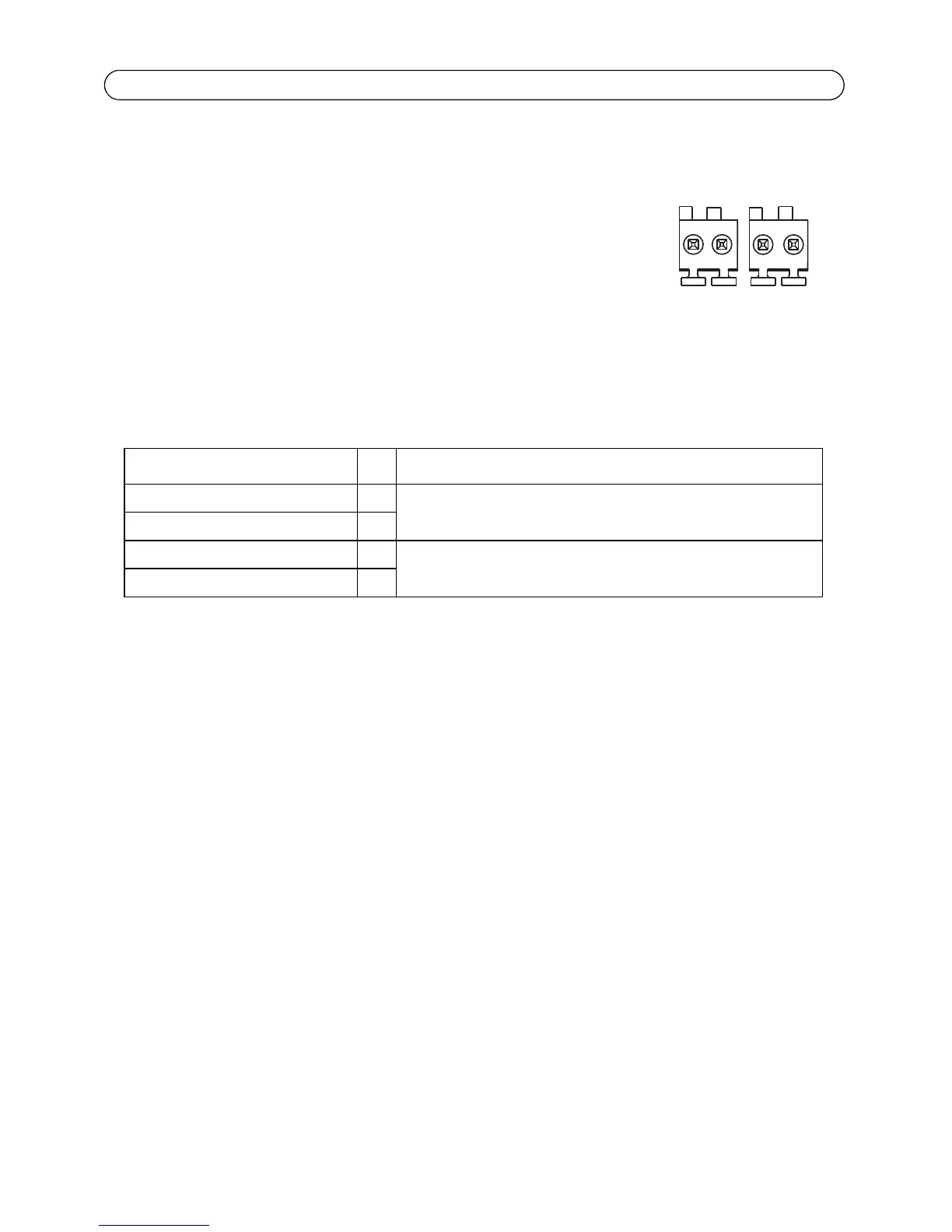
RS-485/RS-422 connector - For each video channel, AXIS Q7404 has two 2-pin terminal blocks
for the RS-485/422 serial interface used to control auxiliary equipment, e.g. PTZ devices.
The RS-485/422 serial port can be configured in the following port modes:
• Bidirectional RS-485 half-duplex port for data transmission
using two wires, one combined RX/TX pair.
• Bidirectional RS-485 full-duplex port for data transmission
using four wires, one RX pair and one TX pair.
• Unidirectional RS-422 port for transmitting or receiving data
using two wires, RX- or TX pair.
• Bidirectional RS-422 full-duplex port for data transmission
(point-to-point) using four wires, one RX pair and one TX pair.
Function Pin Notes
RS-485A alt RS-485/422RX(A) 1 RX pair for all modes (combined RX/TX for 2-wire RS-485)
RS-485B alt RS-485/422RX(B) 2
RS 485/422TX(A) 3 TX pair for RS-422 and 4-wire RS-485
RS 485/422TX(B) 4



 To Next Page