www.axxessid.com
Installation & User Guide
AX200 Installation & User Guide – July 2007
56
Access Point Configuration
Access Point Settings
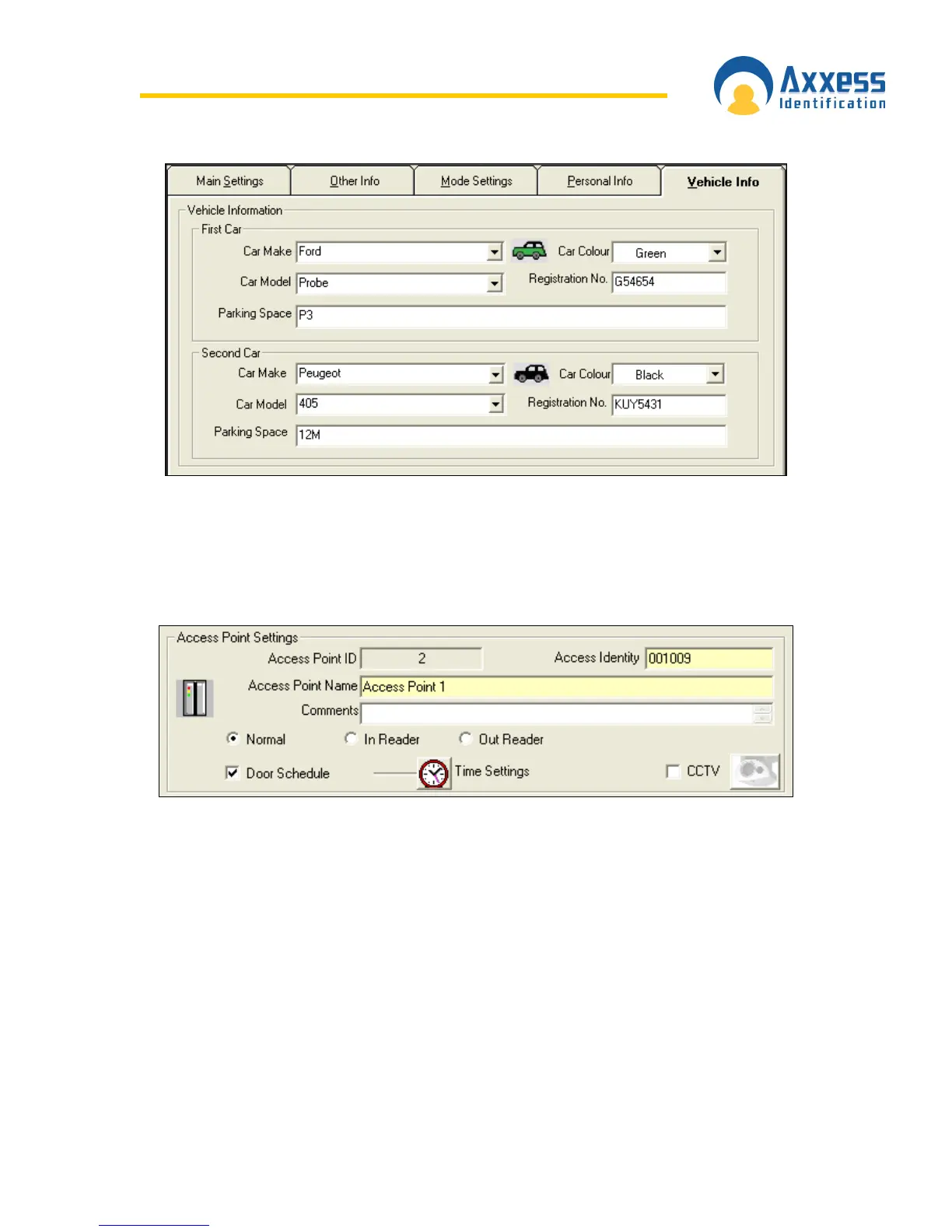
Access Identity
Every device has a unique “Access Identity” and is given a distinctive “Access Point ID” when
connected to the PC. Each controller has a serial number and this is used to communicate with
the PC. If the identity has been entered manually during a system setup or where controllers are
connected using a DTU, then the replace function should be used when the controllers are
operational.
Access Point Name
Access Point Name is specified by the user and could be changed at any time. The extended
length of the field allows up to 50 characters e.g. Building 1 Section West Door 28 Admin. The
first 20 characters are displayed on the current controller information.


 To Next Page
 Loading...