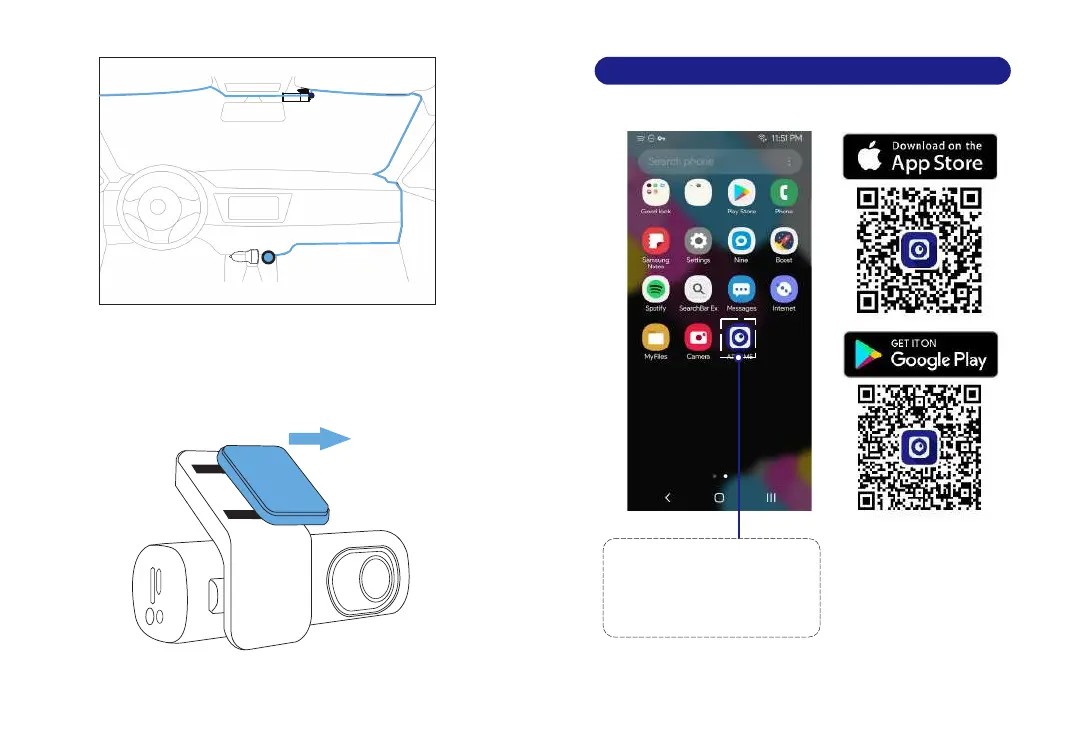
7. Turn on the engine. The dashcam will power up and start
recording. Video files are stored on the microSD card.Turn off
the engine. The dashcam will automatically stop recording
and power down.
EN-13 EN-14
Rear camera cable USB charging cable
Detachablecover
Search for the AZDOME
app in the Google Play Store
or Apple App Store and install
it on your smartphone.
1
8. Playing Video Files Using Your Smartphone
8.1 Check real-time video using your smartphone
ConnecttoCarCharger



 To Next Page