4 Design and Construction
© b2electronic gmbh
DHV0053 b2 EN
Pos.
Name Description
7 Key switch [on/off] Locks the unit to prevent against unauthorized use.
• To disable unitRemove key from the OFF Position
• To reactivate unit Replace key and turn to ON Position.
8 Earthing connector Serves as connection point from HVA to earth.
9 Power supply plug Serves as connection point from the HVA to the100V – 240V, 50/60 Hz
powers source.
10 HV output
connector
Serves as connection point from the HVA to the HV test lead.
To connectScrew the HV test lead into the HV output connector and
tighten
11 Air Vent Air inlet with filter, for cooling of electronic elements.
12 Air Vent Air outlet, for cooling of electronic elements.
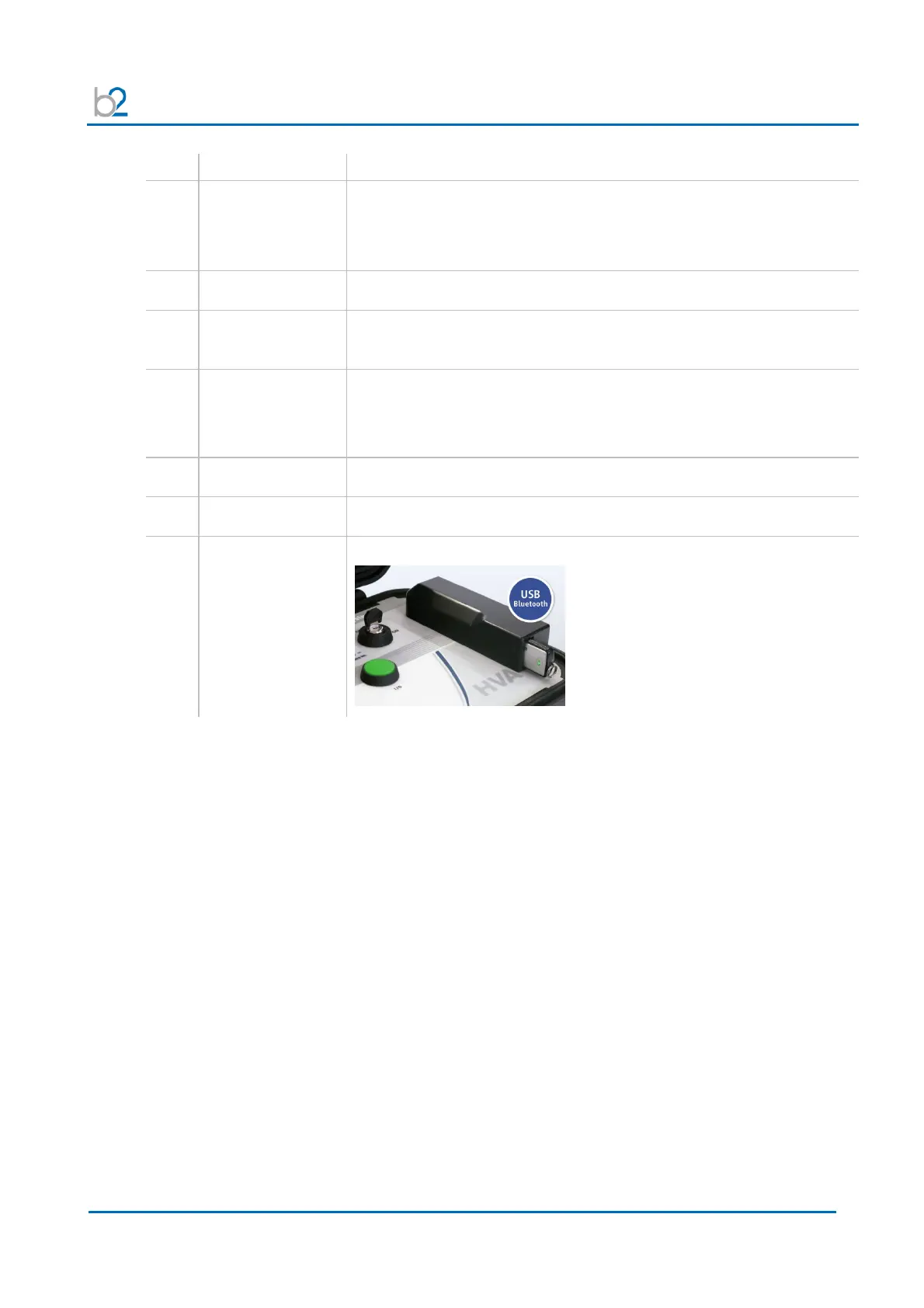
13 Communication
port
Serves as connection point from the HVA to a USB device.



 To Next Page