5 Test Procedure
30 DHV0053 b2 EN
© b2electronic gmbh
Step Procedure
(Set Manual Test Parameters)
MS8: Preset Test Voltage:
(optional-voltage can be set once test
has been initiated!)
Entering the test voltage before activating the
manual mode test “START” is optional.
In manual mode, voltage can be set once test
has been initiated!
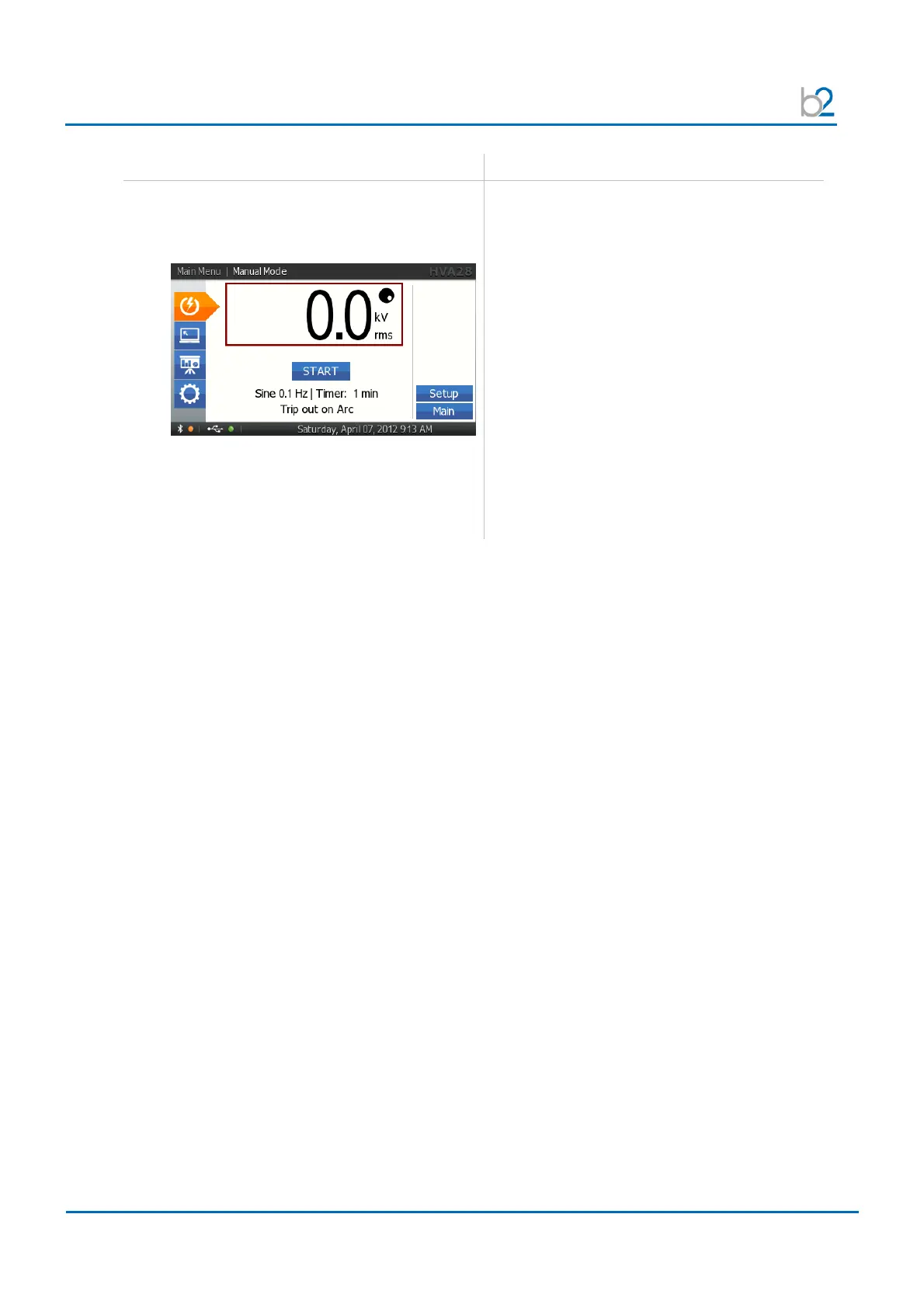
To set the test voltage before activating the
manual mode test “START”:
Rotate navigation knob (5) until voltage field is
framed. The dot in upper right hand corner
indicates that the test voltage is in preset
mode. To modify the value, rotate navigation
knob (5).
• Min. test voltage = 0.0kV
• Max. voltage = 20.0kV
rms
(VLF), 28.0kV
(DC)
To accept the value, push in knob (5).The dot
in upper right hand disappears indicating that
the test voltage is set.



 To Next Page