6 Tangens Delta
© b2electronic gmbh
DHV0053 b2 EN
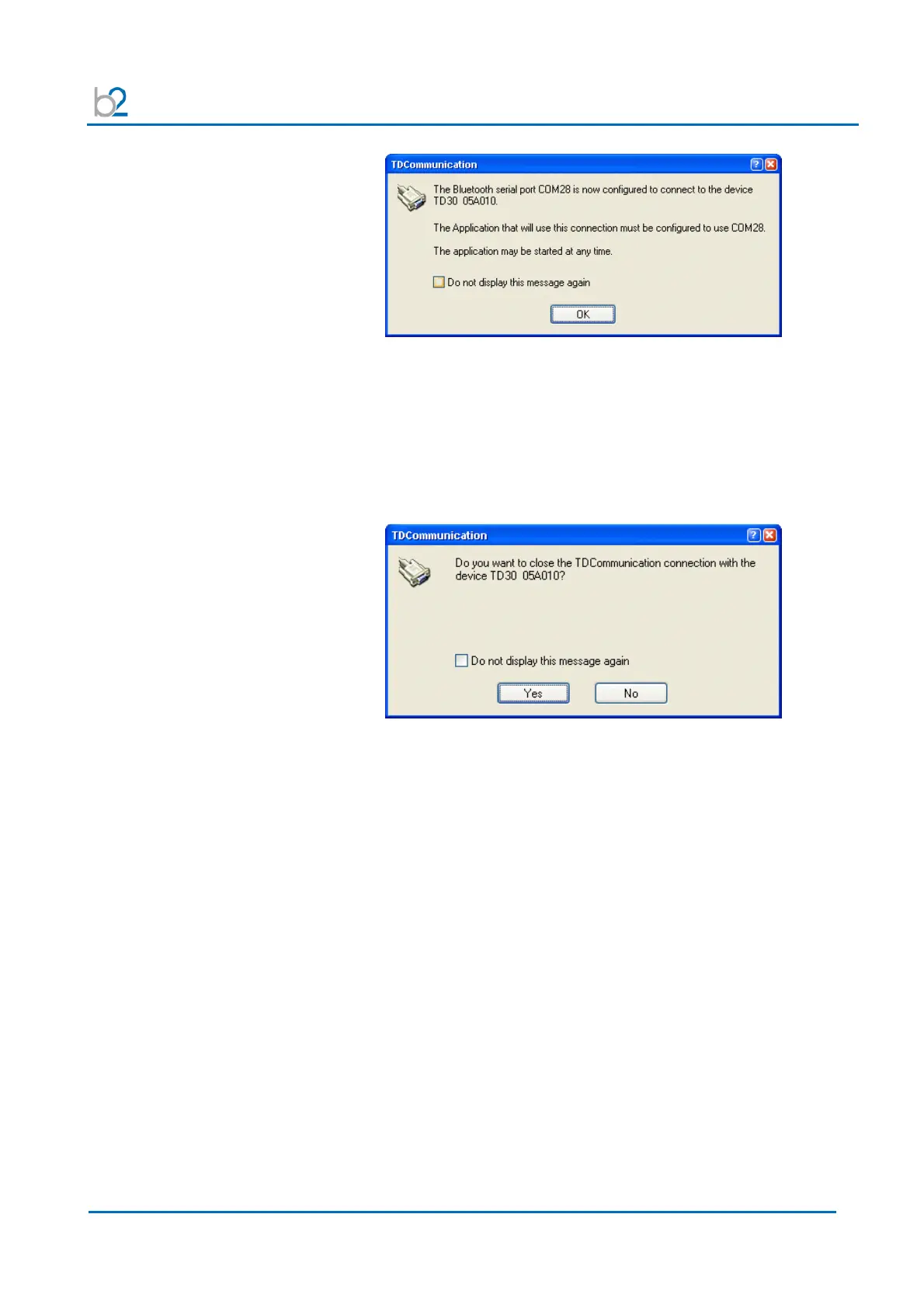
Established Connection!
Read the information and note the COM-Port Number.
This number is used by the TD ControlCenter to communicate with the TD unit.
You can use the 3rd page of the manual to write down this
Configuration number for later reference purposes.
Close (disconnect) the Test connection
Right click on the TD System icon and select Disconnect.
Disconnecting
It is also possible to switch off the TD system and the connection will
automatically be closed.
The System is now configured and you can start working with the TD
ControlCenter. You will use the given COM-Port number to set in the
ControlCenter and press the connect button.



 To Next Page