Operation
PCA
Press
ENTER
to save the selected character and advance to the next posi-
tion. If you make a mistake, press
ENTER
until the cursor is over the
incorrect character and make your correction by again using the
st
keys.
After all the desired characters have been selected, press the
RUN
key to
save the text line and return to the initial ID SETUP Screen.
NOTE:
The entered ID information will be saved with all
future test records until it is modified or deleted.
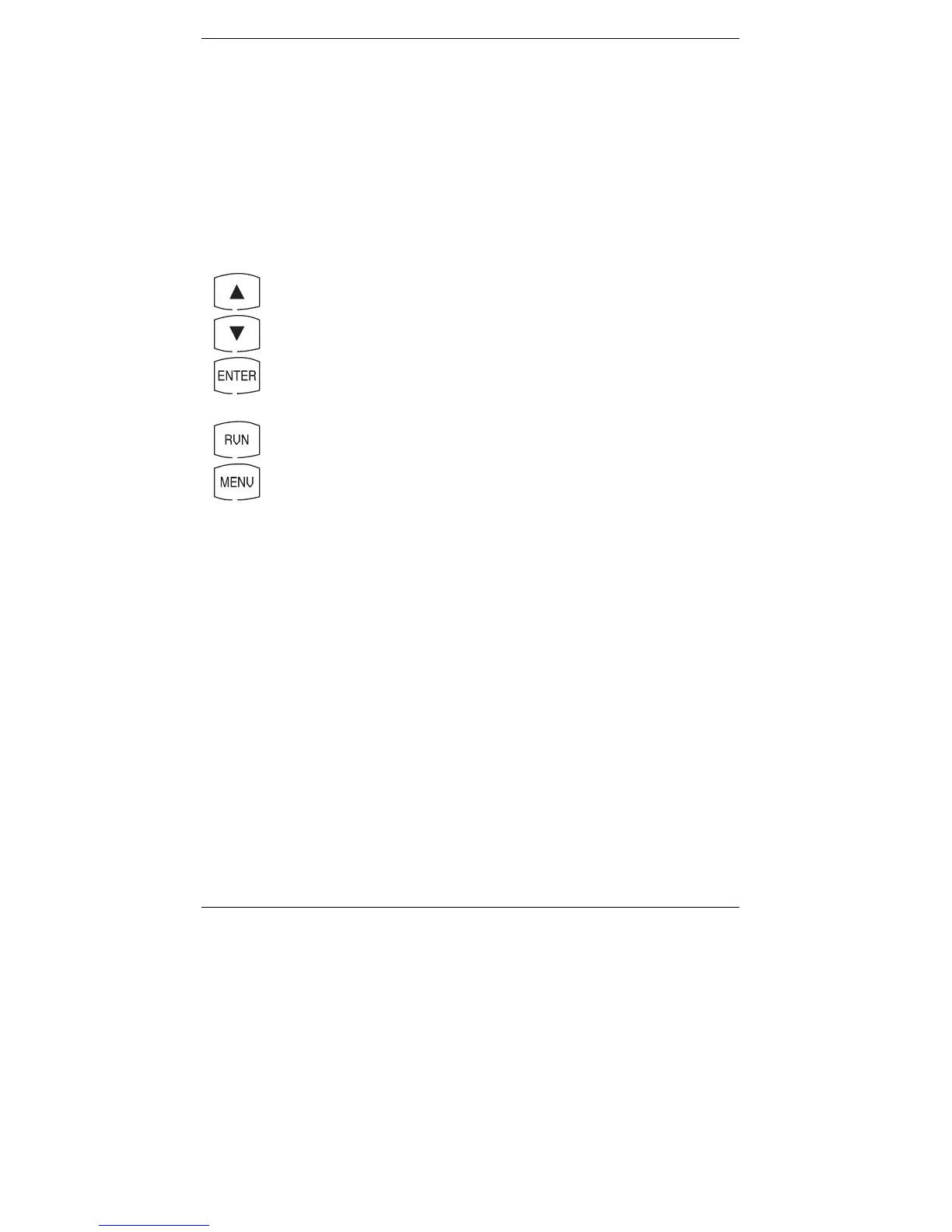
Front Panel Key Functions for the Individual ID SETUP Screens:
–
Increment character
–
D
ecrement character
–
Select the displayed character and advance to the next
character position
–
Save the text line and return to the initial ID SETUP Screen
–
Abort any changes to the text line and return to the initial
ID SETUP Screen
4-18
Instruction 0024-9219



 To Next Page