Operation
4.25 Clear Memory Screen
CLEAR MEMORY
C
«E
PCA
The Clear Memory Screen is accessed from either the Memory Directory
Screen (Section 4.10) or the Memory to PC Screen (Section 4.11).
To clear
all
memory locations, use the
st
keys to move the cursor (
z
) in
front of the clear (
C
) function, and then press the
ENTER
key.
To return to the previous screen without clearing memory, place
the cursor
(
z
) in front of the exit (
E
) function and press
ENTER.
4.26 Resetting the Microprocessor
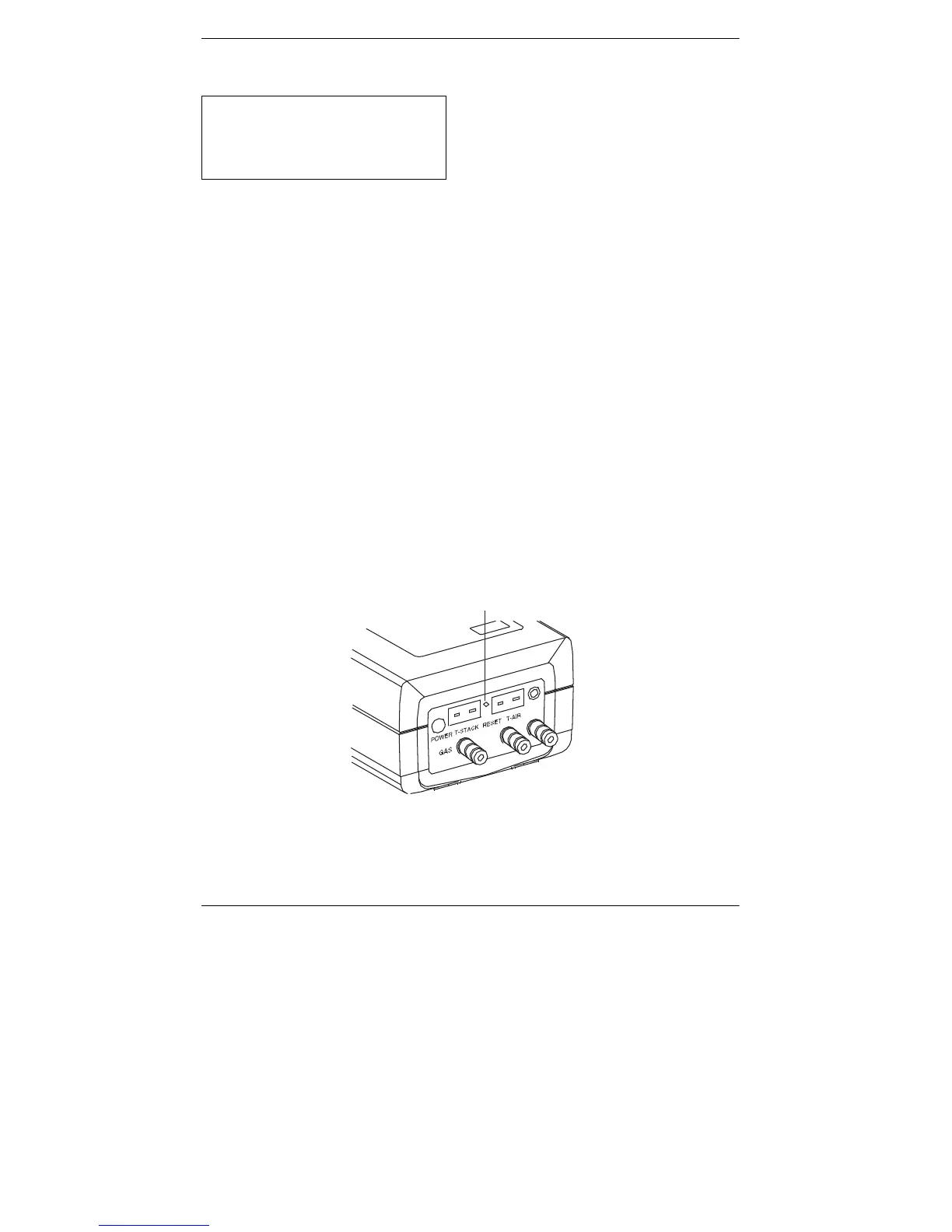
If the analyzer “locks-up” and cannot be turned OFF, reset the micropro-
cessor by pressing the RESET button (Figure
4-7). The button can be
activated using the end of a paper clip.
RESET
BUTTON
Figure 4-7. Reset Button
4-32
Instruction 0024-9219



 To Next Page