Operation
4.14 Draft Unit Setup Screen
(For PCA Models 15, 25, 35, 45, 55 & 65)
SETUP
DRAFT UNIT
M
B
PA
«WC
PCA
The Draft Unit Setup Screen is displayed by repeatedly pressing the
MENU
key from the Combustion Test Screen. Use this screen to setup the
analyzer to display draft in either millibars (MB), Pascals (PA), or inches-
of-water column (WC).
To select the draft unit-of-measure, first use
the
st
keys to move the
cursor (
z
) in front of
MB,
PA
or
WC
, and then press the
ENTER
key.
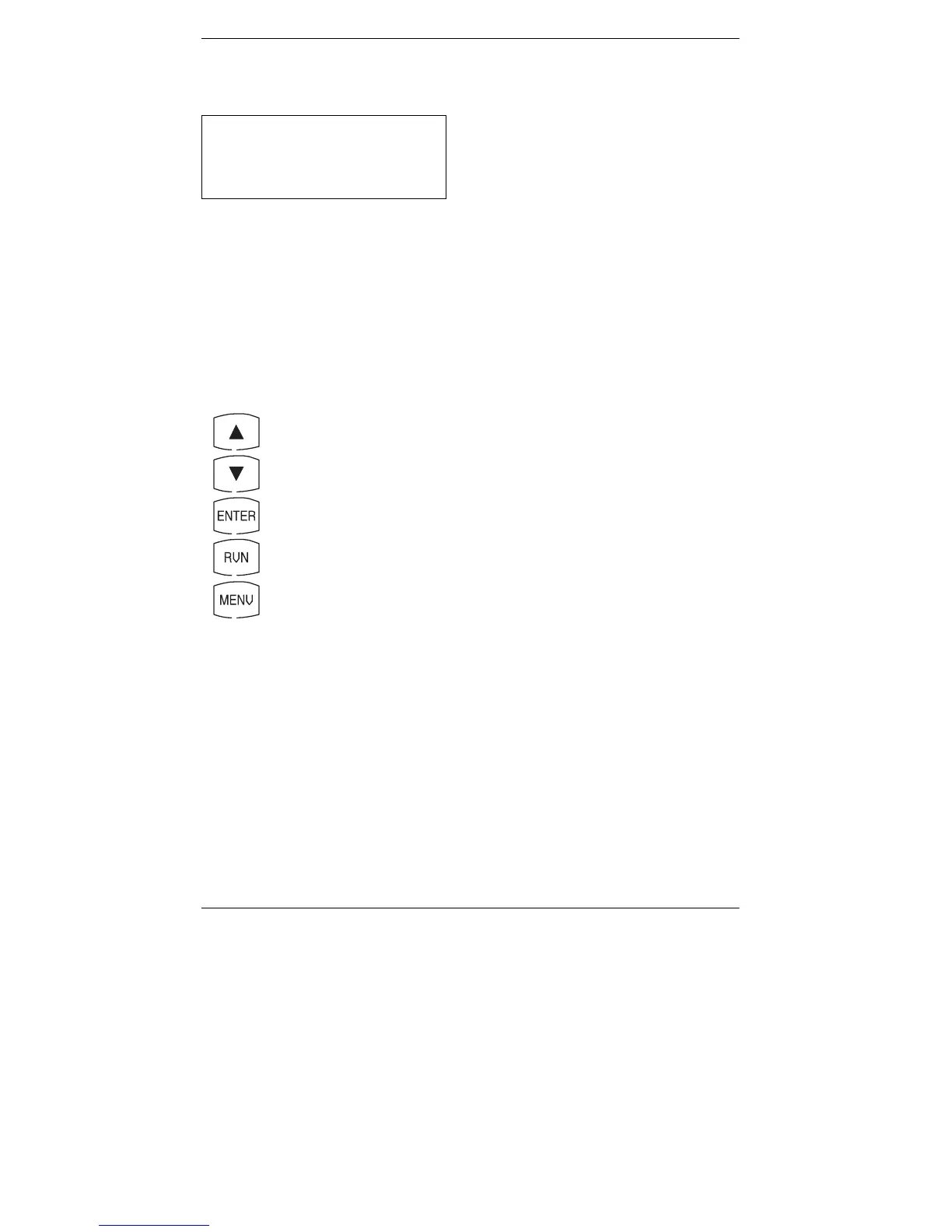
Front Panel Key Functions:
–
Move cursor
(
z
) up
–
Move cursor
(
z
) down
–
Select unit-of-measure next to cursor
–
Go to Combustion Test Screen
– Go to O
2
Reference Setup Screen
for ‘Advanced’ PCAs that
have an NX and/or CO sensor, or the Language Setup Screen
for all other PCAs
4-20
Instruction 0024-9219



 To Next Page