PCA
Operation
When using a serial printer:
1.
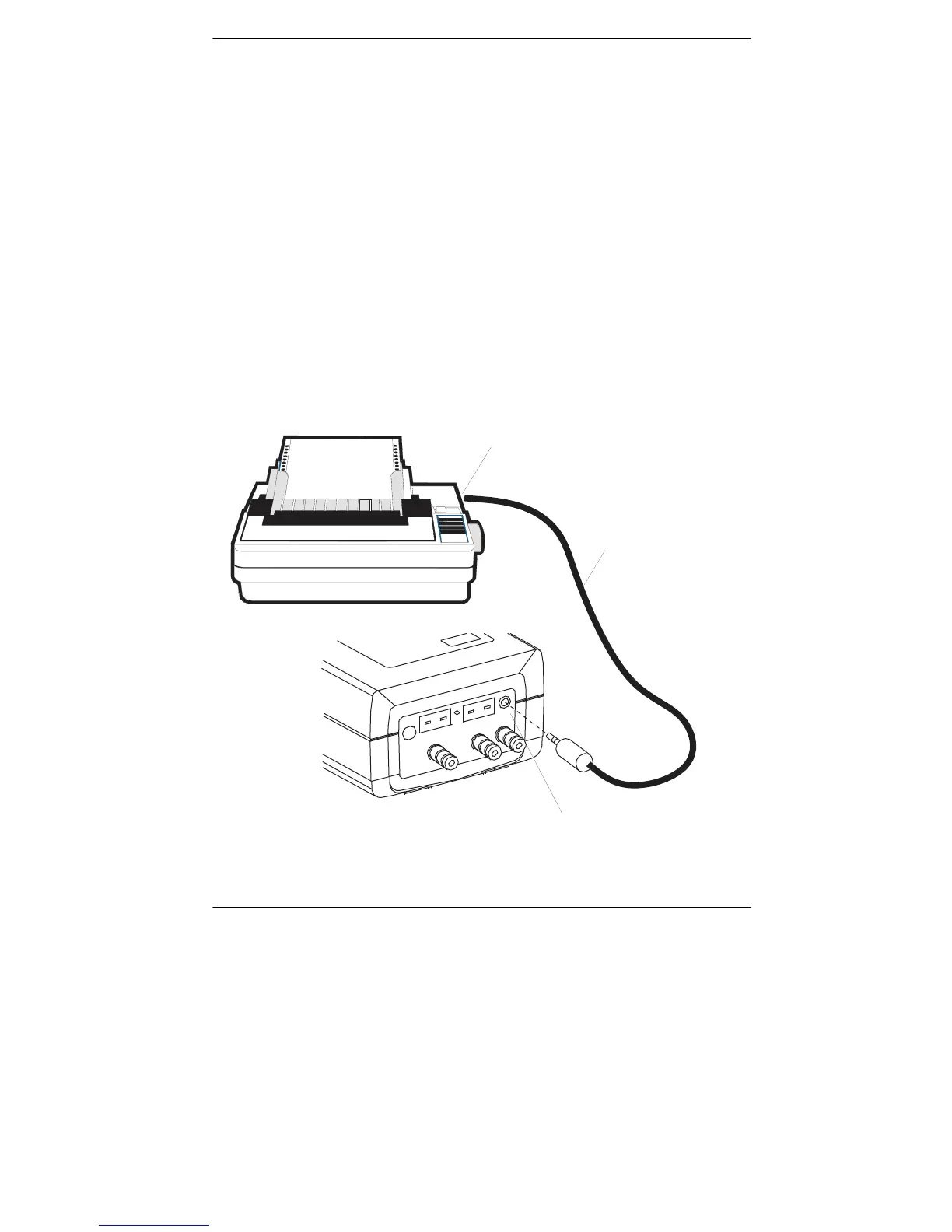
First connect the analyzer to the printer using the optional RS-232
cable (see Figure 4-6).
2.
Set the printer’s communication parameters to 9600 baud, 8
data bits,
1
stop bit, no parity, and no handshaking.
3.
Use the
st
keys to move the cursor (
z
) in front of the print (
P
)
function.
4.
Press the
ENTER
key to start printing.
"
"$"
!
"
"
#
"$
%$
&
'
(
)*
Figure 4-6. Connecting a Serial Printer to the Analyzer
Instruction 0024-9219
4-31



 To Next Page