Page 14
2-2 Managing the print settings
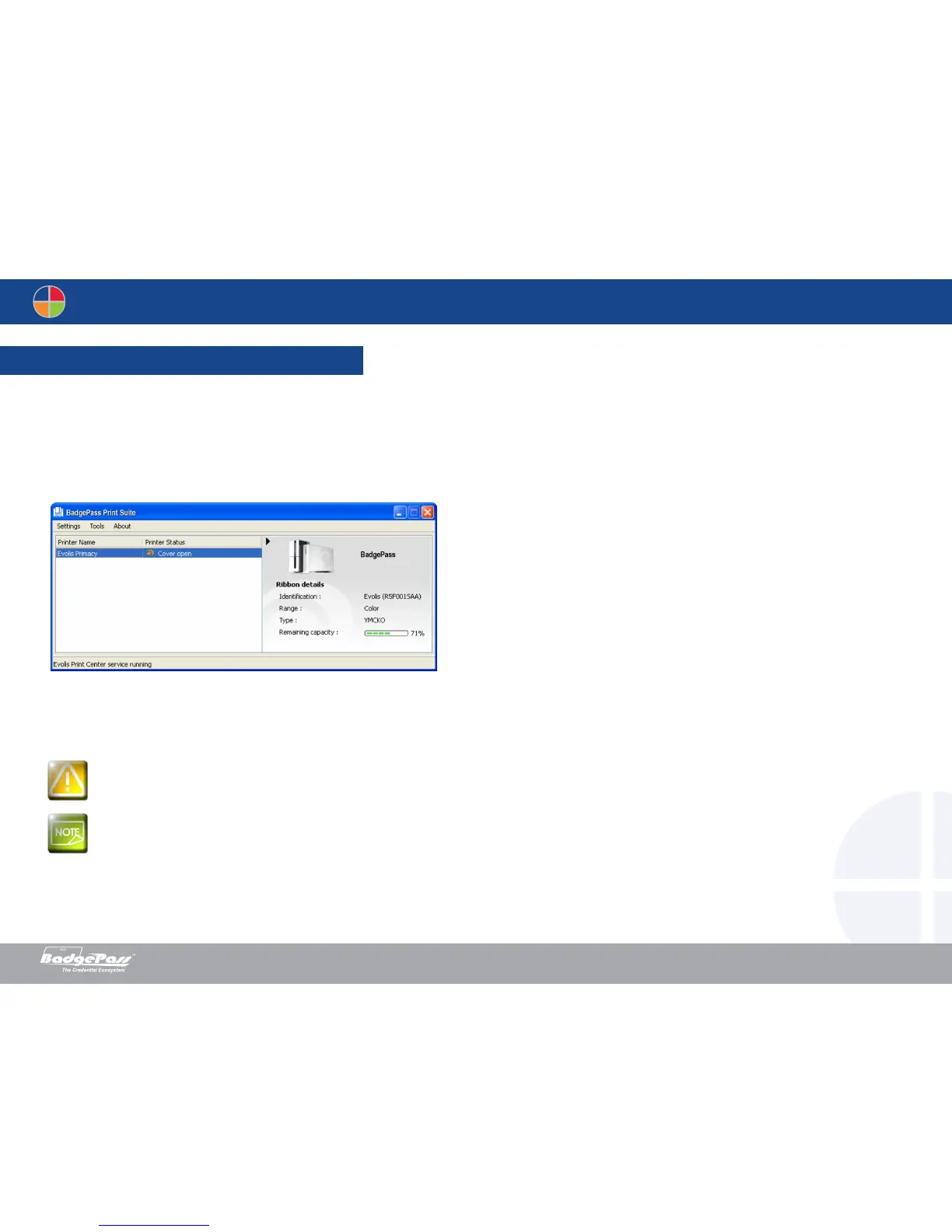
Once the ribbon has been installed, your BadgePass printer will automatically adjust parameters and settings to suit the ribbon. A graphic application called BadgePass Print
Suite is available to help you easily change certain predefined settings, if necessary.
To access this application:
• From the Start button on the bottom left of your screen in the Windows task bar, select All programs, BadgePass Card, BadgePass Print Suite.
• The application displays all connected BadgePass printers.
Do not connect your USB cable to your computer until prompted to do so by the installation program. For the connection procedure, see the section on
Connecting the Printer.
Carefully follow all installation procedures. The user installing the printer driver MUST have administrator rights!
Document History
BadgePass NXT5000 USER GUIDE



 To Next Page