Page 15
1-2 Description of the printer and its functions
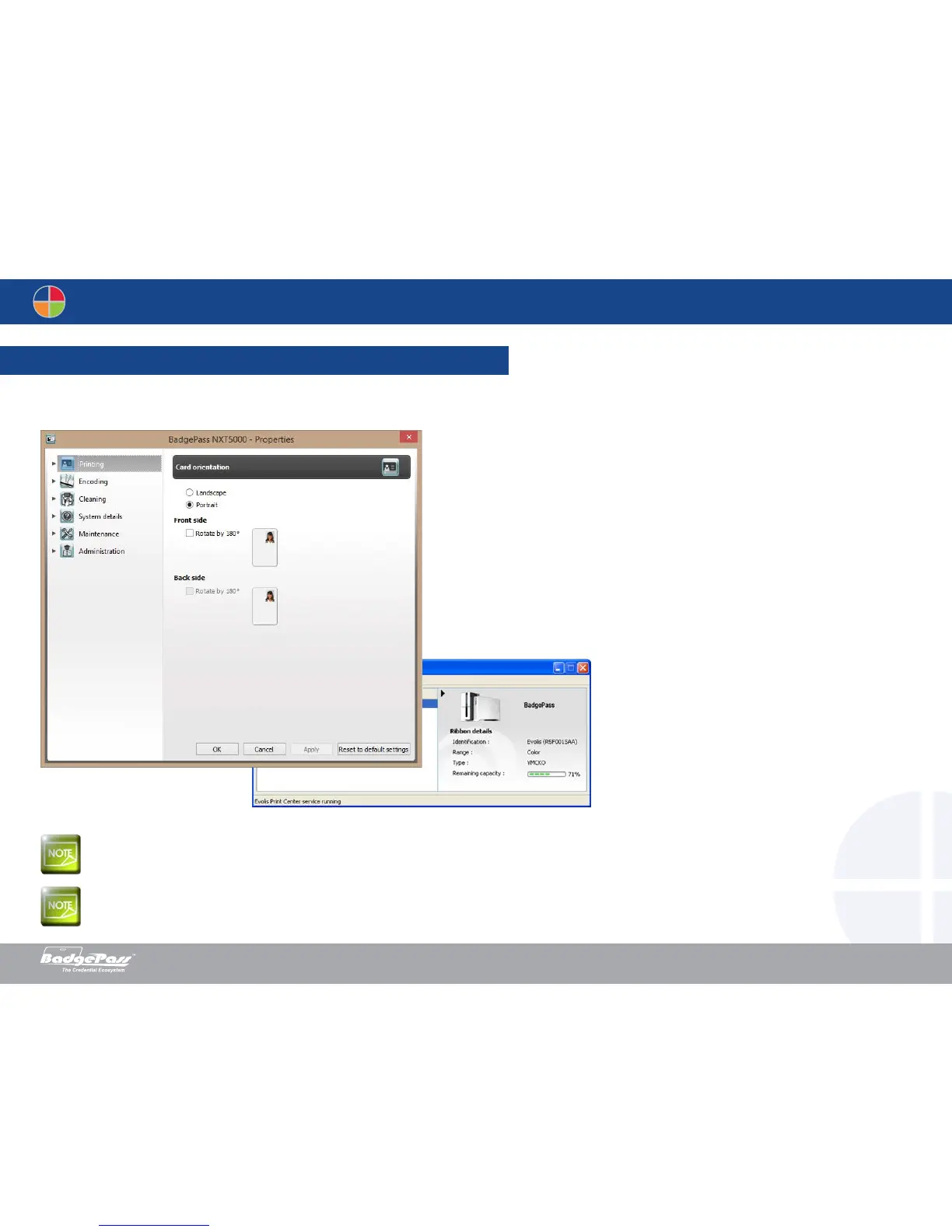
• Select the desired printer.
• Right-click the name of the printer, select Properties to access the settings or double (left) click the name of the printer.
Pay attention to the settings defined under the print driver Properties and do not hesitate to contact your BadgePass dealer for any advice and assistance
needed before making any changes.
Please refer to the BadgePass Print Suite manual for more details on the meaning of each of the settings.
Document History
BadgePass NXT5000 USER GUIDE



 To Next Page