Page 32
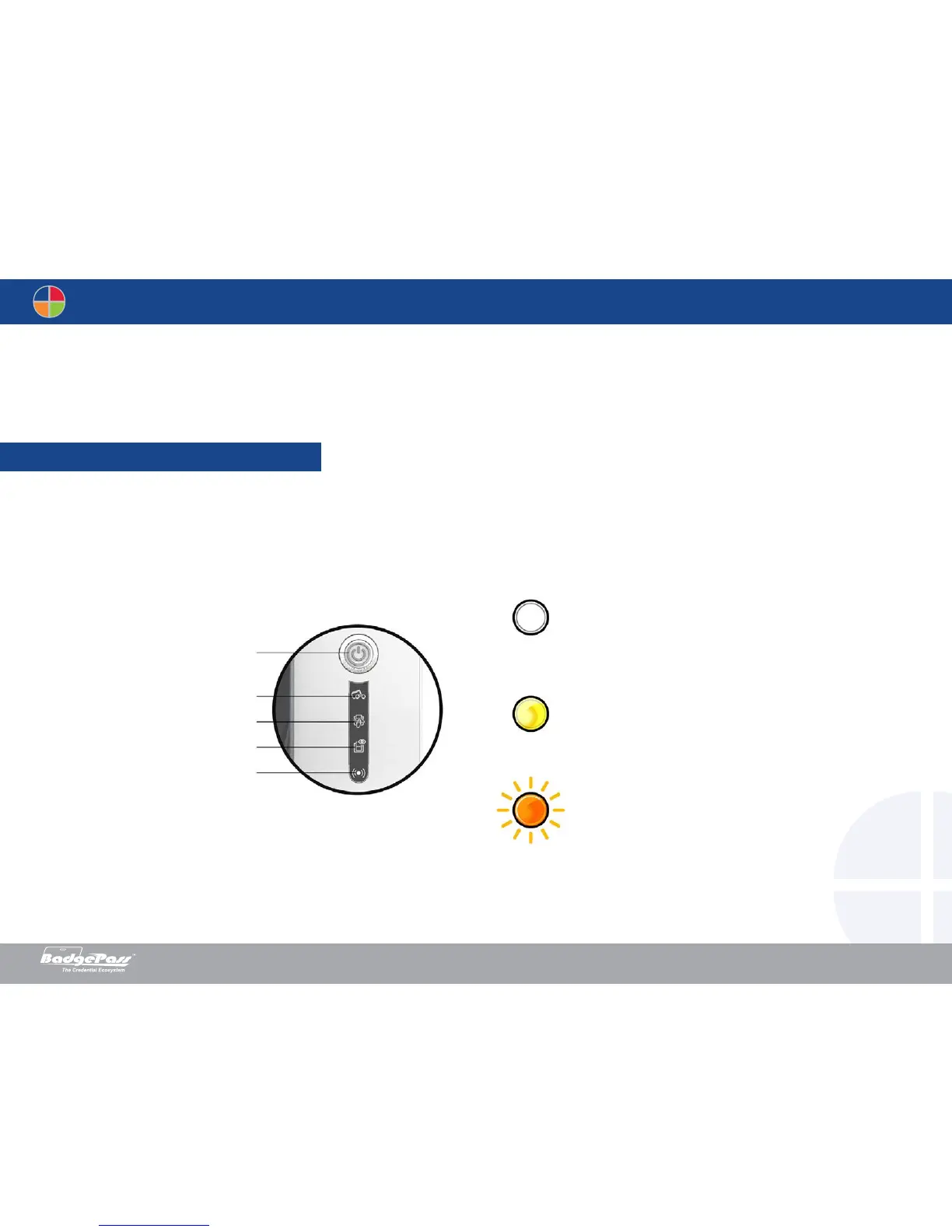
This section offers offer an explanation of certain warning indicators which can assist with the troubleshooting of potential conditions that may arise during the life of your
BadgePass printer. If you are unable to solve your problem by referring to the information in this section, then details on how to contact your BadgePass Dealer’s technical
support will be provided at the end.
Although the BadgePass printer was designed to work independently by keeping user involvement to a minimum, it may prove useful to gain some familiarity with the main warning
lights and indicators.
See section 1 - Description of the printer and its functions for further details about the control panel.
4-1 Warning and diagnosis
Help
OFF
STEADY LIGHT
FLASHING
Pushbutton
Cards and ribbon
Cleaning
Printer
Wi-Fi (option)
Document History
BadgePass NXT5000 USER GUIDE



 To Next Page