Parameter Descriptions 7-55
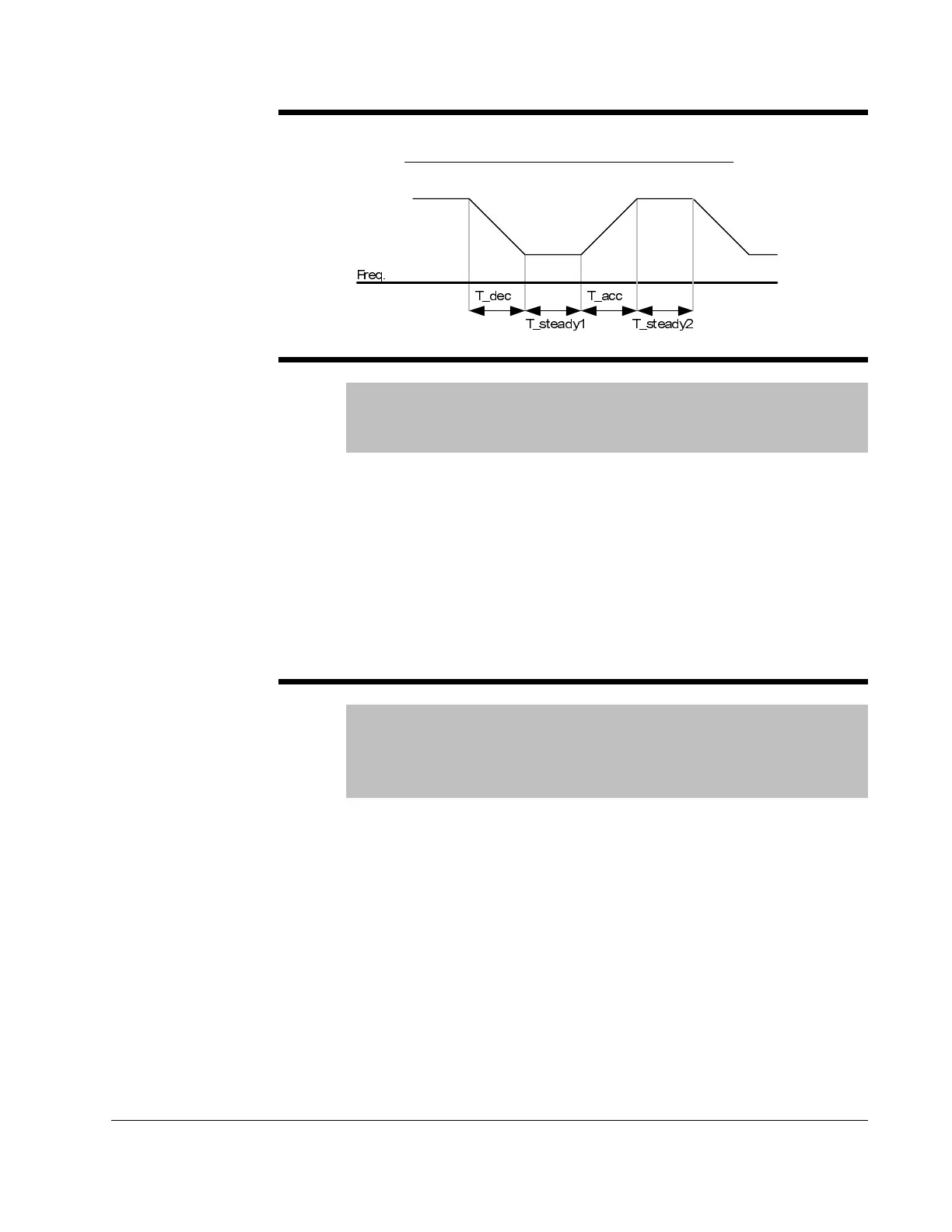
Example 2)
H77 Cooling Fan Control
Range: 0 - 1
Default: 0
Access Configurable
This parameter determines if the cooling fan for the drive will always
operate or only run when the temperature of the inverter exceeds the
protective temperature limit.
0 = Always ON, cooling fan operates when power is applied to drive. Fan
turns off when inverter voltage becomes low due to power off.
1 = Fan operates when temp above limit; fan begins to operate when power
is ON and a operating command is ON. Fan turns off when operating
command is turned off. Fan will continue to operate if the heat sink
temperature exceeds a certain limit regardless of operating command. Use
this setting for applications requiring frequent starts and stops.
H78 Operating method when cooling fan fails
Range: 0 - 1
Default: 0
Access Configurable
See Also: t32, t33
This parameter determines if what the drive will do if the cooling fan fails.
0 = Continuous operation when cooling fan malfunctions
Setting t32 or t33 = 18 (Cooling Fan Fault Alarm) will send an alarm signal
to the output.
ATTENTION:If operation is continued after a fan trip occurs, an overheat
trip may happen and protective functions may be activated. It may also
reduce the life of main board components due to a rise in inverter internal
temperatures.
[%
100
2__1__
_
76 ×
+++
=
steadyTaccTsteadyTdecT
decT
H
)UHT
7BDFF
7 BVWHDG\
7BGHF
7 BVWHDG\











 To Next Page