Customizing for Your Application 8-1
CHAPTER 8
Customizing for Your Application
8.1 Frequency Mode
8.1.1 Keypad Frequency Setting 1
Note: When remote keypad is connected, keypad keys on the body are deactivated.
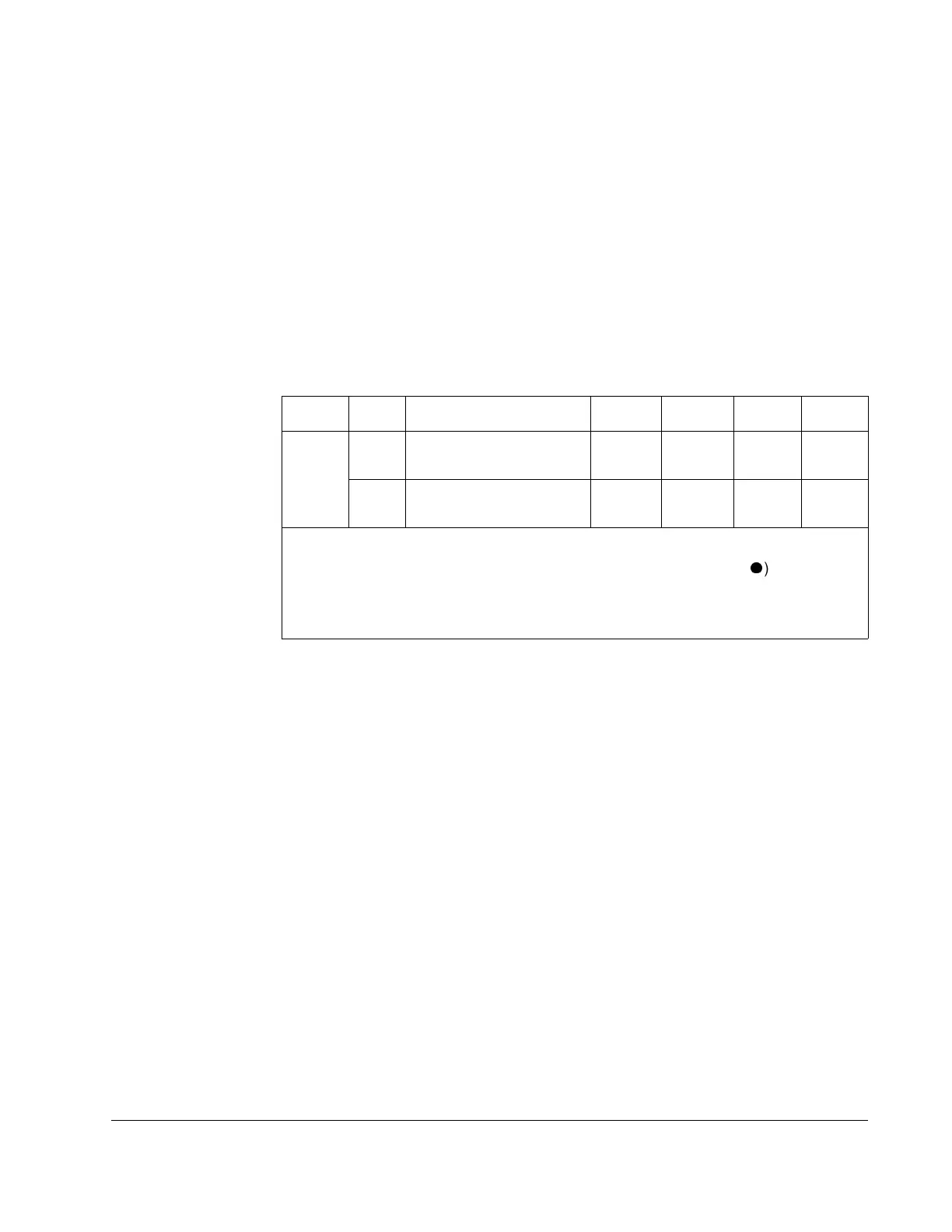
Group Code Parameter Name Setting Range Initial Unit
Drive
group
P37 [Frequency Command] - 0 to
400
0.00 Hz
P40 [Frequency Setting
Method]
1 1 to 7 1
Step 1. Set
P40 [Frequency mode] to “1”.
Step 2. Set the desired frequency in
P37 and press the Prog/Ent (
) key to enter
the value into memory.
Step 3. The value can not be set above
P36 [Frequency Hiigh Limit].




 To Next Page