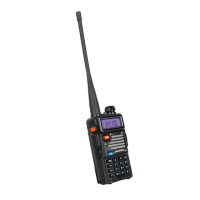
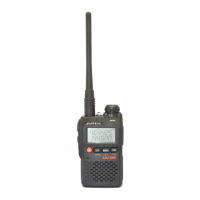
In a typical Amateur radio setup the following settings would be recommended:
Radio setting
• Turn ANI, DTMFST, PTT-ID off and PTT-LT to 0ms (menu items 18 through 19 and 19 through 20).
• Turn off Squelch Tail Elimination (Tail) features (menu items 23).
• Turn roger beep (ROGER) off (menu item 10).
Program channel
• Set bandwidth to Wide (menu item 5).
• Turn DCS and CTCSS off (menu items 6 through 9).
• Turn Signaling code off and SPK-Mute(menu items 11 and 13).
7. MAIN MENU FUNCTIONS
The menu function allows you to perform operations such as selecting Banks, Setting SCAN, Radio Settings, Program Channels, and viewing Radio
Information.
7.1 Basic use
Use menus with arrow keys
(1) Press the
key to enter the main menu.
(2) Use the or keys to navigate between menu items.
(3) After finding the desired next menu item, press the
key again to select the menu item.
(4) Use the or keys to navigate between the next menu items.
(5) After finding the desired next menu item, press the
key again to select the menu item.
(6) Use the or keys to select the desired parameter.
(7) When you have selected the parameter to be set for a given menu item;
(8) To confirm your selection, press
and it will save your setting and bring you back to the main menu.
(9) To cancel your changes, press
and it will reset that menu item and bring you out of the menu entirely.
(10) To exit out of the menu at any time, press the PTT key.
7.2 Using short-cuts
As you may have noticed if you looked at Appendix C, Menu definitions, every menu item has a numerical value associated with it. These numbers can be
used for direct access of any given menu item.
Using the menu with short-cuts
(1) Press the
key to enter the menu.


 To Next Page