Manual 2100-671C
Page 10 of 59
It is important to check the software version
during installation to ensure that the latest
version has been installed. Current software
versions, change log and installation
instructions are available on the Bard website at
http://www.bardhvac.com/software-download/
NOTICE
Software Versioning Guide
SoftwareName.x.y.z
Software Name: The name of the software is the
base part number used to identify which product the
software is used in.
Program Version
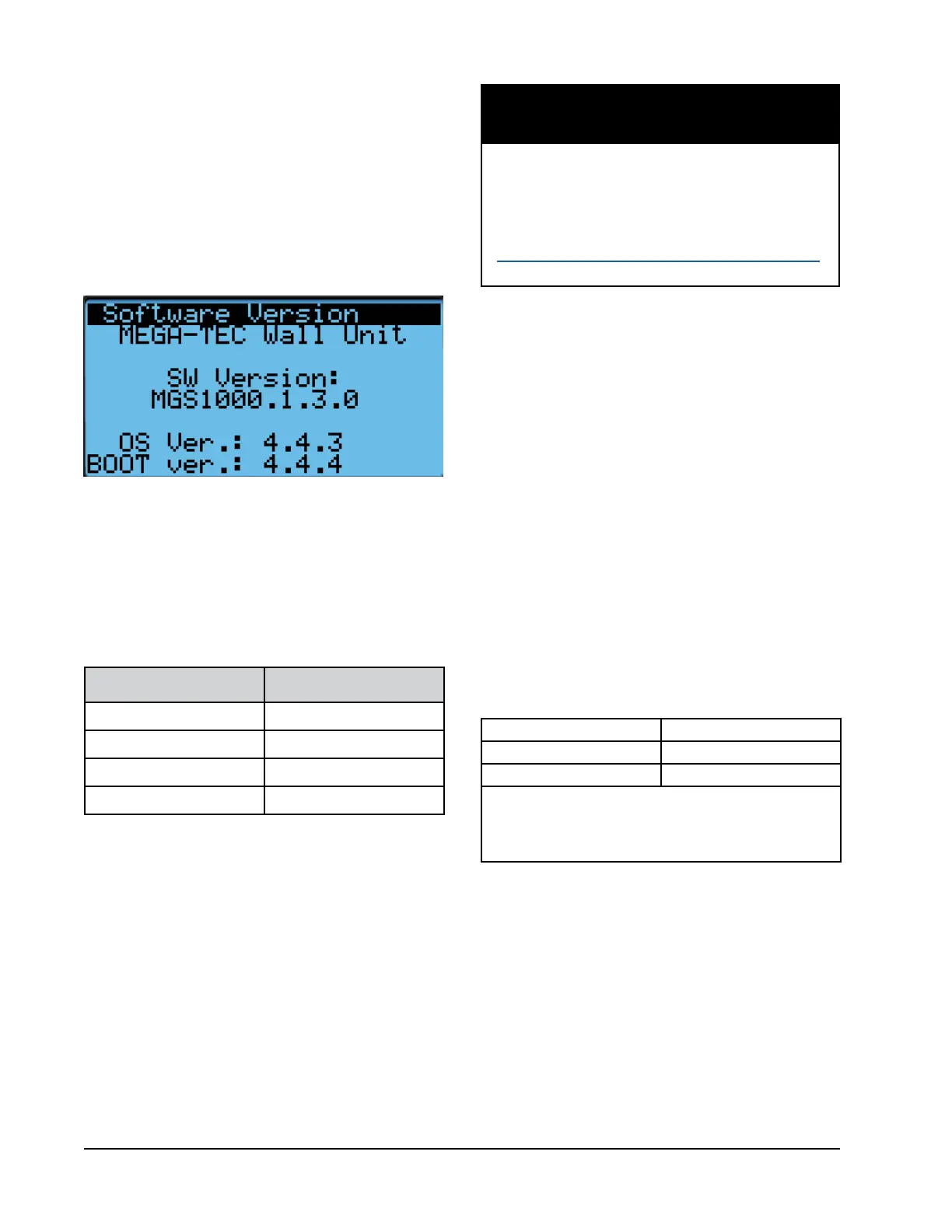
The Software Version screen displays the model
number of the unit as well as all program version
information for the PLC (see Figure 7). This information
can be used to determine whether a software update
may be required based on information found in the
software change log. This change log can be found at
http://www.bardhvac.com/software-download/.
FIGURE 7
Software Version
X: The letter X represents a major change to the
software effecting product compatibility or function of
the equipment.
Y: The letter Y represents a minor change to the
software that either adds, removes, or alters a feature
of the equipment.
Z: The letter Z represents a change to the software that
fixes existing features or user interface.
Alarm Log
The alarm log screens show a log of each alarm. There
will be a log for when alarm occurred and if the alarm
auto clears, it will show when the alarm cleared. See
page 12 for information on clearing alarms.
Product Software Name
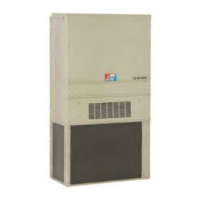
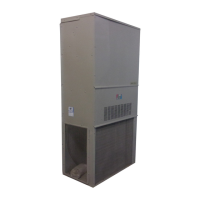
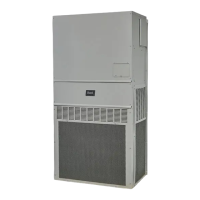
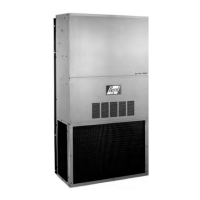
MULTI-TEC MTS1000
FUSION-TEC (WR) WTS1000
MEGA-TEC MGS1000
LC6000 LCS6000
TABLE 2
Software Versioning Guide
Menu Screens and Password Levels
A System Config: A1-A5 User (2000)
B Adv Sys Config: B1-B4 Technician (1313)
C I/O Config: Technician (1313)
D On/Off: User (2000)
E Alarm Logs: User (1313)
F Settings
Date/Time: Technician (1313)
Password Change
Initialization
Alarm Initialization: User (2000)
Default Installation: Engineer (9254)
Parameters Import/Export: Engineer (9254)
Alarm Export: User (2000)
G
Logout: Used to log out of the current password level.
Entering back into the menu requires password.
User 2000
Technician 1313
Engineer 9254
Use UP or DOWN keys and ENTER key to enter password.
The passwords listed above are the default passwords.
End users can change these passwords if additional
security is desired.
TABLE 3
LC6000/TEC-EYE Passwords (Defaults)
Executing a Self Test
This unit has the ability to perform a self test that will
operate all available unit functions in order to quickly
determine unit operation. Self test parameters are not
adjustable.
The self test will automatically skip sections of the test
based on the model number entered into the controller.
If position 10 of the model number is B (to indicate
a blank off economizer option), steps A and B will be
skipped. If positions 8 and 9 of the model number
indicate a 0Z (0 kW) option, steps G,H and I will be
skipped. If position 8 and 9 indicate a 09 (9 kW)
option, step H will be skipped.



 To Next Page