Operation
► When you have changed the heating
duration press the confirm button
("OK").
Pressing the confirm button ("OK") will
enter the currently set heating duration for
the selected program ("PLASMA" in this
example). The required option can now be
selected again with the left or right-hand
selection button ("▼" or "▲").
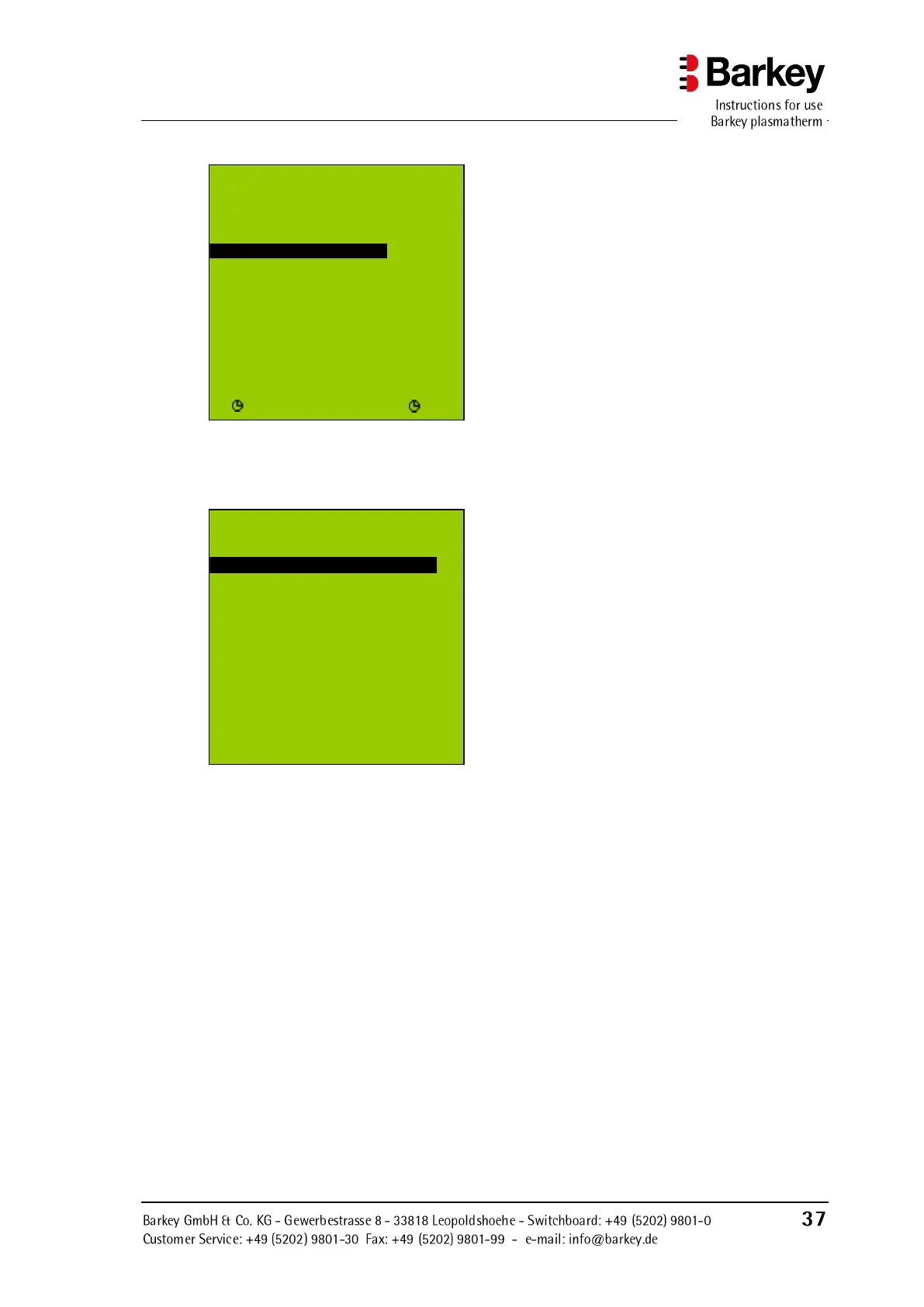
Figure 25: Changed heating duration
for the "PLASMA" program
► In the heating duration menu, select
"Back" to return to the user menu.
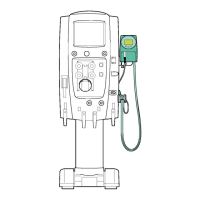
Figure 26: User menu
The heating duration has been successfully changed. To change the heating durations for
"BLOOD", "HPC" and "USER", please proceed as described above.
U se r m en u
H e a ti n g du r a t i on
Back
PLASMA d u r a t. 2 5 :0 0
B L O O D du r a t . 1 5 :0 0
H P C d u ra t . 5 :0 0
USER d ur a t . 2 0 :0 0
- O K +
U s er m e nu
Back
P r o g r am
H e a t i ng d u ra t i o n
F u n c t io n b ut t o n s
F i l l le v e l
▼ O K ▲


 To Next Page