B.link
Manual
11 / 32 v.1.1 © 2014 basalte
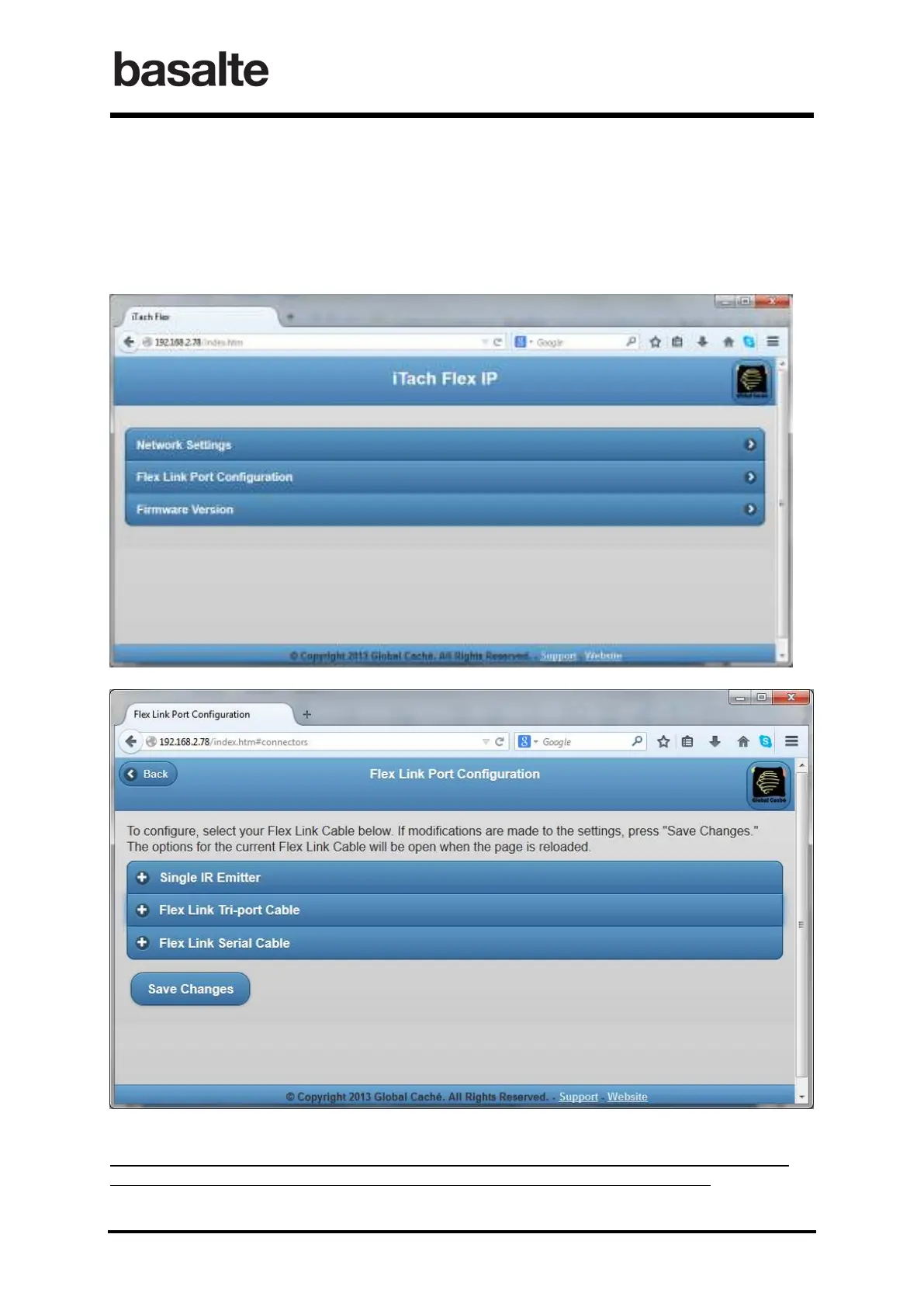
4.2.2 Flex Link Port Configuration
After you have connected your Flex unit to your network and know the IP address you can now
launch a browser and configure the device the way you want to use it by clicking on Flex Link
Port Configuration.
Once on this page it is extremely important that you only select and change one of the
three options as this determines which configuration your device will set as.


 To Next Page