B.link
Manual
24 / 32 v.1.1 © 2014 basalte
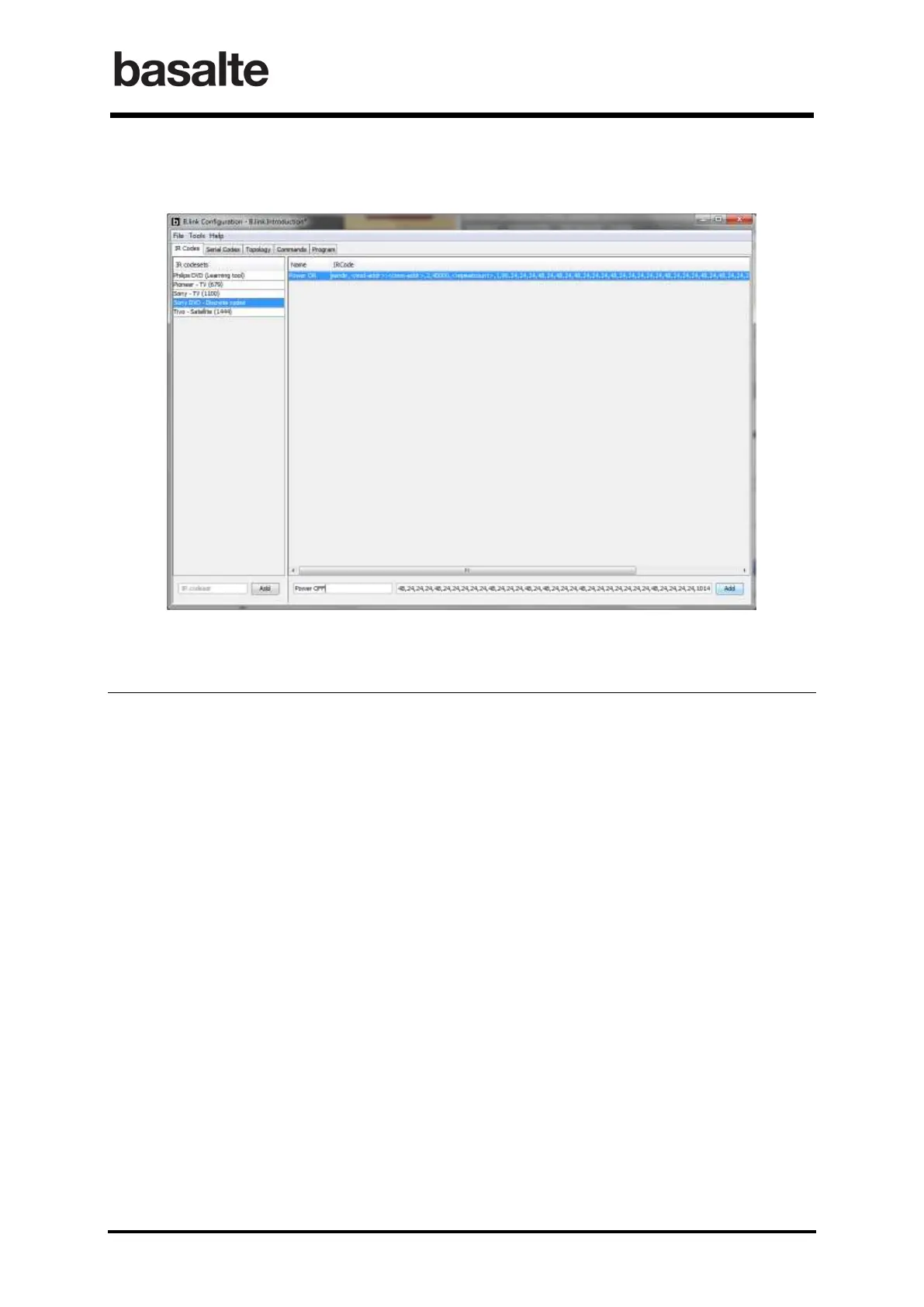
• In the B.link application, add an IR code by defining its name and copying the
corresponding code.
5.2 Serial Codes
The Serial Codes tab of B.link application allows you to create and maintain a set of serial
instructions for every serial device to be controlled using RS232.
For every manufacturer and each model used, create a custom codeset at the left side.
A serial code can be added by defining a unique code name and the corresponding serial code
string. This serial string must be defined according to the serial protocol provided by the
manufacturer.
The serial code string can contain any ASCII character. Backslash can be used as escape character
:
\x hex notation, for instance \x2A meaning ‘2A’ in hex notation
\r carriage return
\n new line
\t tab
\” “
\\ \
\’ ‘
\n new line
Tip: Existing serial codes can be edited by doubleclicking on the name or serial code string.
Important: Serial codes can easily be imported from existing projects using the Import Codes in
the File menu.


 To Next Page