B.link
Manual
7 / 32 v.1.1 © 2014 basalte
With the B.link it is possible to switch the receiver on and off, select the source and control the
volume using following KNX objects:
• Receiver on/off 1 bit switching output object
• Receiver on/off feedback 1 bit switching input object
• Receiver source 1 byte value output object
• Receiver source feedback 1 byte value input object
• Receiver volume 1 byte value output object
• Receiver volume feedback 1 byte value input object
• Receiver volume up/down 4 bit ramp up/down object
Important: in order to operate properly, the following configurations must be applied to each
receiver:
• DHCP must be disabled and a static IP address must be configured.
• By default, some surround receivers that are in standby mode cannot be controlled
over the network. In this case, a receiver in standby mode will never switch on
triggered by a KNX command.
Therefore, the receiver should be configured so that network connectivity will
always remain active, even in standby mode.
It’s advised to consult the manual supplied with the receiver to verify and apply the
above configurations, using either the configuration menu or web interface.
• Pioneer: Navigate to the “Network Setup” menu to configure the network functions.
Ensure that the “Network Standby” is set to ON (ON = AVNavigator can be used
even in standby mode)
• Denon and Marantz: Navigate to the “Network menu” to configure the network
parameters. Ensure that “IP Control” is set to “Always On” (default).
3.3 KNX Input Objects
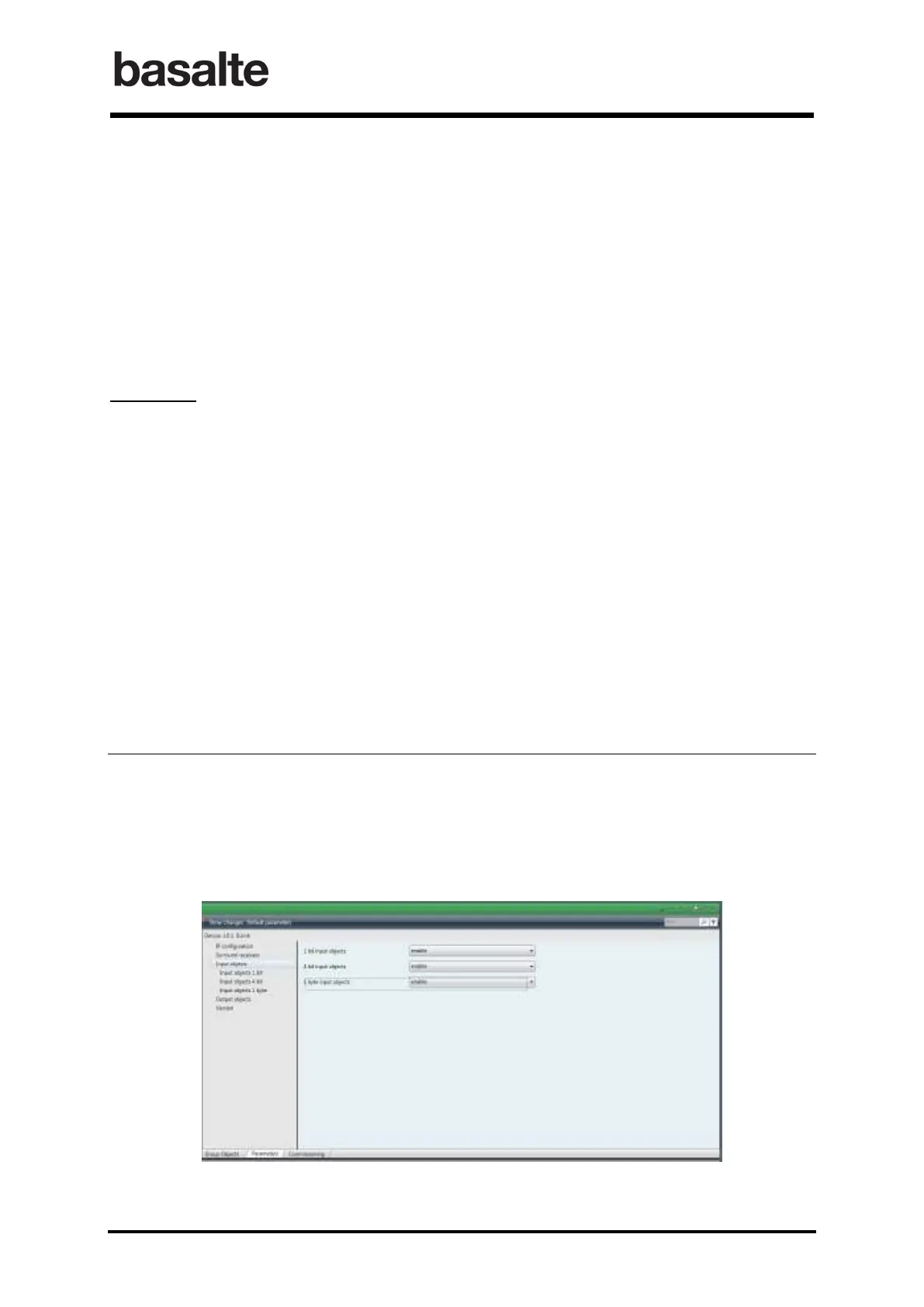
The Input Objects section allows you to define the input objects used to trigger IR, Serial or KNX
commands. In total, following objects are available:
o 50 1 bit input objects (switching control)
o 50 1 byte input objects (value control)
o 20 4 bits input objects (dimming control)


 To Next Page