B.link
Manual
10 / 32 v.1.1 © 2014 basalte
4.2 Configuration
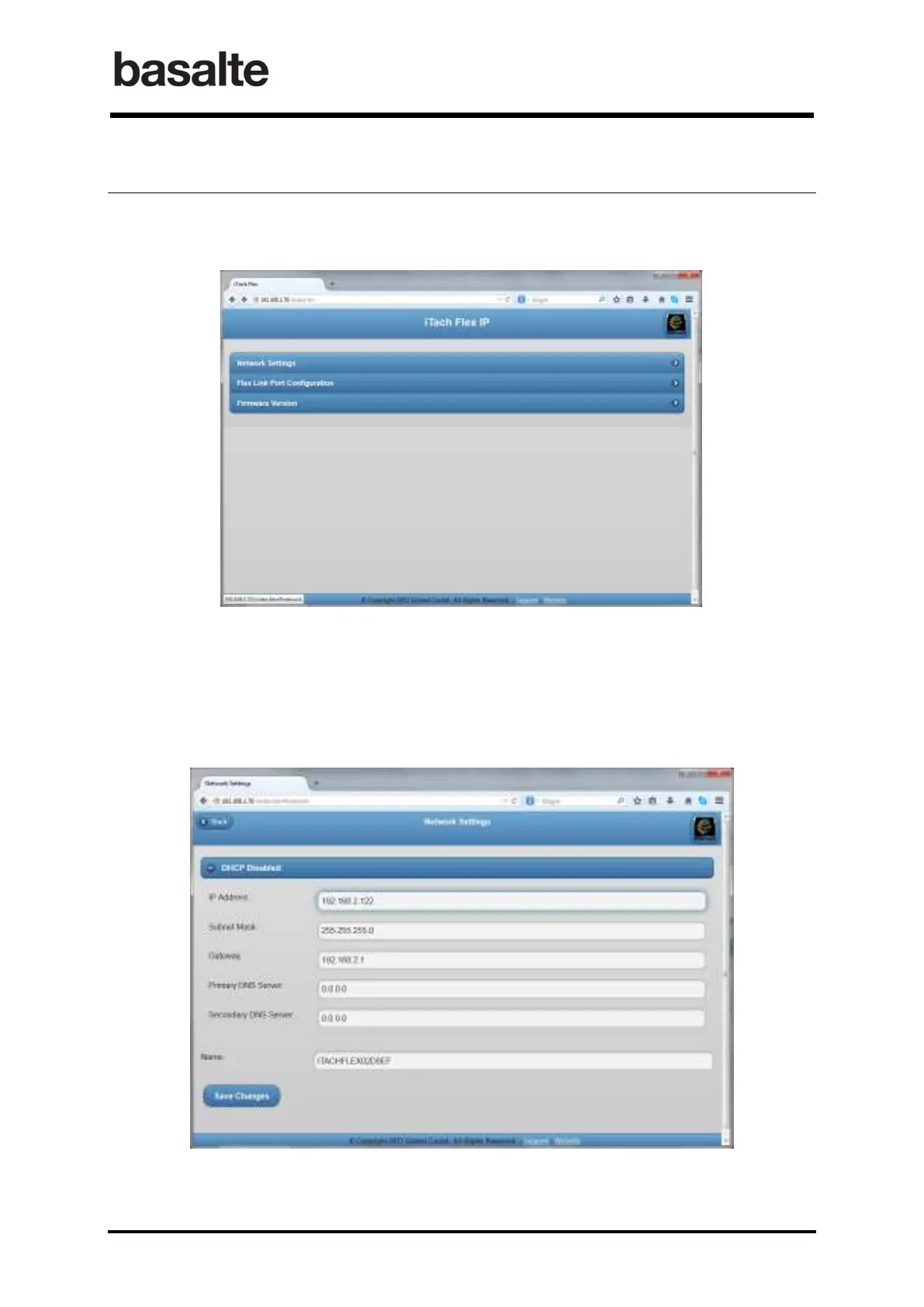
To configure the B.link Flex, click right on the unit entry in Basalte Discovery utility and click
configure or connect using a browser connecting directly to its IP address.
4.2.1 Network Settings
The following network parameters must be set in the Network Settings:
• Disable DHCP
• Configure the static IP address of the module
• Configure the IP address of the default gateway
To confirm connectivity to the network, the power LED of the B.link Flex will blink once per second.


 To Next Page