B.link
Manual
9 / 32 v.1.1 © 2014 basalte
4. B.link Flex
The B.link Flex modules, in combination with the B.link module, allows you to integrate any
Infrared or Serial RS-232 device with KNX . Up to 16 B.link Flex modules can be connected to one
B.link module (over IP). Each Flex module is able to control either 3 IR devices or 1 serial device.
The web interface of the B.link Flex module allows you to configure:
• Network parameters (static IP address to be used)
• Link port settings for IR or serial configuration
Additionally, the following utilities are provided to support the use of B.link Flex modules:
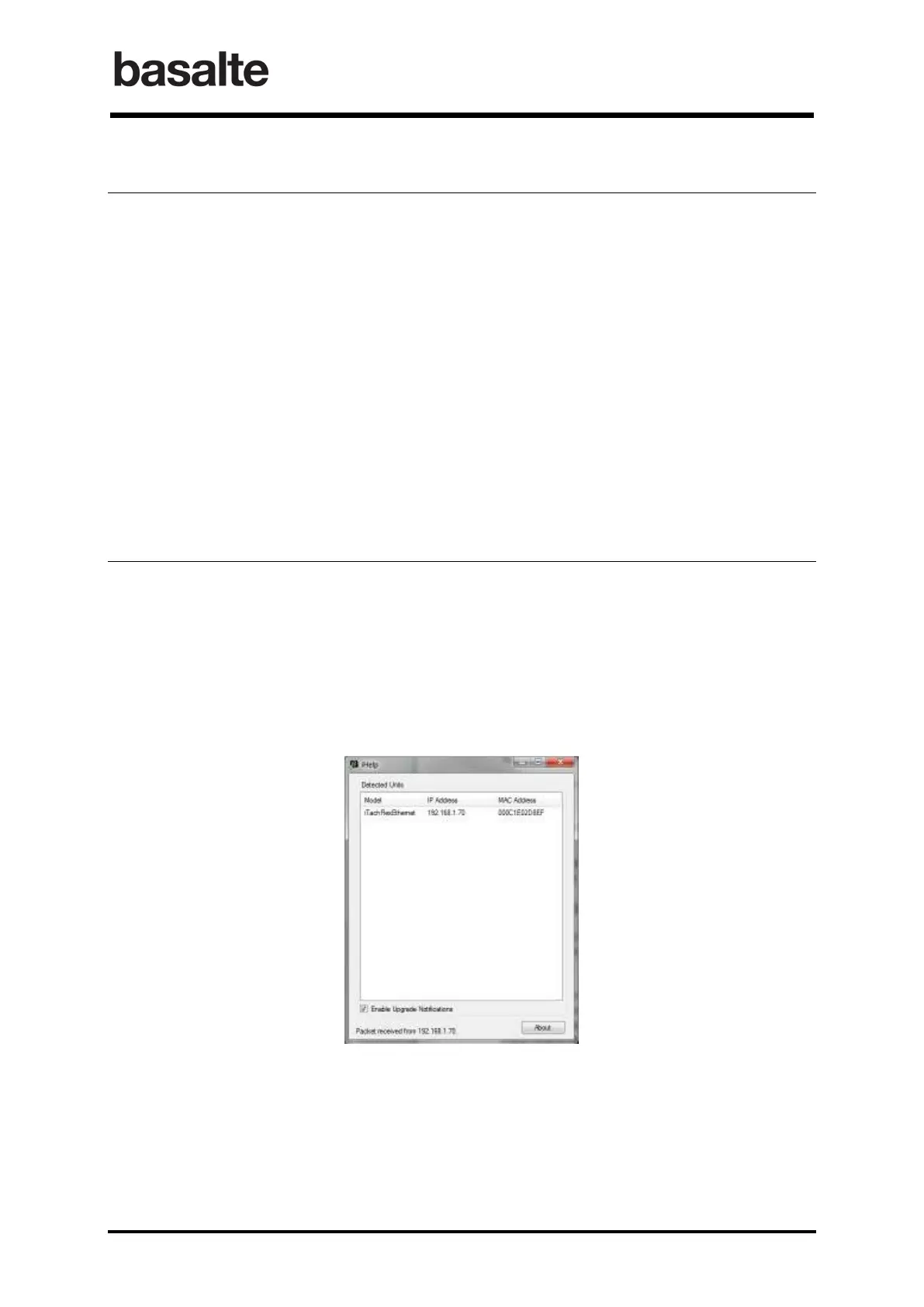
• Basalte Discovery : This utility is used to discover B.link Flex modules on the network.
• Basalte Learn : This utility allows you to the capture of IR commands and save them in
Global Caché or Hex (CCF) formats.
• Basalte Convert : This executable is used to convert IR codes between Hex and the
Global Caché format.
4.1 Installation and Initial Connectivity
Connect both the Ethernet Network cable and the power supply or USB to power cable to the B.link
Flex module.
By default, B.link Flex uses DHCP to automatically obtain an IP address. In case no DHCP server is
present, the default IP address is 192.168.1.70.
The B.link Discovery utility can be used to discover B.link Flex modules. It will listen for the
B.link Flex multicast beacons and displays their IP address and other details.


 To Next Page