B.link
Manual
16 / 32 v.1.1 © 2014 basalte
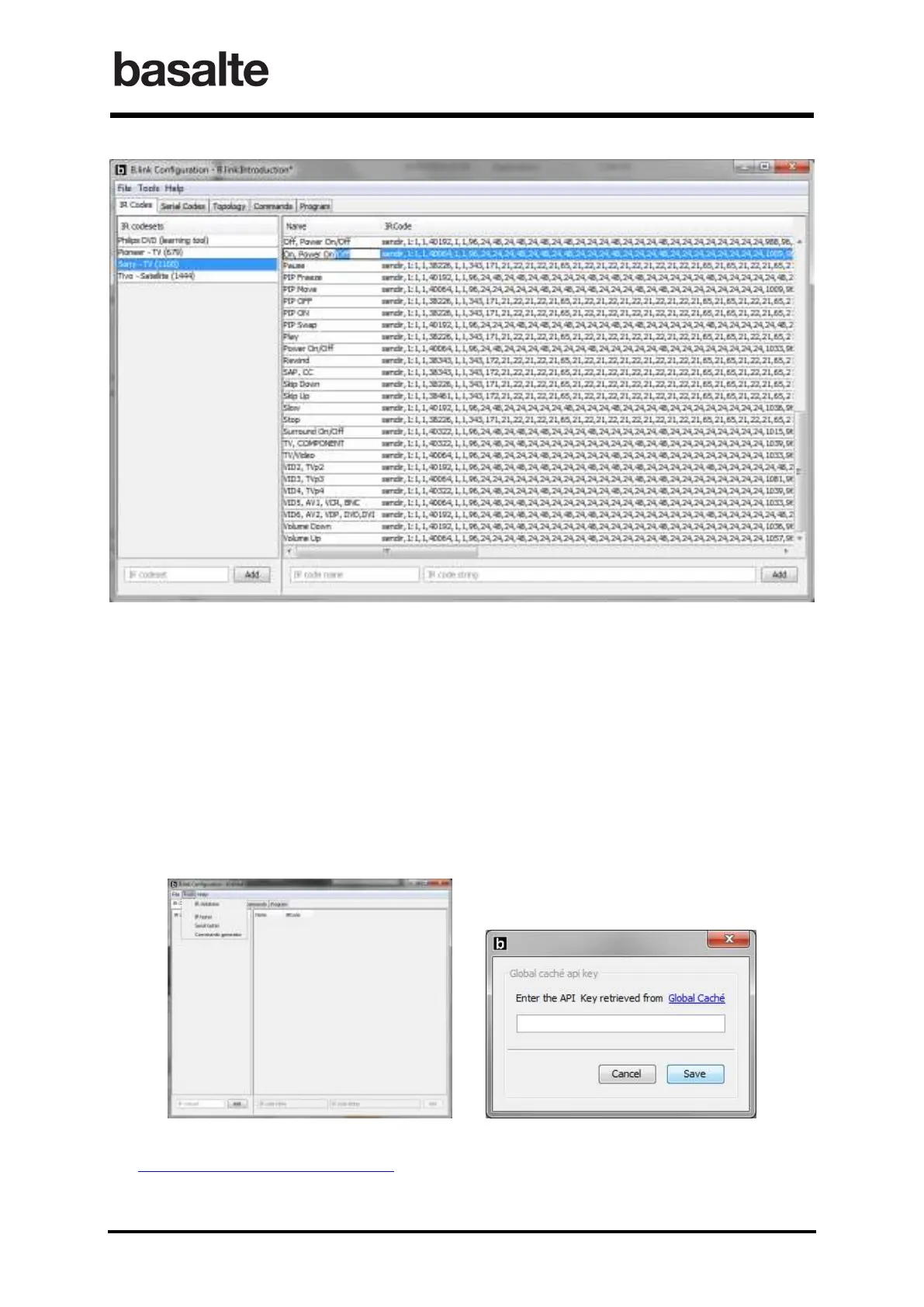
Both the IR codeset name and IR code name can be modified at any time by double-clicking to the
corresponding field.
5.1.1 IR Database
INITIAL REGISTRATION
In order to use the IR code database from Global Cache, you need first to register as follows:
1. Launch the B.link Configuration software. In the Tools menu select IR Database. A new
window will be opened requesting to Enter a API Key.
2. Click on the Global Caché link, which should open the following website
https://irdatabase.globalcache.com/
3. Login using either a Google, Yahoo or Facebook account.


 To Next Page