26
PARAMETER 16 PASSWORD
This parameter allows to enter a password (numeric value within 1 and 255) to protect the system from unauthorized access.
Once set and confirmed, the password will be requested to access the menus “Advanced configuration” and “Manual mode”.
The instrument is supplied with no password set (P16=0).
Warning! If you forget the password, you need to send back the unit to the factory for a complete reconfiguration (out of
warranty)!
PARAMETER 17 FUNCTIONING OF THE ALARM OUTPUT
This parameter allows to select the functioning mode of the alarm relay, normally open “NO” (factory setting) or normally
closed “NC”.
PARAMETER 18 FLOW FUNCTIONING
This parameter allows to select the functioning mode of the “flow” input, normally open “NO” (factory setting) or normally
closed “NC”.
Warning! The inversion of this parameter compared to the default setting can determine the functioning of the device even in
the absence of flow!
PARAMETER 19 pH EQUILIBRIUM
This parameter allows to set a maximum waiting time before activating the redox (chlorine) adjustment, during which only the
pH adjustment is active.
This time is counted from the start-up of the equipment, simultaneously to a possible start-up delay set in P13, during which
the entire measuring system is in stand-by.
In other words, the pH adjustment is activated after the start-up delay (P13) has elapsed, while the redox (chlorine)
regulation is activated when the pH reaches the set threshold (P02) or in any case at the end of the “pH Equilibrium” period.
For example, if a 1-minute start-up delay is set and you want the pH is adjusted for a maximum of 15 minutes before also
activate the redox (chlorine) regulation, the “pH Equilibrium” time should be set to 16 minutes.
To disable this feature, simply set the parameter to 0 (default).
Notes:
• Once in configuration mode, if no button is pressed for 30 seconds, the unit automatically returns to the idle mode.
• The system is factory configured with default values; you can delete undesired settings and restore the initial
configuration, using the “RESTORE” function (P15).
Electrochemical Calibration
pH Calibration
1) Rinse the pH electrode with distilled water, then immerse it in the pH 7.01 pH buffer solution.
2) Press the CAL key to enter the menu mode and use the ⇑ /
⇓ keys to select the option “IN1 CALIBRATION”.
3) Press CAL again to confirm.
4) Press ⇓ to select the OFFSET calibration and confirm by
pressing CAL.
5) The system automatically recognizes and displays the buffer
value (7.01 pH).
6) If necessary, use the ⇑ / ⇓ keys to adjust the calibration value.
7) Press CAL to confirm the calibration, or ESC to quit the procedure and keep the previous calibration.
8) Rinse the pH electrode with distilled water, then immerse it in the pH 4.01 (or 9.01) buffer solution.
9) Press the CAL key to enter the menu mode and use the ⇑ /
⇓ keys to select the option “IN1 CALIBRATION”.
10) Press CAL again to confirm.
11) Press ⇑ to select the GAIN calibration and confirm by
pressing CAL.
12) The system automatically recognizes and displays the buffer
value (4.01 or 9.01 pH).
13) If necessary, use the ⇑ / ⇓ keys to adjust the calibration value.
14) Press CAL to confirm the calibration, or ESC to quit the procedure and keep the previous calibration.
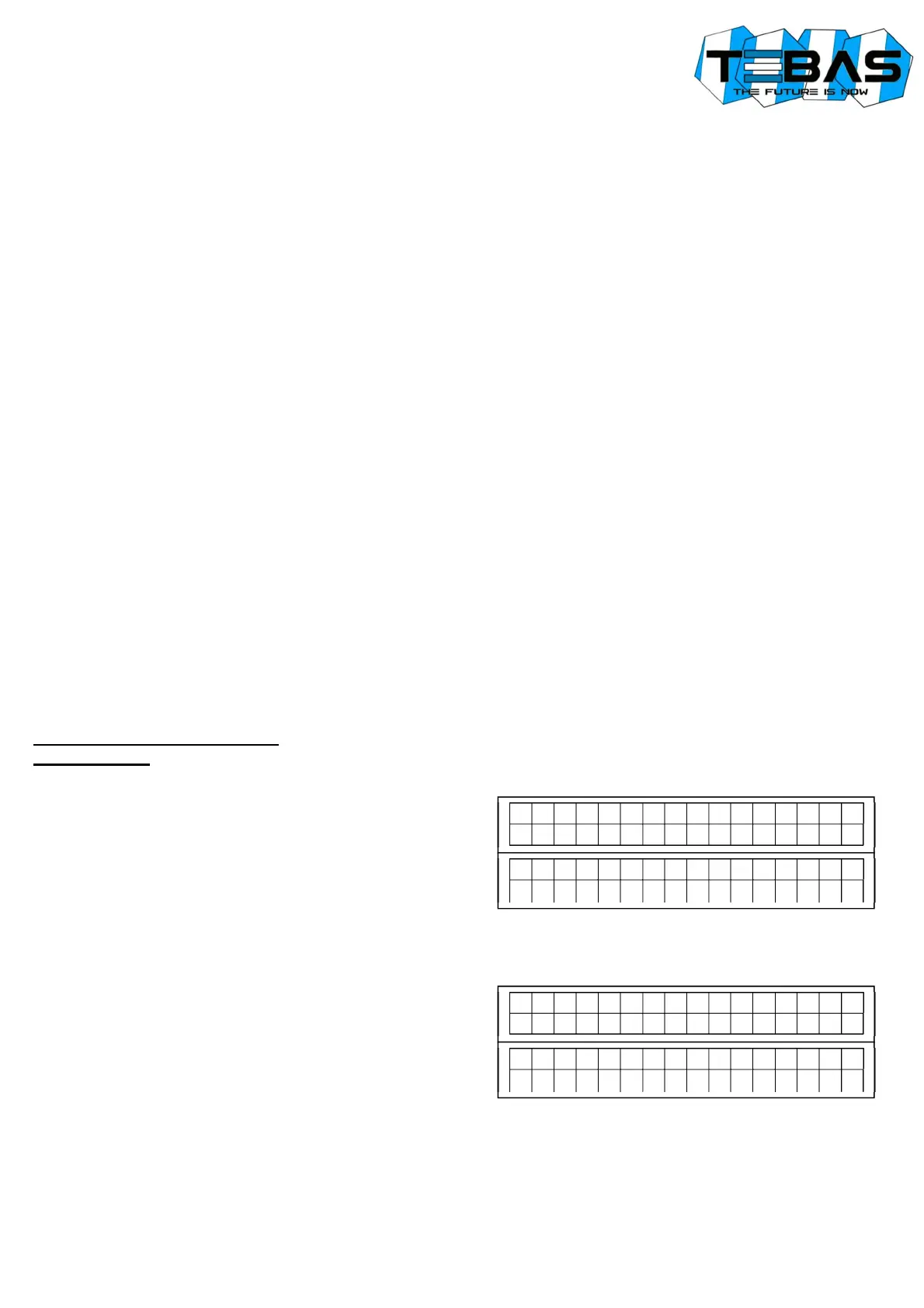
I N
1
C
A
L
I B
R
A
T
. P
H
C
A
L
>
Y
E
S
E
S
C
>
N
O
I N
1
C
A
L
I B
R
A
T
. P
H
⇓
O
F
F
S
E
T
⇑
G
A
I N
I N
1
C
A
L
I B
R
A
T
. P
H
C
A
L
>
Y
E
S
E
S
C
>
N
O
I N
1
C
A
L
I B
R
A
T
. P
H
⇓
O
F
F
S
E
T
⇑
G
A
I N


 To Next Page