Image Acquisition Control
108 Basler scout
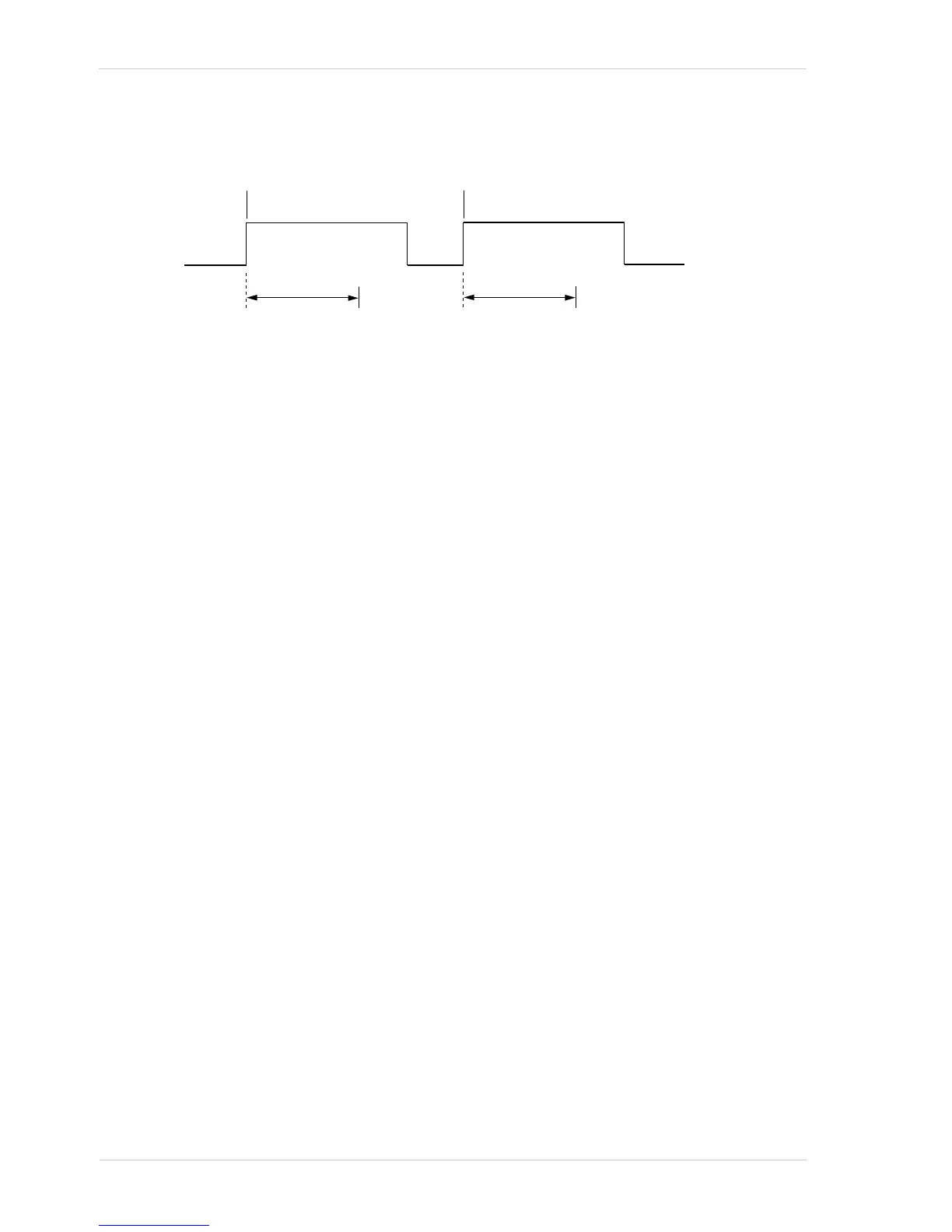
Fig. 48: Frame Acquisition with a Software Acquisition Start Trigger
When you are using a software trigger signal to start each frame acquisition, the frame rate will be
determined by how often you apply a software trigger signal to the camera, and you should not
attempt to trigger frame acquisition at a rate that exceeds the maximum allowed for the current
camera settings. (There is a detailed explanation about the maximum allowed frame rate at the end
of this chapter.) Software acquisition start trigger signals that are applied to the camera when it is
not ready to receive them will be ignored.
Section 7.5.2.2 on page 97 includes more detailed information about applying a software
acquisition start trigger to the camera using Basler pylon.
For more information about determining the maximum allowed frame rate, see Section 7.13 on
page 143 and Section 7.14 on page 148.
For more information about exposure time parameters, see Section 7.7 on page 116.
7.6.2.2 Setting the Parameters Related to Software Acquisition Start
Triggering and Applying a Software Trigger Signal
You can set all of the parameters needed to perform software acquisition start triggering from within
your application software by using the Basler pylon API. The following code snippet illustrates using
the API to set the parameter values and to execute the commands related to software acquisition
start triggering with the camera set for continuous frame acquisition mode:
// Set the acquisition mode to continuous frame
Camera.AcquisitionMode.SetValue( AcquisitionMode_Continuous );
// Select the acquisition start trigger
// Disable the acquisition frame rate parameter (this will disable the camera’s
// internal frame rate control and allow you to control the frame rate with
// software frame start trigger signals)
Camera.AcquisitionFrameRateEnable.SetValue( false );
// Select the frame start trigger
Camera.TriggerSelector.SetValue( TriggerSelector_AcquisitionStart );
// Set the mode for the selected trigger
Camera.TriggerMode.SetValue( TriggerMode_On );
// Set the source for the selected trigger



 To Next Page