Pixel Data Formats
154 Basler scout
Details of the monochrome formats are described in Section 8.2 on page 155 and details of the
color formats are described in Section 8.3 on page 162.
You can set the Pixel Format parameter value from within your application software by using the
pylon API. The following code snippet illustrates using the API to set the parameter value:
Camera.PixelFormat.SetValue( PixelFormat_Mono8 );
Camera.PixelFormat.SetValue( PixelFormat_Mono12Packed );
Camera.PixelFormat.SetValue( PixelFormat_Mono16 );
Camera.PixelFormat.SetValue( PixelFormat_YUV422Packed );
Camera.PixelFormat.SetValue( PixelFormat_YUV422_YUYV_Packed );
Camera.PixelFormat.SetValue( PixelFormat_BayerBG8 );
Camera.PixelFormat.SetValue( PixelFormat_BayerBG16 );
For detailed information about using the pylon API, refer to the Basler pylon Programmer’s Guide
and API Reference.
You can also use the Basler pylon Viewer application to easily set the parameters.
For more information about the pylon Viewer, see Section 3.1 on page 43.
Color Camera
Model
Mono 8 Bayer
RG 8
Bayer
BG 8
Bayer
BG 16
Bayer BG 12
Packed
YUV 4:2:2
Packed
YUV 4:2:2 (YUYV)
Packed
scA640-70
••••••
scA640-74
••••••
scA640-120
••••••
scA750-60
•• • •
scA780-54
••••••
scA1000-20
••••••
scA1000-30
••••••
scA1300-32
••••••
scA1390-17
••••••
scA1400-17
••••••
scA1400-30
••••••
scA1600-14
••••••
scA1600-28
••••••
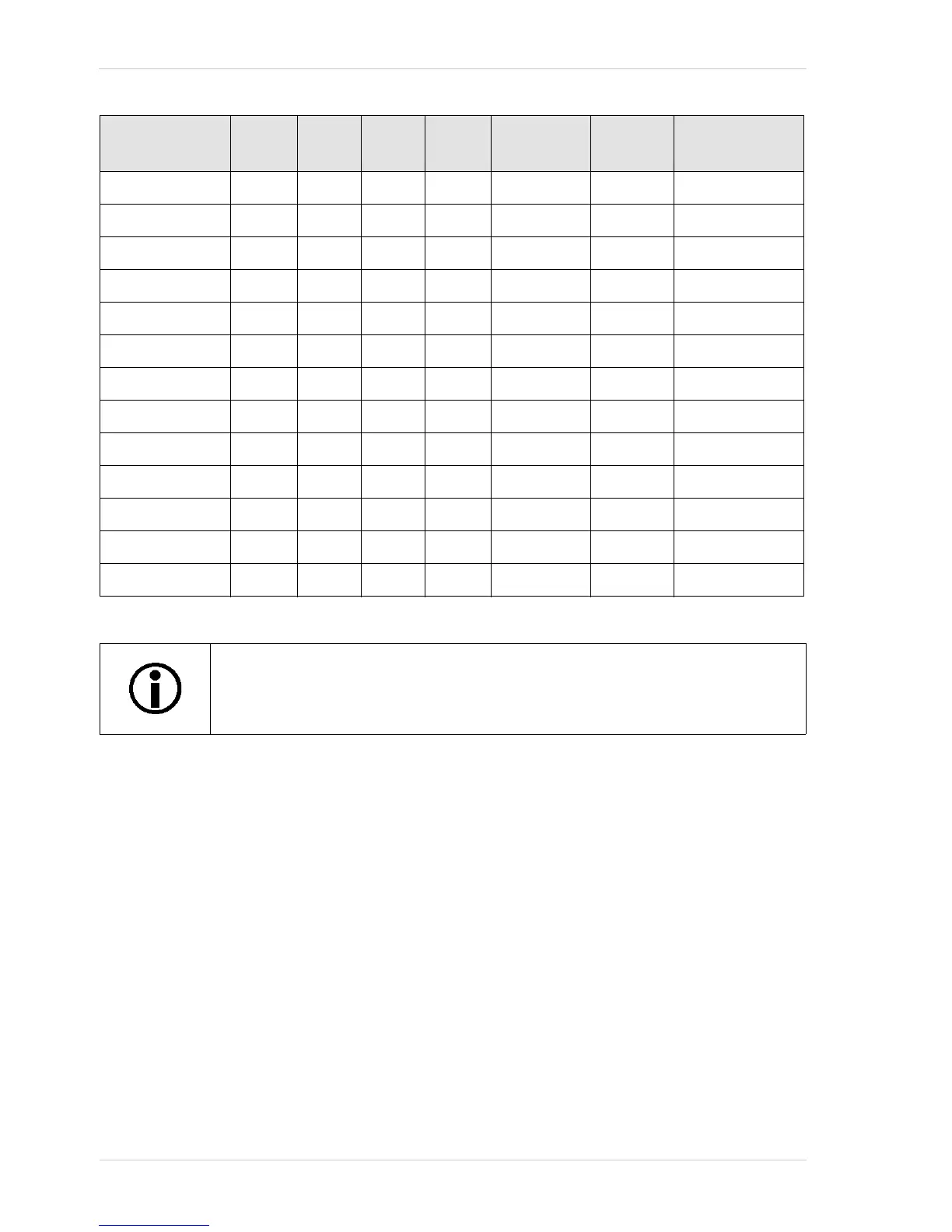
Table 16: Pixel Formats Available on Color Cameras ( • = format available)
For optimum use of the available bandwidth, the scA1600-28fc cameras are by
default set to the Bayer BG 8 pixel format and all other color cameras are by
default set to the YUV 4:2:2 pixel format.



 To Next Page