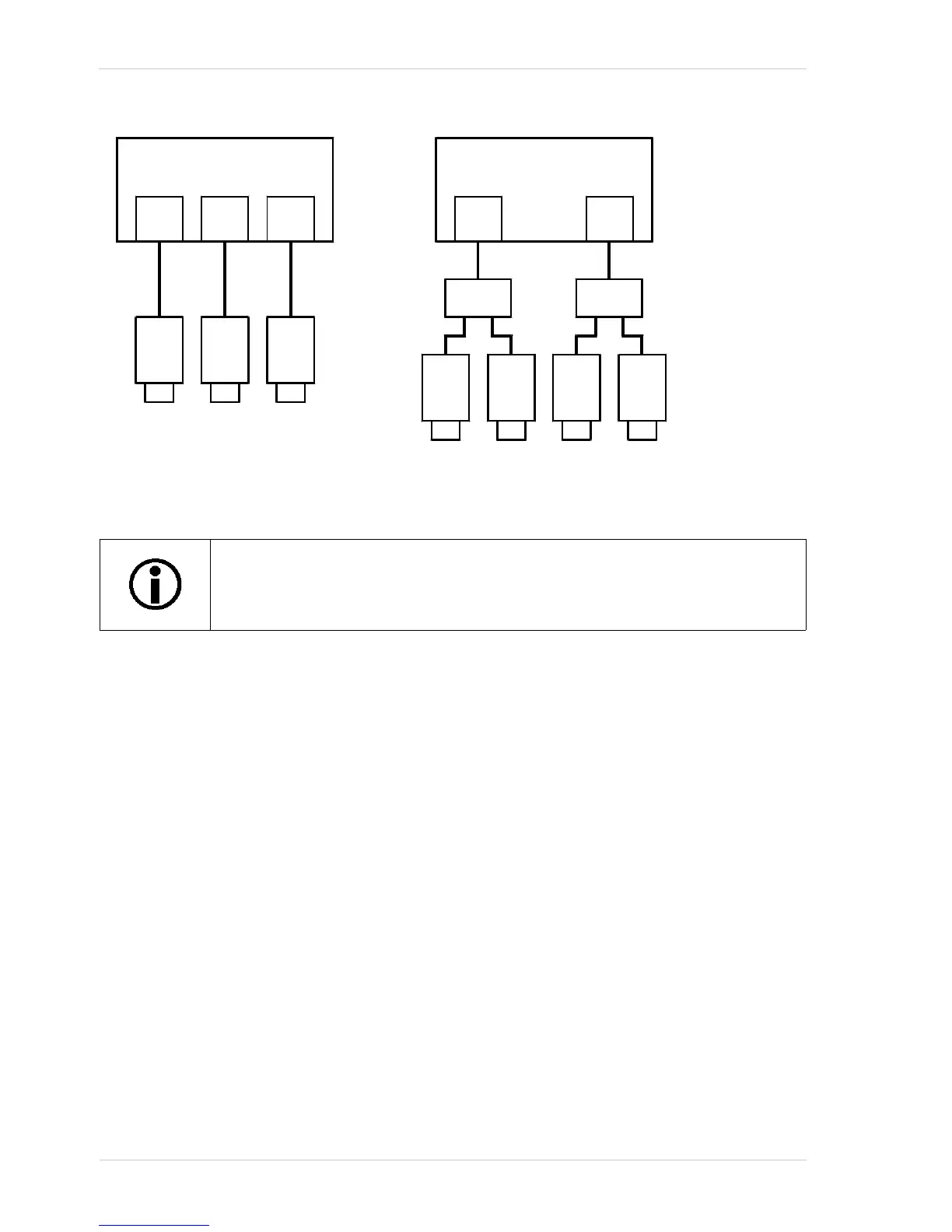
Using Multiple Cameras on a Single Bus and Managing Bandwidth
266 Basler scout
Fig. 85: Examples of Mixed Device Types
So what does all of this mean when we are trying to share bandwidth between devices operating at
different speeds on the same bus? Some examples will provide the best explanation.
Example 1: Assume that you have two cameras on the bus and that you want them to capture and
transmit images simultaneously. Camera 1 is operating at S400 speed and the camera 2 is
operating at S800 speed. Also assume that you want camera one to use 40% of the available
bandwidth and camera 2 to use 60%. How would you set the packet size on the cameras so that
each one would use the desired portion of the bandwidth available in each bus cycle?
For camera 1, the calculation would be:
0.40 x 4096 = 1638.4 bytes per packet
(the packet size must be set to a multiple of 4, so we would round the setting down to 1636)
For camera 2, the calculation would be:
0.60 x 8192 = 4915.2 bytes per packet
(the packet size must be set to a multiple of 4, so we would round the setting down to 4912)
So in this case, you would set the packet size for camera 1 to 1636 bytes and for camera 2 to 4912
bytes.
You may be asking why we multiply the percentage for camera 1 by 4096 and the percentage for
camera 2 by 8192. The reason is:
During the part of the bus cycle when the packet for camera 1 is transmitted, the bus will operate
The driver will always set each device to operate at the fastest possible speed for
the current network configuration. This behavior of the driver can’t be changed by
the user.



 To Next Page