51
Programming field 2
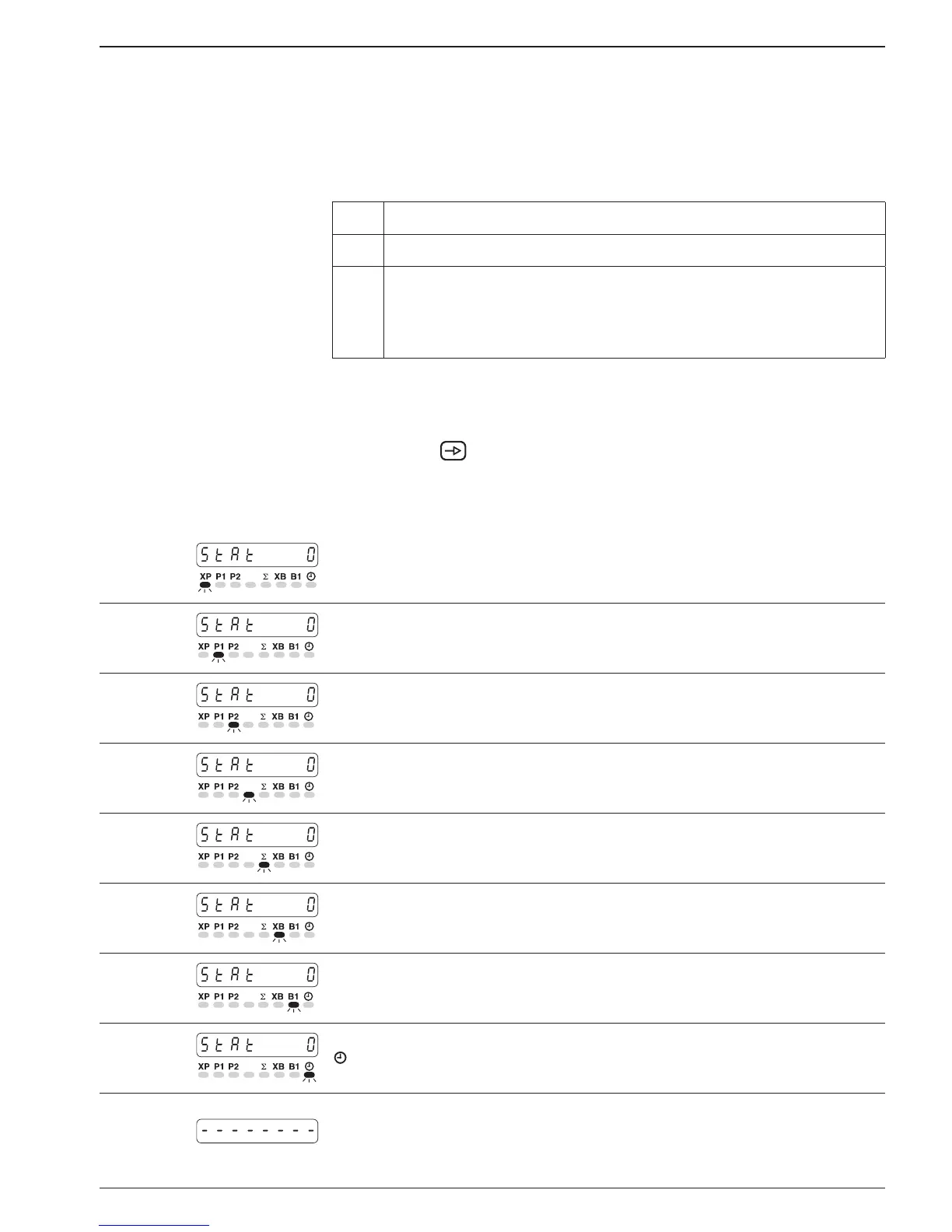
In the second programming field, the message STAT appears in the
display, signifying status selection.
● STAT appears in the display. The LED for the corresponding ope-
ration parameter flashes.
Significance of the status numbers
0 Full access for operator (read and alter parameters).
1 Restricted access for operator (read parameters only).
2 None access for operator (no altering, no reading of
parameters). This operating parameter is not displayed but
skipped when selected at user level. The respective function
however remains.
To change status ➜ Input the appropriate status number via the numerical keypad.
● The changed status will automatically be stored when the next
programming line is selected.
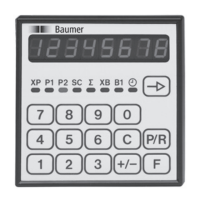
➜ Press the
key again.
● The status of each individual operating parameter is called up in
sequence.
Line 11
- Time meter
At the conclusion of these programming lines, a broken line will
appear in the display, signifying the completion of the second
programming segment.


 To Next Page