57
8.6.2 VEXU
Parameter
AcquisitionMode FrameCounter
AcquisitionFrameCount ReadOutBuffering
AcquisitionStart LineInverter
AcquisitionStop LineSource
AcquisitionAbort LineDebouncerHighTimeAbs
AcquisitionFrameRate LineDebouncerLowTimeAbs
TriggerMode EventNotication
TriggerSource Width
TriggerActivation Height
ExposureMode OffsetX
ExposureTime OffsetY
AcquisitionFrameRateEnable BinningHorizontal
ReadoutMode BinningVertical
Gain PixelFormat
BalanceWhiteAuto TestPatternGeneratorSelector
BlackLevel TestPattern
BrightnessCorrection DefectPixelCorrection
8.7 Factory Settings
The factory settings are stored in "user set 0" which is the default user set. This is the only
user set, that is not editable.
8.8 Timestamp
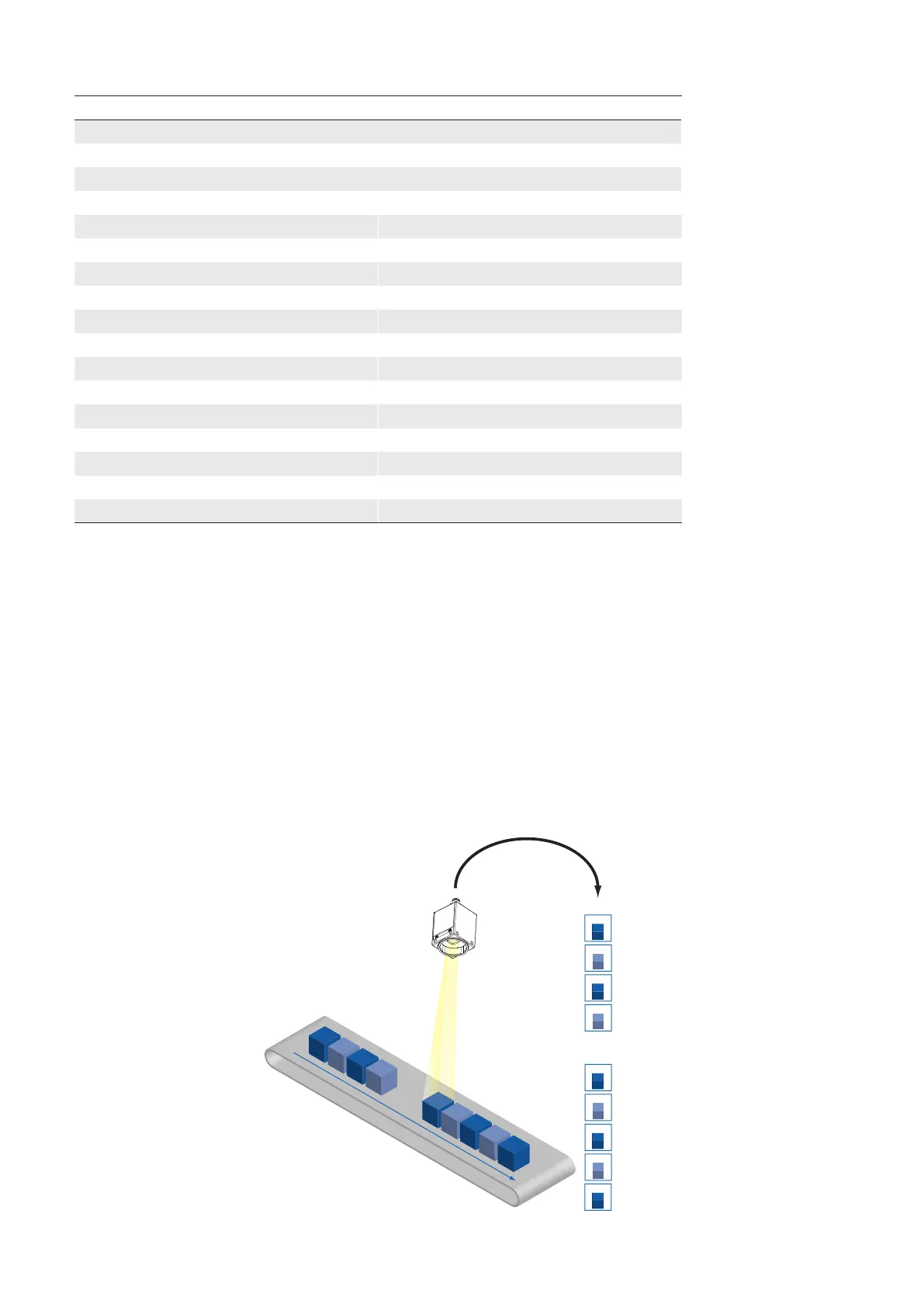
The Timestamp is 64 bits long and reports the current value of the device timestamp
counter in nanoseconds. Any image or event includes its corresponding timestamp.
The resolution is at USB cameras 10 nanoseconds and at GigE cameras 8 nanoseconds.
At power on or reset (only GigE), the timestamp starts running from zero.
1122354
1122454
1122554
1122754
1123154
1123354
1122654
1123054
1123254
◄Figure35
Timestamps of record-
ed images.



 To Next Page