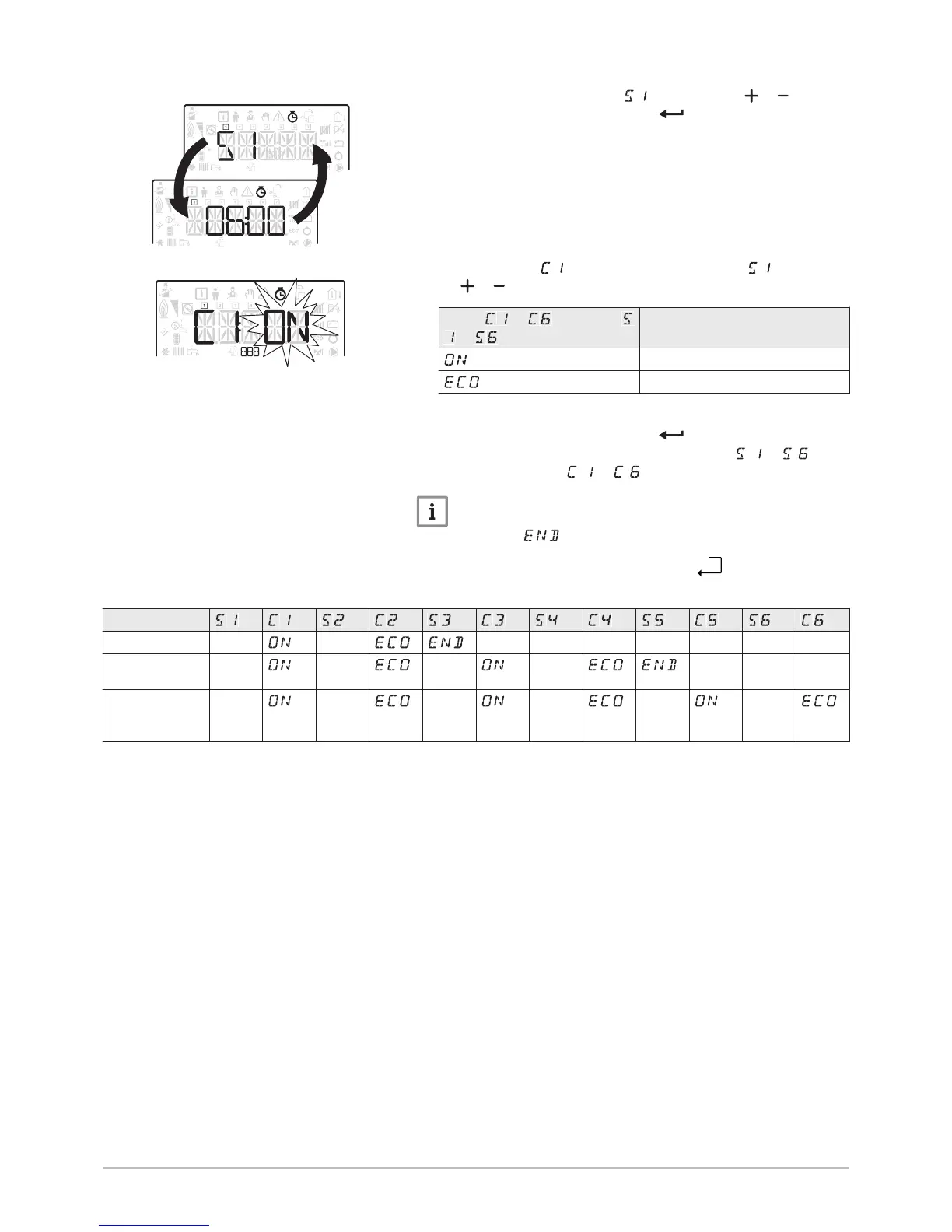
7. Set the start time for the period by pressing the or key.
8.
Confirm the selection by pressing the key.
9. Select the status that corresponds to the period by pressing
the or key.
Status
to for periods
to
Description
comfort mode
reduced mode
10. Confirm the selection by pressing the key.
11. Repeat steps 8 to 11 to define the comfort periods to and
the associated status to .
Important
No setting: 10 minutes
The setting determines the end.
12. Go back to the main display by pressing the


 To Next Page